Got a tip for us?

Tyler Stephen

I'm Tyler Stephen, from the US state of Maine. I have a life-long passion for technology, and in addition to writing here, I am also on the editorial team of AppleVis.com. I've been totally blind from birth and thus rely on screenreading software like VoiceOver on Apple products and NVDA on Windows. I have been a Mac user since 2005 and an iOS user since 2010, in addition to also having used Windows, Linux, and Chrome OS. On this site and elsewhere, I hope to write pieces that educate and entertain people, as well as bring attention to the accessibility or inaccessibility of various technologies. You can find me on mastodon at mastodon.applevis.com/@tyler.

Tyler Stephen's Articles

The Image Playground app window showing a created image of a person dressed as a superhero.

How to create original images with Image Playground on iPad

You can create original images with Image Playground on iPad using Apple Intelligence, from text descriptions, photos, and people.
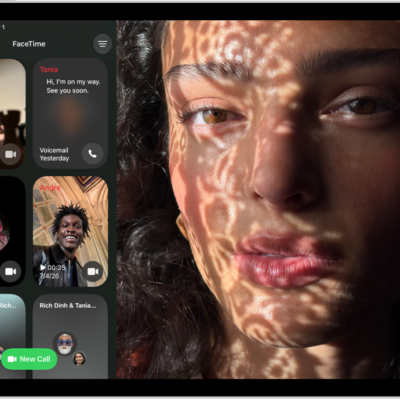
The FaceTime call history, showing a Group FaceTime call, an audio call, a video message, an audio message, and a link to a FaceTime call.

How to set up and use RTT on iPad

You can set up and use RTT on iPad for real-time text calls in FaceTime, start an RTT call, and type text during a call.

A Settings screen showing Accessibility options such as VoiceOver, Live Recognition, and Audio Descriptions.

iPad hearing accessibility features: transcriptions, hearing devices, and more

You can use accessibility features for hearing on iPad, from transcriptions to hearing devices and audio adjustments.

A Math Note open in Calculator, with declared variables, equations, and a drawing of the math problem.

How to solve math with Math Notes in Calculator on iPad

You can solve math with Math Notes in Calculator on iPad, using expressions, variables, and graphs, with automatic unit and currency conversion.
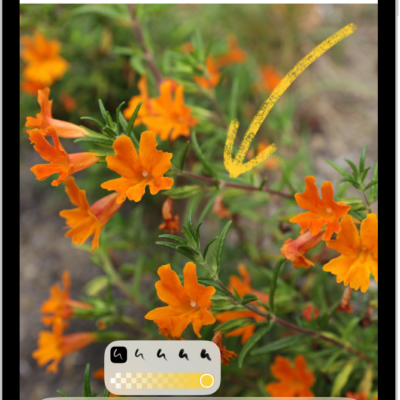
A note is open in the Notes app, and the Markup toolbar is open at the bottom of the screen. The Markup tools from left to right are: the Pen, Mono line, Marker, Eraser, Lasso, Ruler, and Pencil, followed by color buttons, the Add button, and the More button.

How to quickly write notes with Apple Pencil on iPad

You can quickly write notes with Apple Pencil on iPad, create a Quick Note, and wake iPad by writing on the Lock Screen.
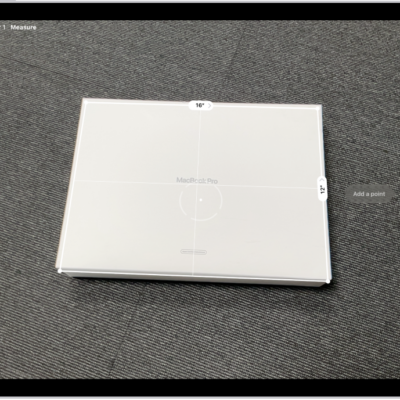
A screen showing the measurement of the dimensions of a box in the Measure app. The area of the box is calculated from the measurements of the dimensions.

How to measure dimensions with iPad

You can measure dimensions with iPad in the Measure app, take automatic rectangle measurements, and set measurement points manually.

A Group FaceTime call showing four participants in individual tiles at the top of the screen. Two additional participants appear together in a tile at the bottom left. At the bottom right are FaceTime controls: the Video, Microphone, More, and End Call buttons.

How to make a Group FaceTime call on iPad

You can make a Group FaceTime call on iPad with up to 32 participants, or start one from a group Messages conversation.
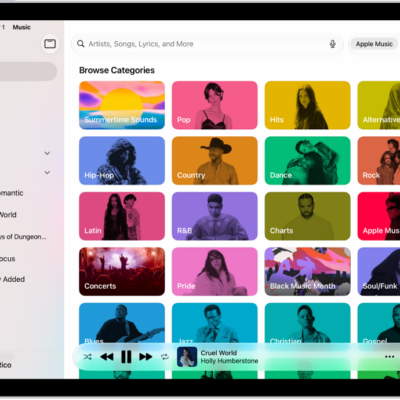
The Search tab showing the sidebar at the left and a search field at the top. Below the search field, various categories of music appear. The MiniPlayer is at the bottom.

How to search for music on iPad

You can search for music on iPad, browse categories, see recent searches, and search Apple Music or your library.
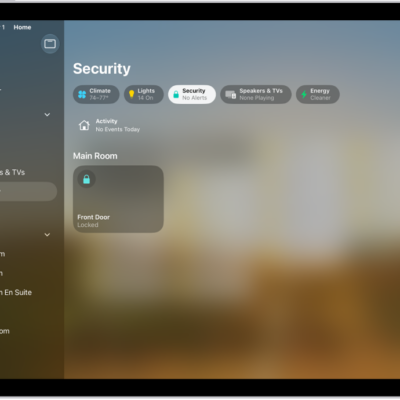
The Home app with the sidebar on the left. Security is highlighted. On the right, the Security category button is highlighted. Below are security accessories such as locks and garage doors.

How to control accessories with Home on iPad

You can control accessories with Home on iPad, turn them on or off, add them to Control Center, and view categories and home status.
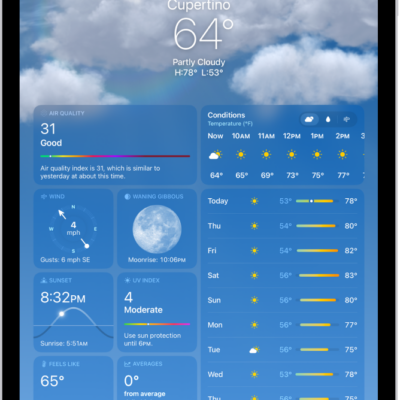
The Weather screen, showing the location, current temperature, the high and low temperatures for the day, hourly forecast, and 10-day forecast on the left side of the screen and a precipitation map and air quality scale on the right side of the screen.

How to check the weather on iPad

You can check the weather on iPad for your current location, see hourly and 10-day forecasts, and customize the weather units.