









The Home button was central to a huge range of functions, from triggering Siri and taking screenshots to, well, going back to the Home screen.
In this tutorial we explain how to close apps on an iPhone 18 Pro or iPhone 18 Pro Max.
Bring up the app switcher
Swipe up from the bottom of the screen. Swiping up and letting go will take you to the Home screen, so instead swipe up and hold your finger on the screen for a moment. The app switcher screen will appear.
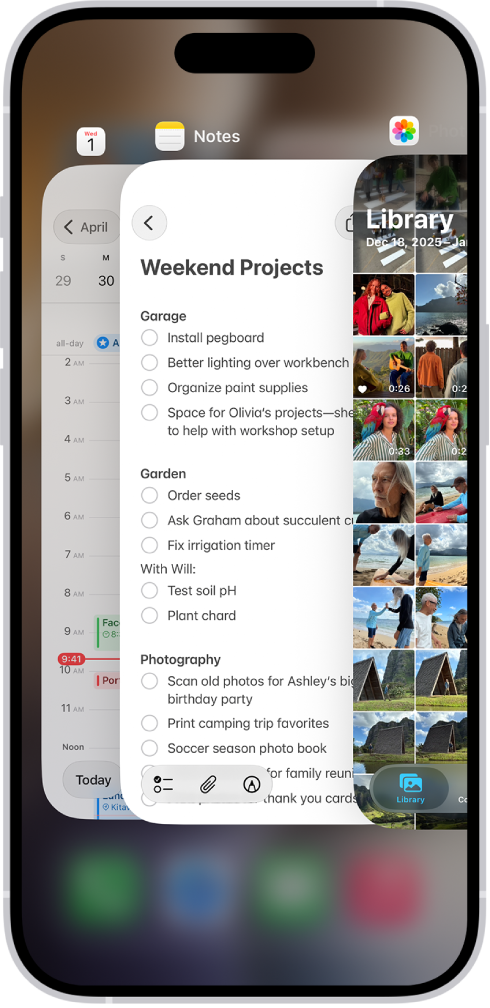
The app you’re currently using – or used last – will be front and centre. Swipe right to look at progressively longer-ago apps, until you find the one you want to close.
Close the app(s)
All you need to do now is swipe up on the app you want to close so it disappears off the top of the screen. Hey presto, app closed.
To get out of the app switcher, you can select one of the apps by tapping on its thumbnail, or tap elsewhere on the screen to go back to the previous screen. That was easy, wasn’t it?


