iPhone comes with built-in options to suit your cognitive needs, or those of someone you care for.
If someone you care for has a cognitive disability, you can set up an iPhone with a simplified interface, or lock iPhone to one app. You can also reduce sensory stimulus from the screen, like flashing lights or animated GIFs, and use tools such as Focus, Dictation, and Live Captions to help you focus or follow along.
To explore accessibility features on iPhone, go to Settings > Accessibility.
Adapt iPhone for someone you care for
-
Keep iPhone simple
If someone you care for has a cognitive disability, set up an iPhone with a simplified interface. Choose and customize core features that work best for them.
-
Lock iPhone to one app
When you let a child use your iPhone, limit their access to a single app.
To reduce sensory stimulus from the screen, you can pause the display of rapid animated images such as GIFs and automatically dim content that depicts flashing or strobing lights. Reformatting content for easier reading and summarizing text are options, too.
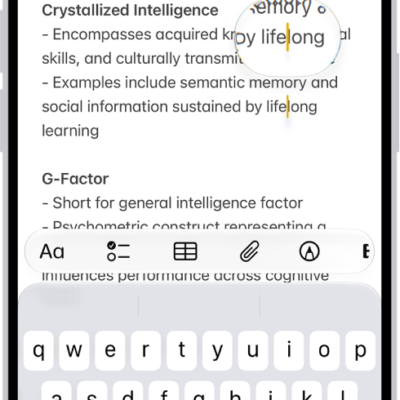
With features like Focus, Dictation, Read & Speak, and Live Captions, iPhone offers many additional tools that help you follow along with what you’re reading or listening to, make it easier to enter text, or focus.
Quick tip: Control Center and the click of a button both give you control over your go-to accessibility features and settings.