How to block pop-ups in Safari on iPhone
You can block pop-ups in Safari on iPhone. That way, pop-up windows don’t open while you’re browsing websites. Block Pop-ups is just one setting in the Settings app on your iPhone, which you can switch off again later if you change your mind.
- Start the Settings app on your iPhone.
- Tap Apps, then tap Safari.
- Turn on Block Pop-ups.
Read Next
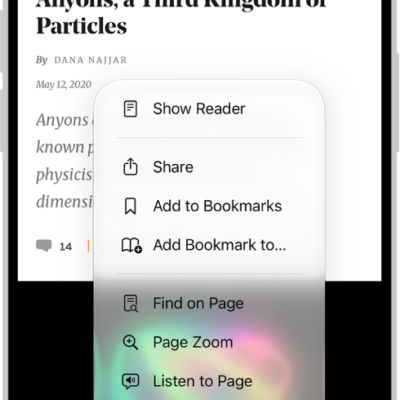
You can have Safari on iPhone read supported webpages aloud with Listen to Page, and pause or resume whenever you like.
You can enable cookies in Safari on iPhone so websites that require cookies work normally, by turning off Block All Cookies.
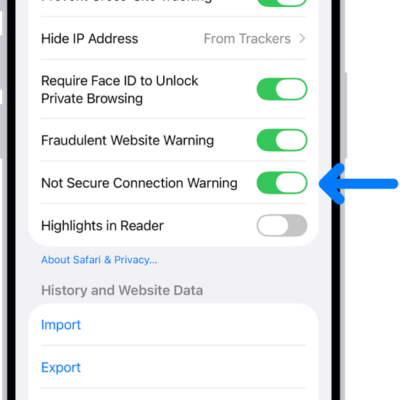
You can have Safari on iPhone warn you when you visit websites that use HTTP, which doesn't provide a secure connection.