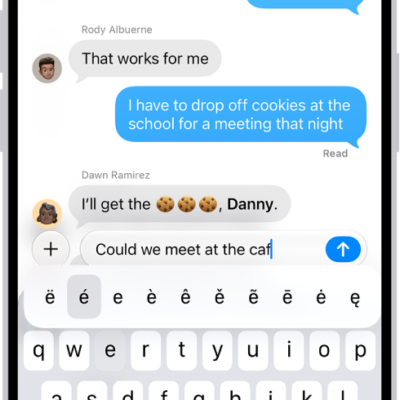
With an alternative keyboard layout, you can enter letters and marks that are different from the ones on Magic Keyboard. For example, with the ABC – Extended keyboard layout, you can type letters and enter diacritical marks for several different European languages. You can also enter tone marks for Mandarin Chinese in Pinyin.
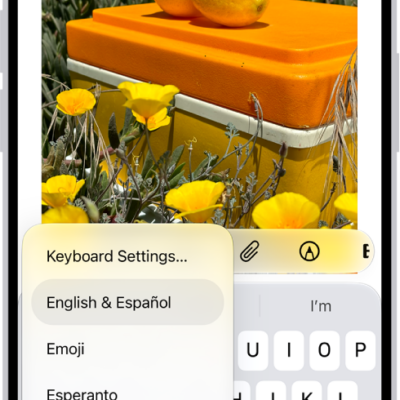
- Open Settings, tap General, tap Keyboard, and then tap Hardware Keyboard.
- Tap a language, then choose an alternative layout from the list.
Tag: Keyboard