How to hide recent searches in Safari on iPhone
You can hide the recent searches that appear when the search field is empty in the Safari app. It’s one setting, Show Recent Searches, in Safari’s settings on your iPhone. When you turn it off, recent searches no longer appear in the empty search field.
- Open the Settings app on your iPhone.
- Tap Apps, then tap Safari.
- Below Search, turn off Show Recent Searches.
Read Next
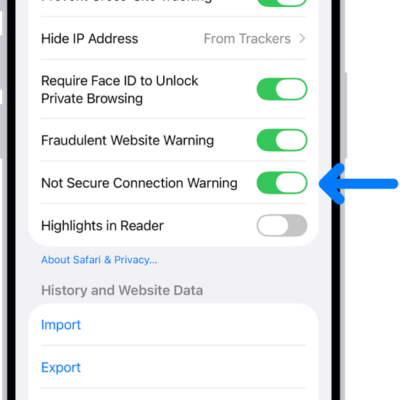
You can have Safari on iPhone warn you when you visit websites that use HTTP, which doesn't provide a secure connection.
You can get Safari extensions on iPhone from the App Store to find coupons, block content, and add features from other apps.
You can change the password for a website or app from the Passwords app on iPhone, or switch to Sign in with Apple where it's offered.