You can play audio from iPad on wireless devices like HomePod, Apple TV 4K, AirPlay 2-enabled smart TVs, and Bluetooth® headphones and speakers. With AirPlay 2, you can play audio on multiple devices on the same Wi-Fi network, like a party playlist playing on HomePod speakers in the living room and kitchen.
Play audio from iPad on a wireless device
- On your iPad, open an audio app, such as Podcasts or Music. Then choose an item to play.
-
Tap the Playback Destination button and then choose a playback destination.
Note: If your AirPlay 2-enabled devices don’t appear in the list of playback destinations, make sure they’re on the same Wi-Fi network. With a Bluetooth device, the playback destination returns to iPad if you move the device out of Bluetooth range.
To select the playback destination, you can also tap the Playback Destination button on the Lock Screen or in Control Center.
Note: To set up a Bluetooth audio device, see our guide, Pair your iPad with a Bluetooth accessory.
Play audio on multiple AirPlay 2-enabled devices
AirPlay 2 lets your iPad play audio on multiple AirPlay 2-enabled devices that share the same Wi-Fi network. A party playlist, for example, can play on an Apple TV 4K in the bedroom, an AirPlay 2-enabled smart TV in the den, and HomePod speakers in the living room and kitchen.
Siri: Ask Siri something like:
- “Stop playing music everywhere”
- “Set the dining room volume to 10 percent”
- “What’s playing in the kitchen?”
- “Play a song I like in the kitchen”
- “Add the living room speaker”
- “Remove the music from the kitchen”
- “Move the music to the den”
Or choose playback destinations from the iPad screen.
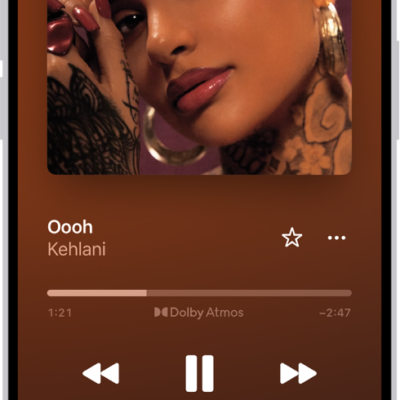
- Tap the Playback Destination button in Control Center, on the Lock Screen, or on the Now Playing screen for the app you’re listening to.
- Select each device you want to use.
Note: Devices arranged in a stereo pair work as a single audio device.
See also
- Play audio from your iPad on a Mac or TV
- Wirelessly stream videos and photos to Apple TV 4K or a smart TV from iPad