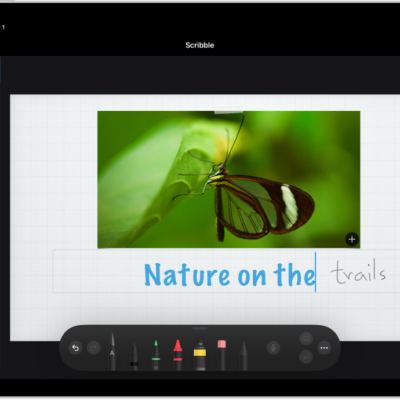
You can use Apple Pencil to quickly write a note from anywhere on iPad, even while iPad is locked (supported models). You can create a Quick Note, and even wake iPad by drawing or writing a note on the Lock Screen. Whatever you create is saved in the Notes app.
Create a Quick Note
For the steps, see our article, Use Quick Notes on iPad.
Wake iPad by drawing or writing a note
Tap Apple Pencil on the Lock Screen, then begin drawing or taking notes.
Whatever you create is saved in Notes.
See also
- Enter text with Scribble on iPad
- Draw with Apple Pencil on iPad
- Take and mark up a screenshot with Apple Pencil on iPad
Tag: Apple Pencil