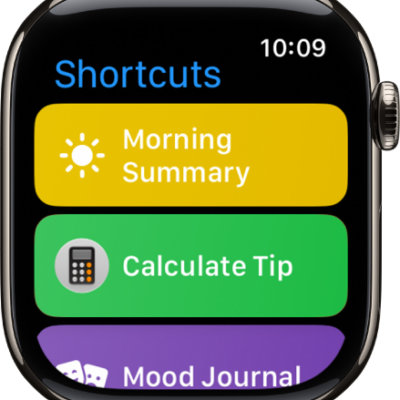
You can double-tap or triple-tap the back of iPhone to perform actions such as taking a screenshot, turning on an accessibility feature, running a shortcut, and more. It’s called Back Tap, and you can choose an action for Double Tap and Triple Tap.
- Open Settings, tap Accessibility, tap Touch, and then tap Back Tap.
- Choose Double Tap or Triple Tap. Then choose an action.
- To perform the action you set, double-tap or triple-tap the back of iPhone.
To turn off Back tap, go to Settings > Accessibility > Touch > Back Tap, choose Double Tap or Triple Tap, then tap None.
Tag: Shortcuts