You can update your Apple Watch software directly on your Apple Watch, or by checking for updates in the Apple Watch app on your iPhone.
On your watch, it’s in the Settings app, under General and then Software Update.
Here’s how to update Apple Watch software.
Check for and install software updates
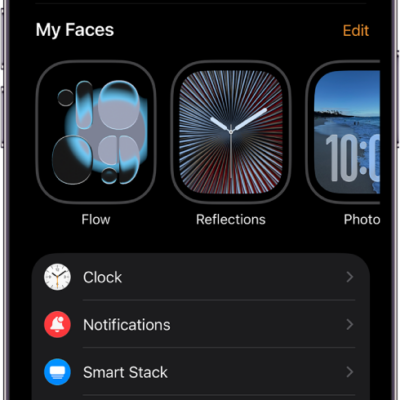
- Open the Apple Watch app on your iPhone.
- Tap My Watch, go to General, tap Software Update, then, if an update is available, tap Download and Install.
You can also go to the Settings app on your Apple Watch, tap General, then tap Software Update.
See also