









GeeksModo Story Archive - October 2026
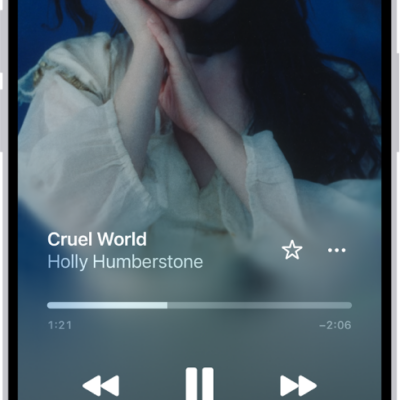
How to shuffle or repeat songs in Music on iPhone
You can shuffle your whole library, a playlist, or an album in Music on iPhone, and repeat songs, playlists, or albums.
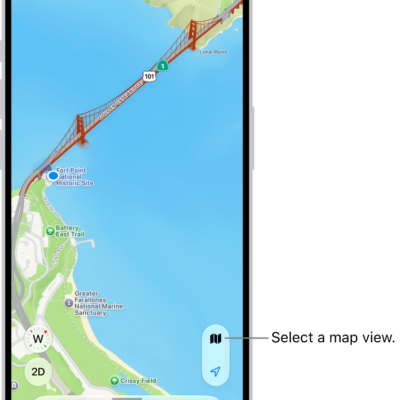
How to set up Maps on iPhone
You can set up Maps on iPhone, let it use your location, show where you are, and switch between Explore, Driving, Transit, and Satellite views.
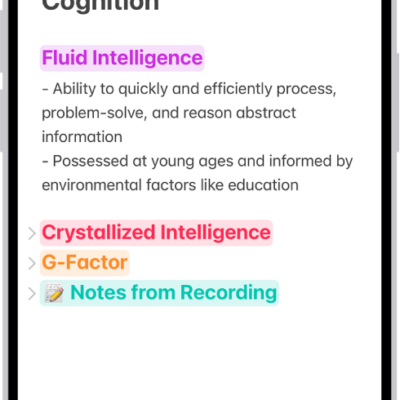
How to change the Notes view on iPhone
You can add lines or grids to your notes on iPhone, view notes as a list or gallery, and see all your attachments in one place.
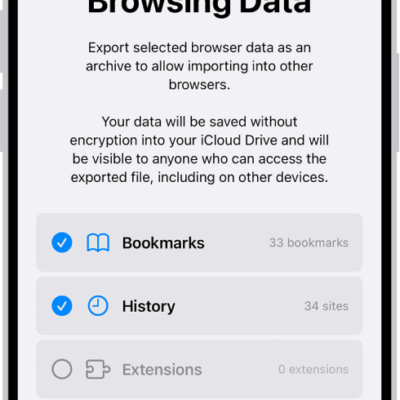
How to export Safari data to another browser on iPhone
You can export your Safari bookmarks, history, extensions, credit cards, and passwords from iPhone and import them into another browser.
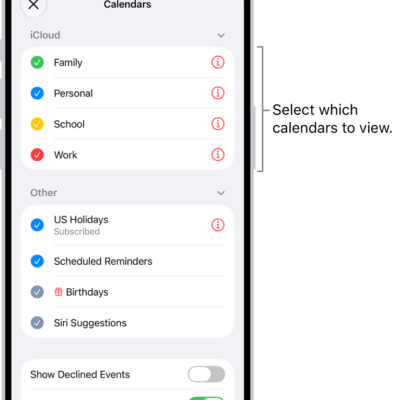
How to use the Holidays calendar on iPhone
You can use the Holidays calendar in Calendar on iPhone to see holidays for your region, show or hide them, or add another region's holidays.

How to recover a password you deleted from your iPhone
You can recover a password you deleted from your iPhone within 30 days from the Deleted section of the Passwords app.
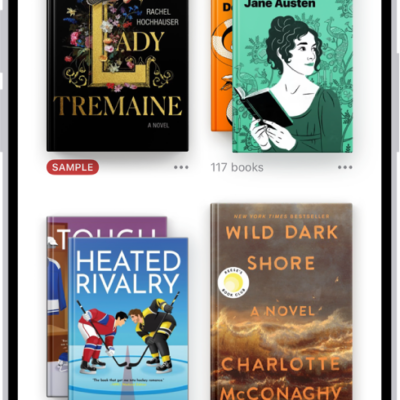
How to access books on other Apple devices in the Books app on iPhone
You can sync your books, audiobooks, reading position, notes, and collections between the Books app on iPhone and your other Apple devices.
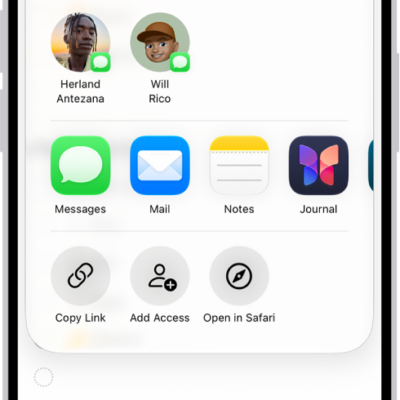
How to print a list in Reminders on iPhone
You can print a grocery list, checklist, to-do items, or project tasks from the Reminders app on iPhone.
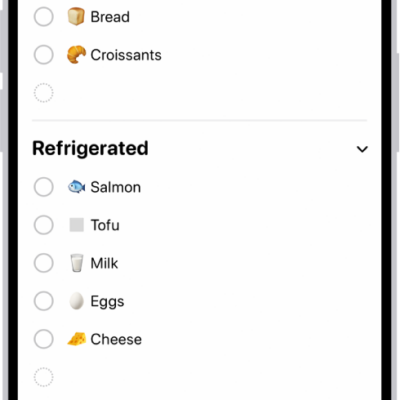
How to complete items in Reminders on iPhone
You can check off items in Reminders on iPhone, show or clear completed items, and complete items from the Reminders widget.
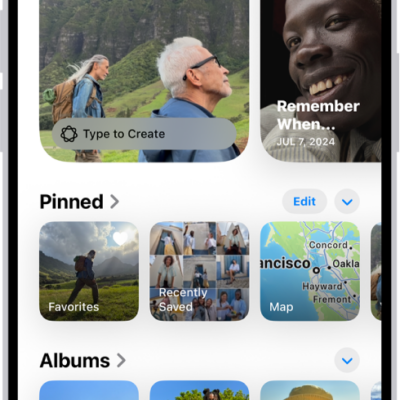
How to browse your photo collections on iPhone
You can browse your photo collections in Photos on iPhone, and change their size, order, and which library they include.