









GeeksModo Story Archive - October 2026
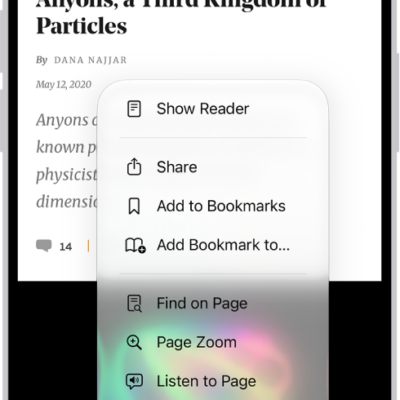
How to block pop-ups in Safari on iPhone
You can block pop-up windows in Safari on iPhone by turning on Block Pop-ups in the Safari section of the Settings app.
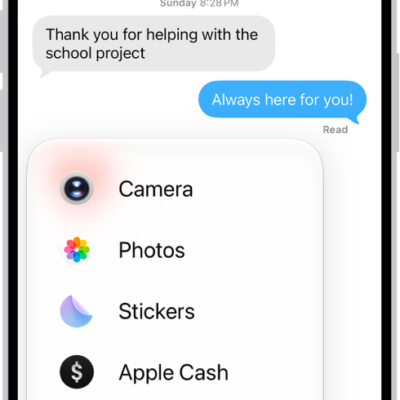
How to take and edit photos or videos in Messages on iPhone
You can take and edit photos and videos in Messages on iPhone, add effects and markup, and send smaller previews for speed.
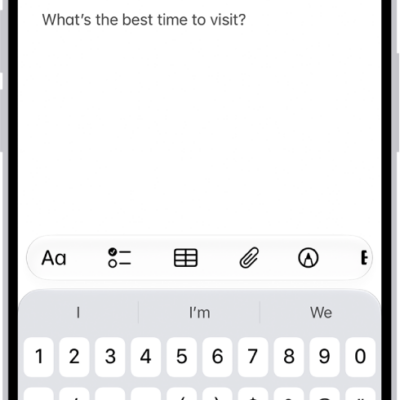
How to add links in Notes on iPhone
You can add links to webpages, other notes, and note sections in Notes on iPhone, and tap detected addresses, phone numbers, and dates.
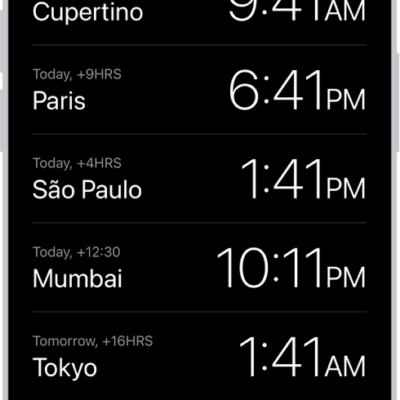
How to see the time worldwide in Clock on iPhone
You can see the local time in cities around the world with World Clock in the Clock app on iPhone, and add, delete, or reorder cities.
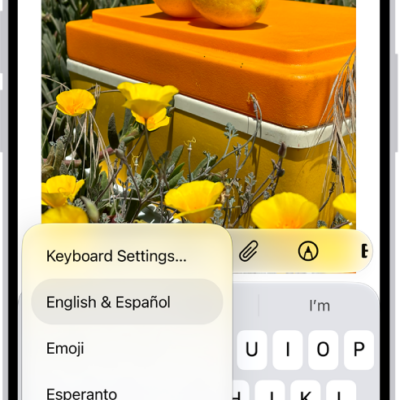
How to add or change keyboards on iPhone
You can add, remove, reorder, and switch keyboards on iPhone, type in two languages with a bilingual keyboard, and choose alternative layouts.
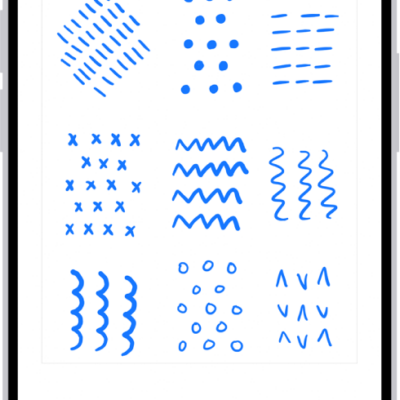
How to draw and handwrite with Markup on iPhone
You can draw, sketch, and handwrite with Markup in apps like Notes and Photos on iPhone, and annotate screenshots and PDFs.
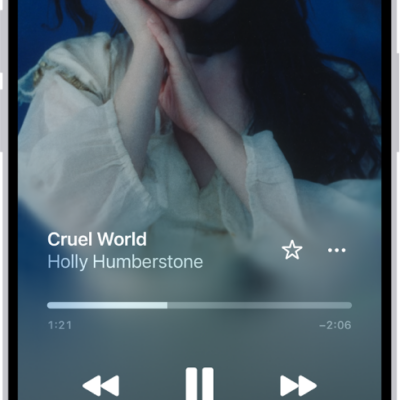
How to shuffle or repeat songs in Music on iPhone
You can shuffle your whole library, a playlist, or an album in Music on iPhone, and repeat songs, playlists, or albums.
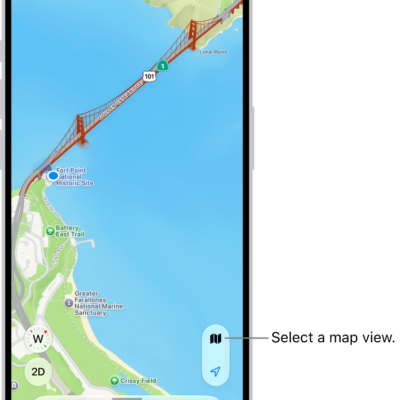
How to set up Maps on iPhone
You can set up Maps on iPhone, let it use your location, show where you are, and switch between Explore, Driving, Transit, and Satellite views.

How to change the Notes view on iPhone
You can add lines or grids to your notes on iPhone, view notes as a list or gallery, and see all your attachments in one place.
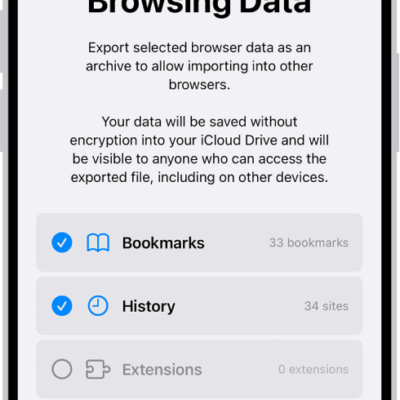
How to export Safari data to another browser on iPhone
You can export your Safari bookmarks, history, extensions, credit cards, and passwords from iPhone and import them into another browser.