









GeeksModo Story Archive - October 2026
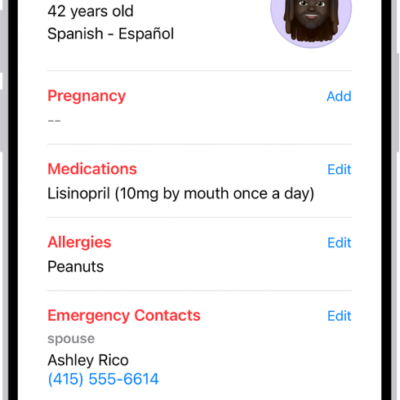
How to register as an organ donor in Health on iPhone (U.S. only)
You can register as an organ, eye, or tissue donor with Donate Life America from the Health app on iPhone in the U.S..
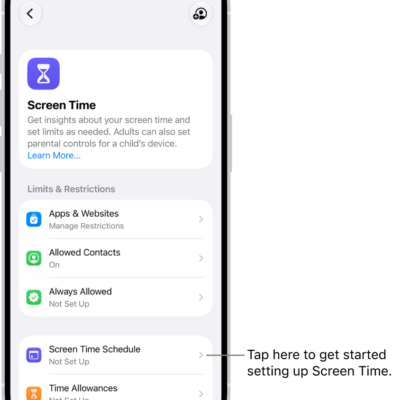
How to create, change, or remove a Screen Time passcode on iPhone
You can set a Screen Time passcode on iPhone to protect your Screen Time settings, change or remove it, and reset it if you forget it.
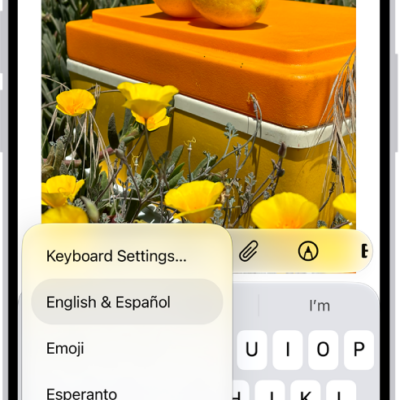
How to change typing assistance options for Magic Keyboard with iPhone
You can turn Auto-Capitalization, Auto-Correction, and the period shortcut on or off for Magic Keyboard with iPhone, and remap modifier keys.
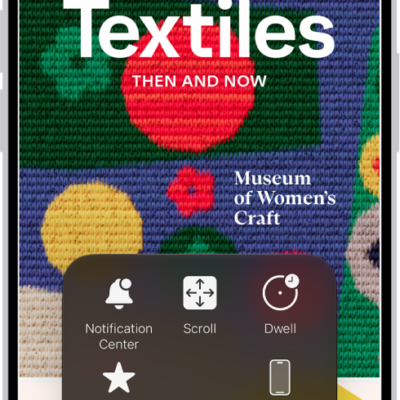
How to control iPhone with the movement of your eyes
You can control iPhone with the movement of your eyes on supported models with Eye Tracking, using an onscreen pointer and dwell to tap.
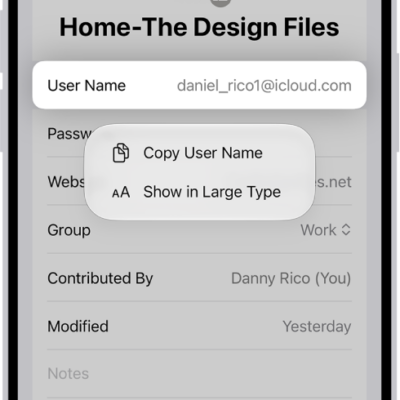
How to share passwords and passkeys securely with AirDrop on iPhone
You can securely share passwords and passkeys from iPhone with AirDrop to someone using an iPhone, iPad, or Mac.
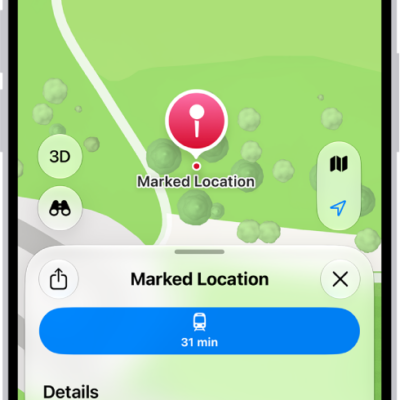
How to mark places with pins in Maps on iPhone
You can drop pins in Maps on iPhone to mark places, share them, see their latitude and longitude, and save them to your Places.
How to pair Magic Keyboard with iPhone
You can pair Magic Keyboard, including Magic Keyboard with Numeric Keypad, with iPhone over Bluetooth, and reconnect it later.
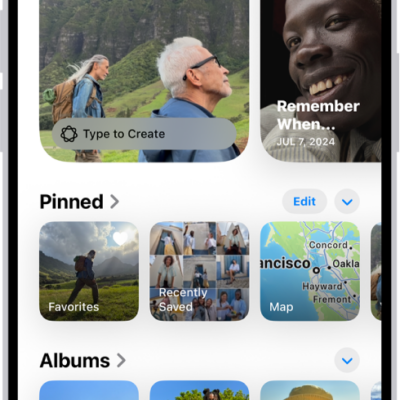
How to locate photos and videos by media type on iPhone
You can browse photos and videos by media type in Photos on iPhone, like Portrait mode or time-lapse, and reorder the list of types.
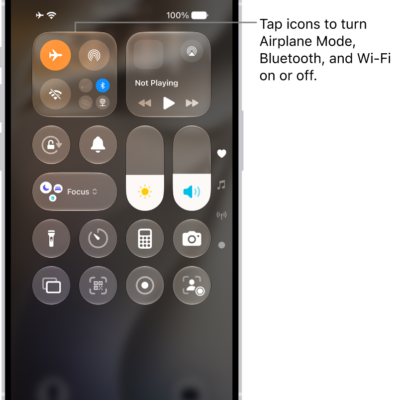
How to choose iPhone settings for travel
You can turn on Airplane Mode on iPhone when you travel, then turn Wi-Fi, Bluetooth, or cellular back on if your airline allows it.

How to take great photos and videos
You can take great photos and videos with iPhone, from opening Camera on the Lock Screen to low-light shots and editing.