









GeeksModo Story Archive - October 2026
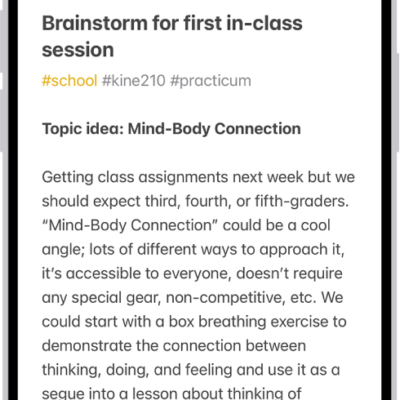
How to get started with Notes on iPhone
You can use Notes on iPhone to capture your thoughts with text, images, sketches, checklists, and scanned documents, synced with iCloud.
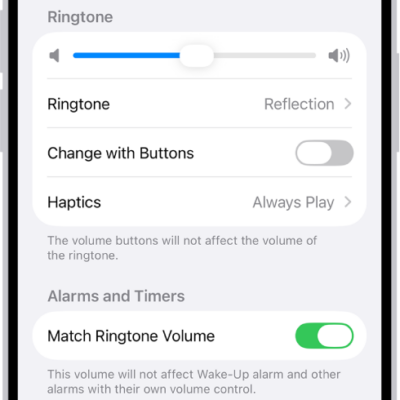
How to turn off vibration on iPhone
You can turn off vibration on iPhone for specific alerts in Sounds & Haptics, or turn off all vibrations in Accessibility settings.
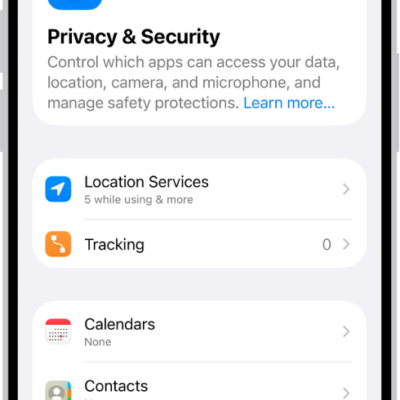
How to receive warnings about sensitive content on iPhone
You can turn on Sensitive Content Warning so your iPhone, or a family member's, warns you before you view sensitive images.
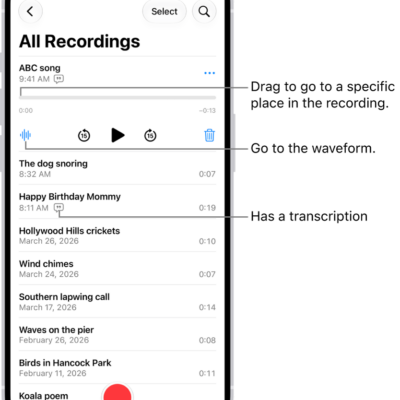
How to share a recording in Voice Memos on iPhone
You can share Voice Memos recordings from iPhone with AirDrop, Mail, Messages, and more, one at a time or several at once.
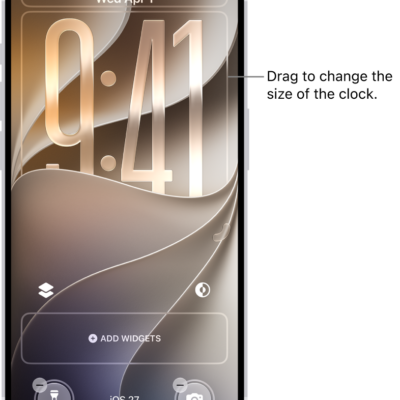
How to turn on Lock Screen features on iPhone
You can allow access to features like Control Center, widgets, and media controls on the iPhone Lock Screen.
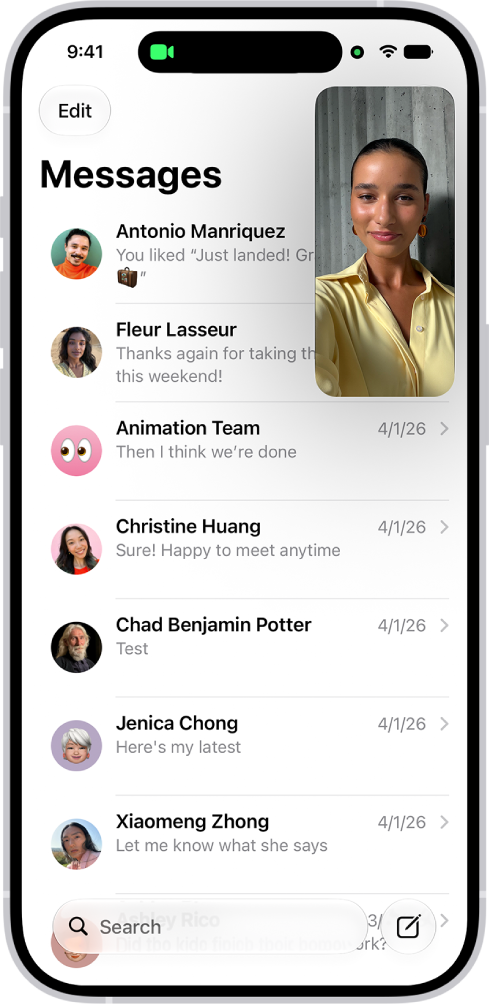
How to collaborate on a document in FaceTime on iPhone
You can collaborate on a shared document during a FaceTime call on iPhone, starting from the call or from the app the document is in.
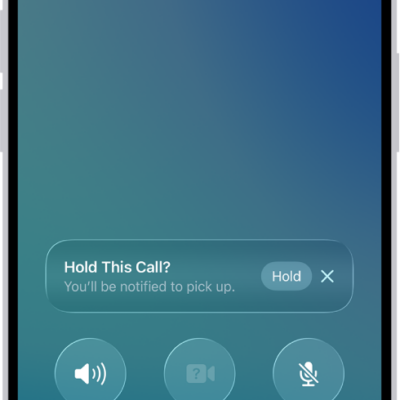
How to have a conference or three-way call on iPhone
You can add more callers to a phone call on iPhone to make a conference call, and answer or ignore another incoming call.
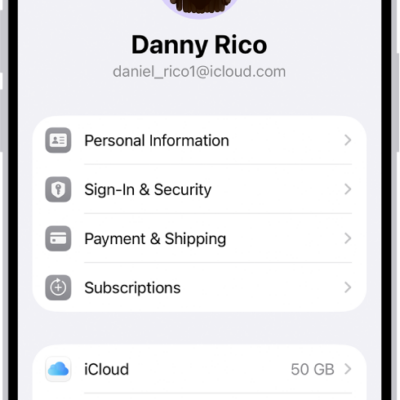
How to see your purchases and subscriptions in the App Store on iPhone
You can see your App Store purchase history on iPhone, redownload apps, and change or cancel your subscriptions.
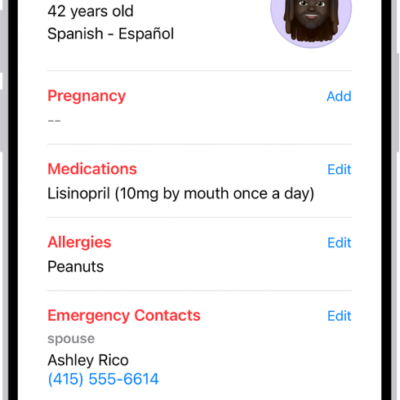
How to register as an organ donor in Health on iPhone (U.S. only)
You can register as an organ, eye, or tissue donor with Donate Life America from the Health app on iPhone in the U.S..
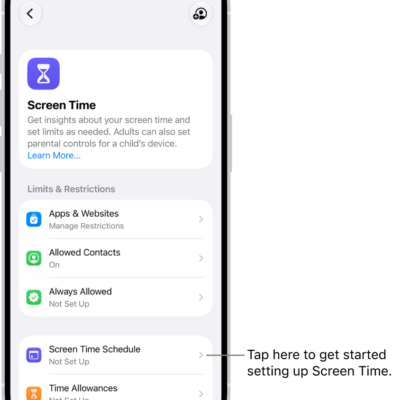
How to create, change, or remove a Screen Time passcode on iPhone
You can set a Screen Time passcode on iPhone to protect your Screen Time settings, change or remove it, and reset it if you forget it.