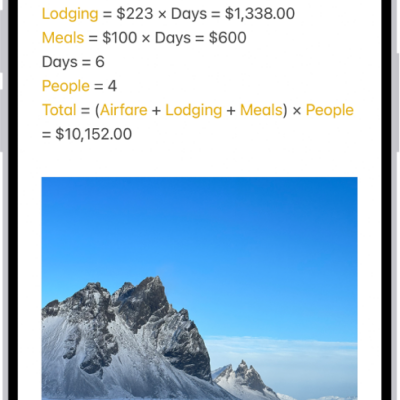
Use the Notes app to quickly capture your thoughts. You can add images and sketches, solve equations, make checklists, or even scan documents. And with iCloud, your notes stay up to date on all your devices wherever you go.
With Quick Notes, you can jot down information from any app or screen, then add images, links, and more. You can also sketch your thoughts and invite others to collaborate.
Here’s how to get started with Notes on iPhone.
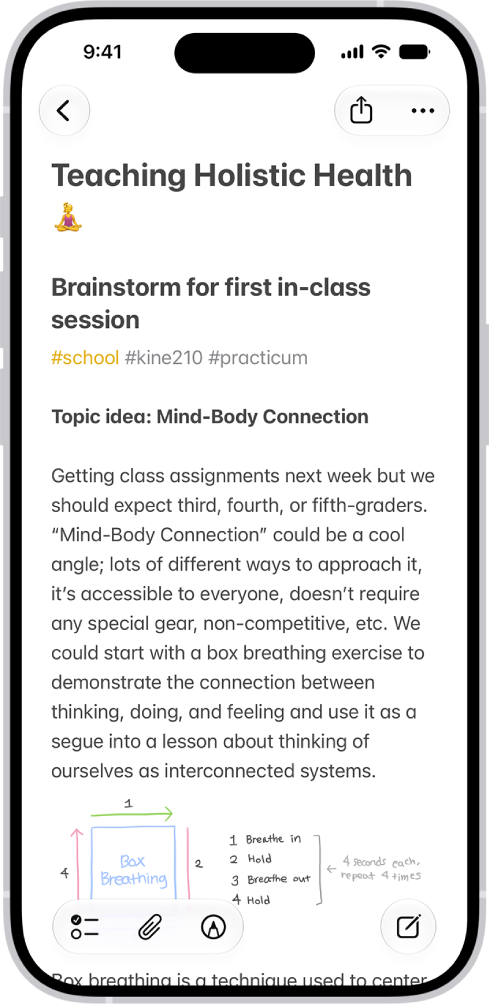
Jot it down
Tap the New Note button, then enter your text.
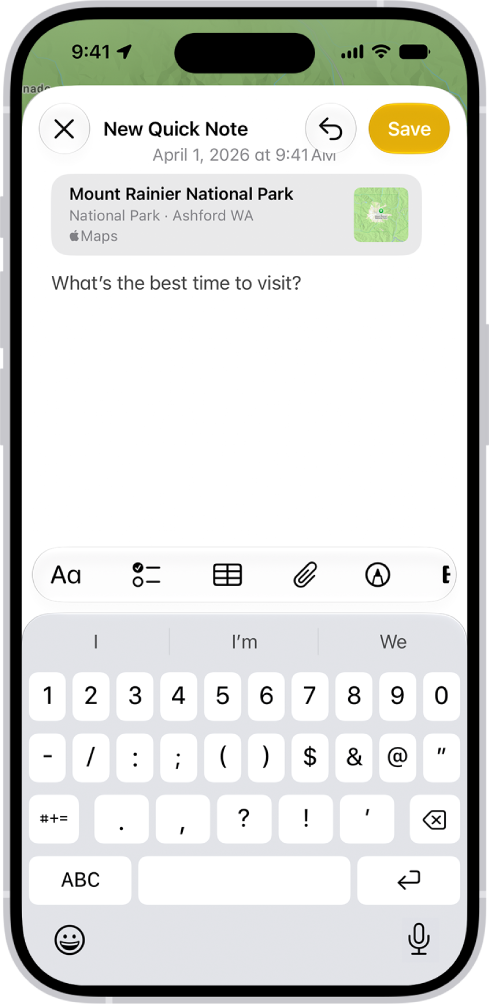
Make quick notes anywhere
Use Quick Notes to jot down information from any app or screen. Tap the Quick Note button, then tap New Quick Note. Add images, links, and more.
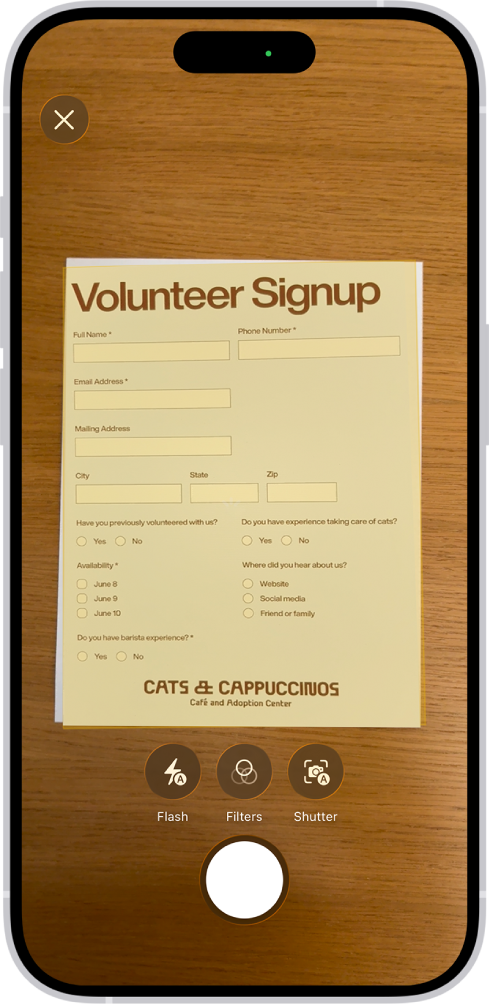
Add almost anything
You can scan documents, record audio, take photos, and more. Tap the Attachments button, then choose an option.
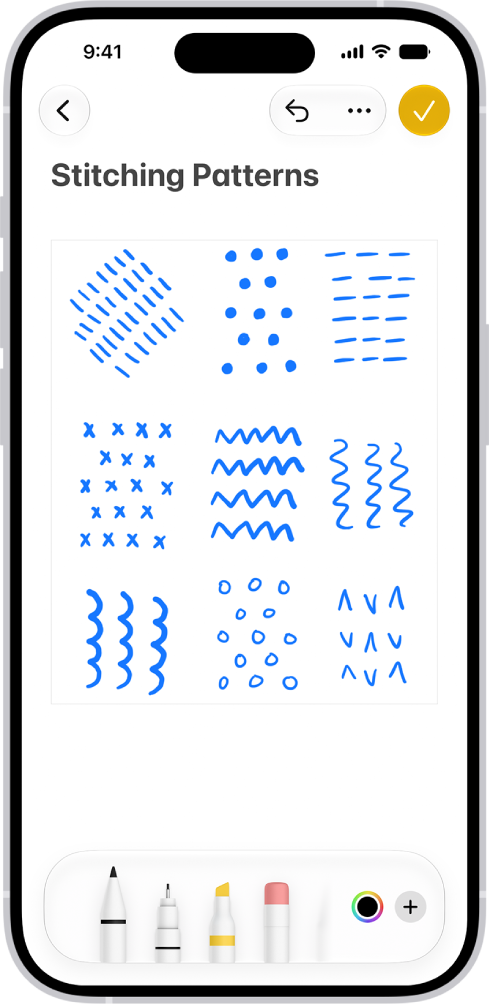
Sketch your thoughts
Tap the Handwriting Tools button, then draw or write with your finger. You can choose from a variety of Markup tools and colors and draw straight lines with the ruler.
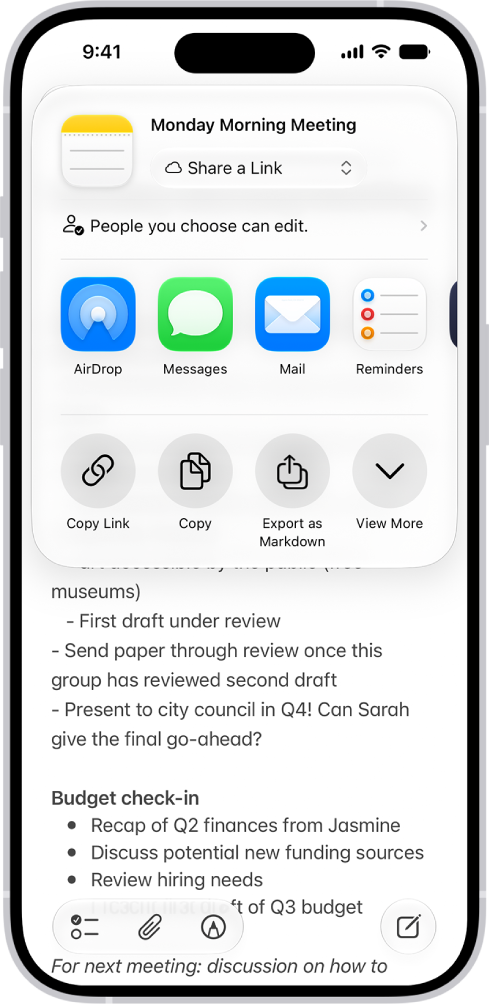
Invite others to collaborate
Tap the Share button, then choose a sharing option. The people you share with can view or make changes to a note. The availability of Notes features may vary depending on your language and country or region.