









GeeksModo Story Archive - October 2026
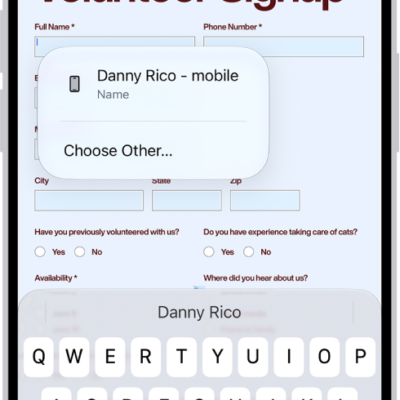
How to fill out and sign PDF forms in Preview on iPhone
You can fill out and sign PDF forms in the Preview app on iPhone, using AutoFill suggestions and adding signatures or text boxes.
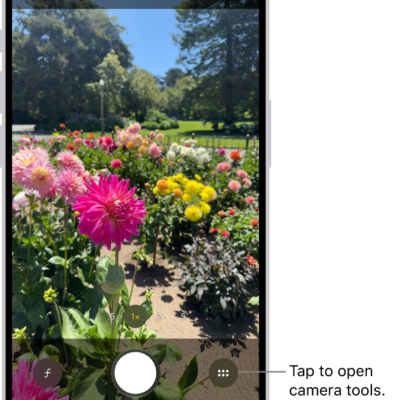
iPhone camera basics: open Camera, take photos, switch modes, and zoom
You can learn the iPhone camera basics: how to open Camera, take a photo, switch between modes like Portrait and Pano, and zoom in or out.
How to set a passcode on iPhone
You can set or change your iPhone passcode, which also turns on data protection, and choose when iPhone locks automatically.

How to edit or delete a journal entry on iPhone
You can edit journal entries on iPhone, change their dates and titles, add them to several journals, and delete or recover them.
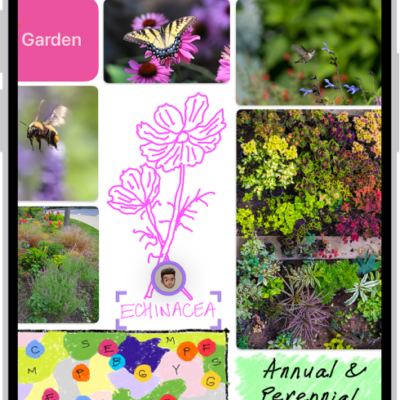
How to add images, scans, links, and other files to a Freeform board on iPhone
You can add photos, videos, files, links, scans, and generated images to a Freeform board on iPhone, then format or edit them.
How to adjust the shutter volume on your iPhone camera
You can change the iPhone camera shutter volume from Control Center, or mute the shutter sound with Silent mode where that's allowed.

How to adjust the sound quality in Music on iPhone
You can change the EQ setting and turn on Sound Check to normalize the volume of your music in the Music app on iPhone.
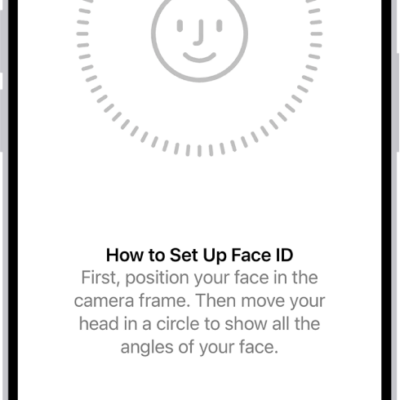
How to set up Face ID on iPhone
You can set up Face ID on iPhone to unlock it, pay, and sign in to apps with a glance, add an alternate appearance, and use it with a mask.
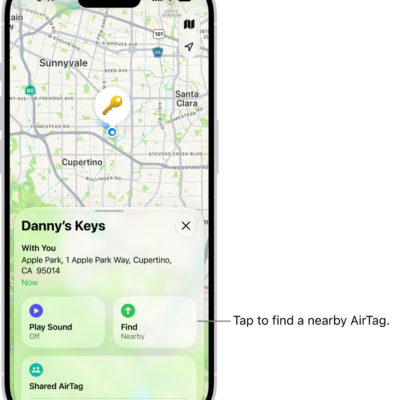
How to remove an AirTag or other item from Find My on iPhone
You can remove an AirTag or other item from your Apple Account in Find My on iPhone so someone else can register it.
How to get started with Notes on iPhone
You can use Notes on iPhone to capture your thoughts with text, images, sketches, checklists, and scanned documents, synced with iCloud.