









GeeksModo Story Archive - October 2026

How to crop, rotate, flip, or straighten photos and videos on iPhone
You can crop, rotate, flip, and straighten photos and videos in the Photos app on iPhone, and your edits sync with iCloud Photos.
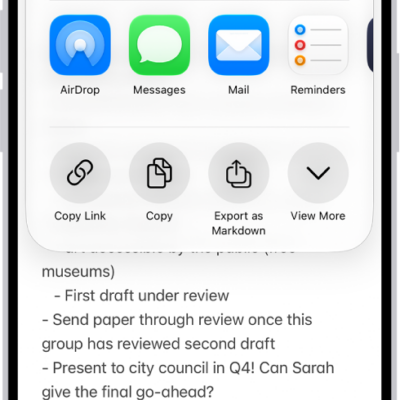
How to export or print notes on iPhone
You can open a note in Pages, export it as a PDF, or print it from the Notes app on iPhone.

How to play music with CarPlay
You can play music with CarPlay using Siri or the Music app, and control playback from your steering wheel or CarPlay Dashboard.
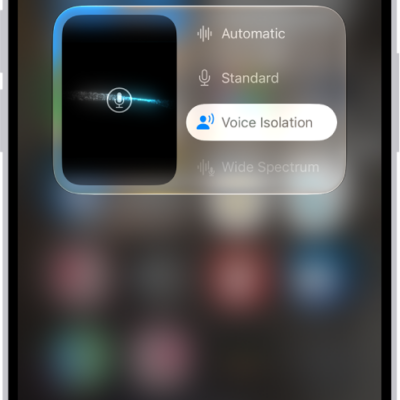
How to change FaceTime audio settings on iPhone
You can use Voice Isolation, Wide Spectrum, and automatic audio during FaceTime calls on iPhone, and mute or unmute your mic.
How to use audio call tools in FaceTime on iPhone
You can use audio call tools in FaceTime on iPhone, like Hold Assist, which tells you when a live agent is available, and call recording in some regions.
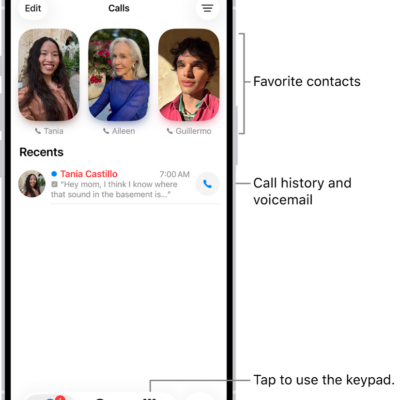
How to set up and use RTT and TTY on iPhone
You can make RTT and TTY calls on iPhone with built-in Software RTT/TTY or a TTY device if you have hearing or speech difficulties.
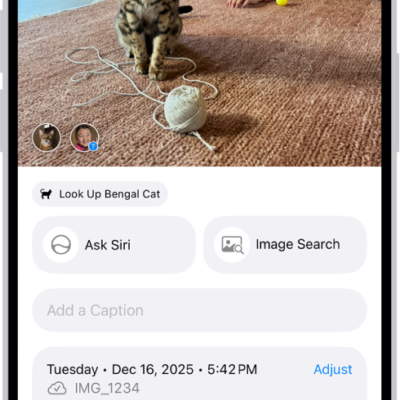
How to see photo and video information on iPhone
You can see a photo's or video's metadata in Photos on iPhone, like people, captions, and location, and change its date, time, or location.

How to edit Cinematic mode videos on iPhone
You can adjust or remove Cinematic mode effects in Photos, change the focus, and add the effect to regular videos on supported iPhone models.
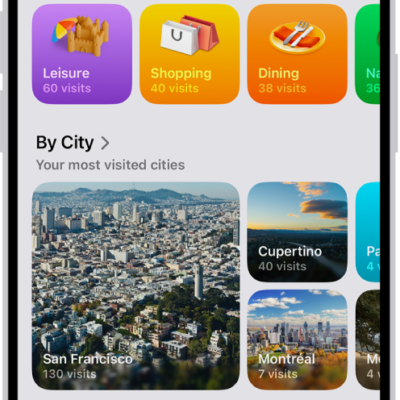
How to clear your location history in Maps on iPhone
You can clear the significant locations Maps uses for predictive traffic routing on iPhone, on every device signed in to your Apple Account.

How to take spatial photos and record spatial videos for Apple Vision Pro with your iPhone camera
You can take spatial photos and videos to relive in three dimensions on Apple Vision Pro on supported iPhone models.