









GeeksModo Story Archive - October 2026
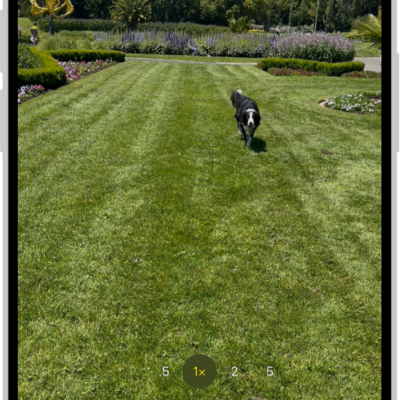
How to capture action shots with Burst mode on your iPhone camera
You can use Burst mode on iPhone to take photos in rapid succession of a moving subject, then keep only the shots you want.
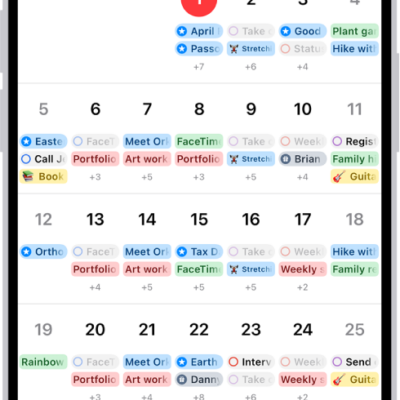
How to keep track of events in Calendar on iPhone
You can customize Calendar notifications on iPhone, turn them on for specific events, and keep your calendars up to date on all your devices.
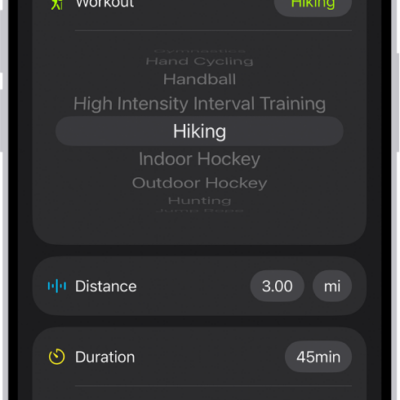
How to log a workout in Fitness on iPhone
You can log a workout you already completed in Fitness on iPhone, with its duration, distance, and calories, or delete a workout.

How to tap the back of iPhone to perform actions or shortcuts
You can double-tap or triple-tap the back of iPhone to take a screenshot, run a shortcut, and more with Back Tap.
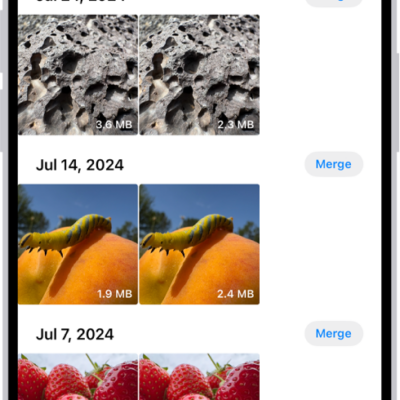
How to merge duplicate photos and videos on iPhone
You can merge duplicate photos and videos on iPhone from the Duplicates collection in Photos to save space.
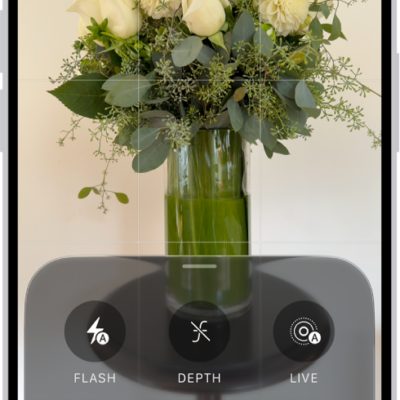
How to use iPhone camera tools to set up your shot
You can use iPhone camera tools to customize your shot, adjust focus and exposure, track a moving subject, and turn the flash on or off.
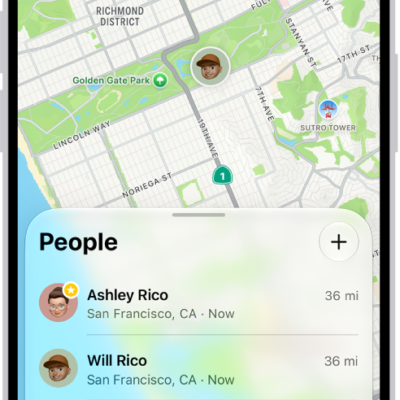
How to share locations with family members and locate their lost devices on iPhone
You can share your location with your family, help them find lost devices, and ask them to share an AirTag with Family Sharing on iPhone.
How to trim video length, adjust speed, and edit audio on iPhone
You can trim a video in Photos on iPhone, change its playback speed, edit the slow-motion part, and edit the sound with Audio Mix.

How to crop, rotate, flip, or straighten photos and videos on iPhone
You can crop, rotate, flip, and straighten photos and videos in the Photos app on iPhone, and your edits sync with iCloud Photos.
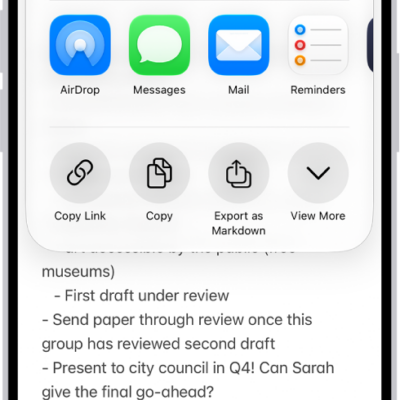
How to export or print notes on iPhone
You can open a note in Pages, export it as a PDF, or print it from the Notes app on iPhone.