









GeeksModo Story Archive - October 2026
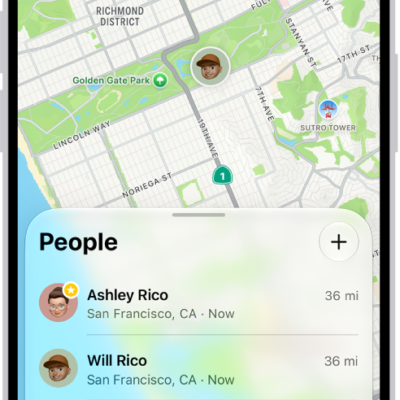
How to use Precision Finding on iPhone to meet up with a friend
You can use Precision Finding in Find My to meet up with a friend, following an arrow to them on supported iPhone models.
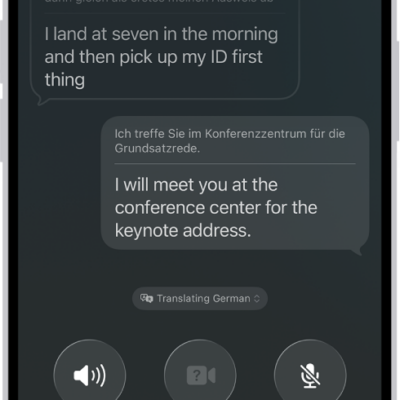
How to translate in-person conversations with iPhone
You can translate in-person conversations with the Translate app on iPhone, in a face-to-face view or in your ears with AirPods.
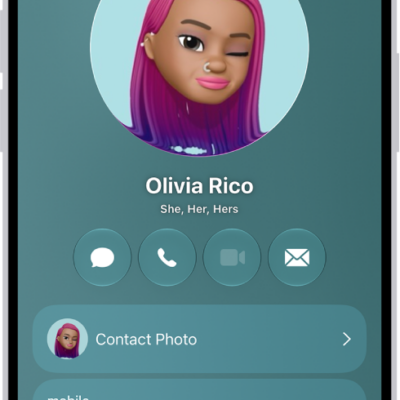
How to edit contacts on iPhone
You can edit contacts on iPhone, add a photo, pronunciation, pronouns, or birthday, and choose a preferred line on Dual SIM models.
How to get notified about sounds in CarPlay
You can get notified about sounds in CarPlay with Sound Recognition, when iPhone hears car horns, sirens, or a baby crying.
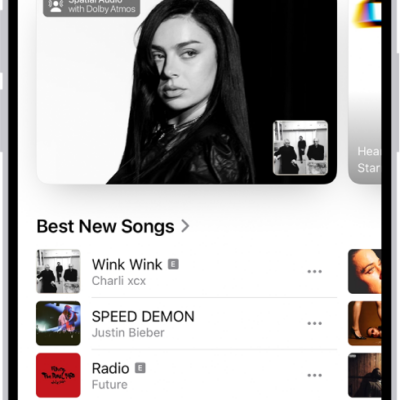
How to subscribe to Apple Music on iPhone
You can subscribe to Apple Music or Apple One on iPhone for ad-free streaming, lossless and Dolby Atmos music, and offline listening.
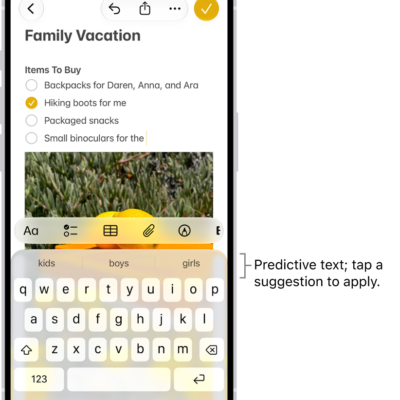
How to use the onscreen keyboard with VoiceOver on iPhone
You can use the onscreen keyboard to enter, select, and delete text, and change the keyboard language with VoiceOver on iPhone.
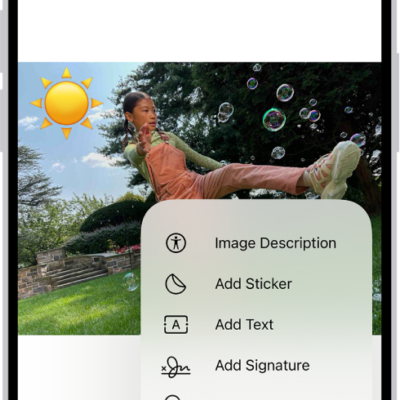
How to annotate email attachments on iPhone
You can use Markup in Mail on iPhone to draw or write on a photo, video, or PDF attachment, then reply with it or save it.

How to subscribe to Apple Arcade in the Apple Games app on iPhone
You can subscribe to Apple Arcade or Apple One in the Apple Games app on iPhone and play a curated collection of games across your devices.
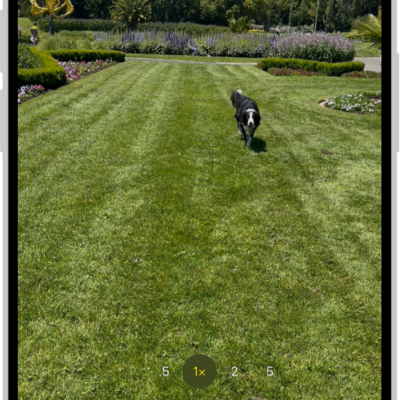
How to capture action shots with Burst mode on your iPhone camera
You can use Burst mode on iPhone to take photos in rapid succession of a moving subject, then keep only the shots you want.
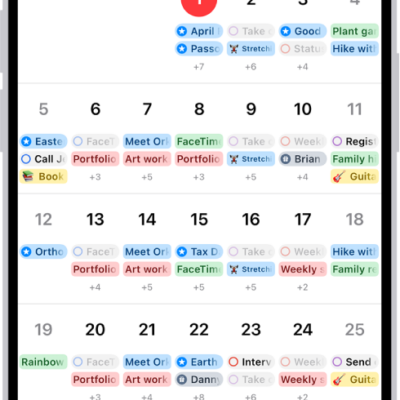
How to keep track of events in Calendar on iPhone
You can customize Calendar notifications on iPhone, turn them on for specific events, and keep your calendars up to date on all your devices.