









GeeksModo Story Archive - October 2026
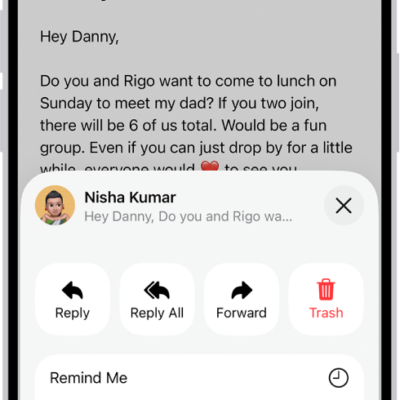
How to reply to and forward emails in Mail on iPhone
You can reply to and forward emails in Mail on iPhone, quote text, follow up, set an automatic reply, and use Smart Reply.
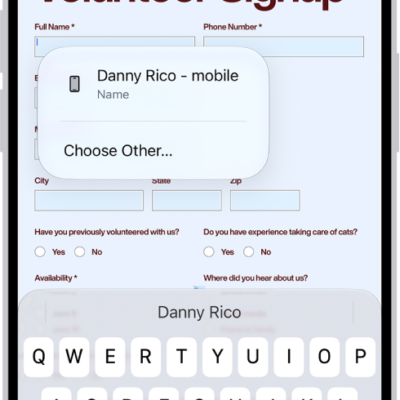
How to fill in personal information in Safari on iPhone
You can use AutoFill in Safari on iPhone to fill in your contact information, user names, and passwords from your saved contact card.
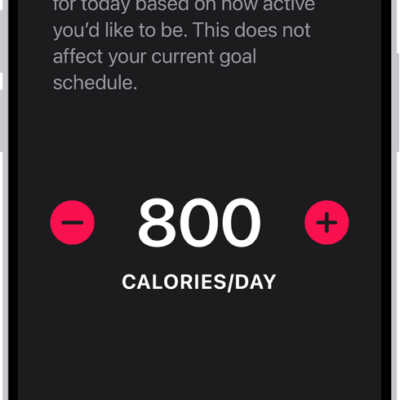
How to change Fitness settings on iPhone
You can change Fitness notifications, health details, units of measure, and workout settings in the Fitness app on iPhone.
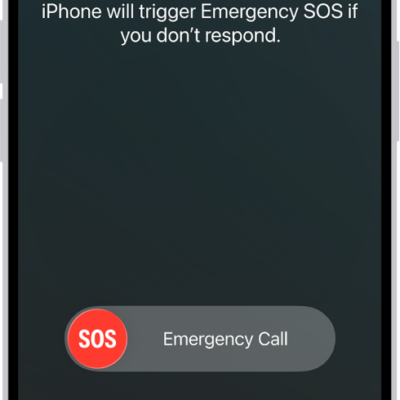
How to manage Crash Detection on iPhone 14 or later
You can manage Crash Detection on iPhone 14 or later, which can call emergency services and notify your emergency contacts after a severe car crash.
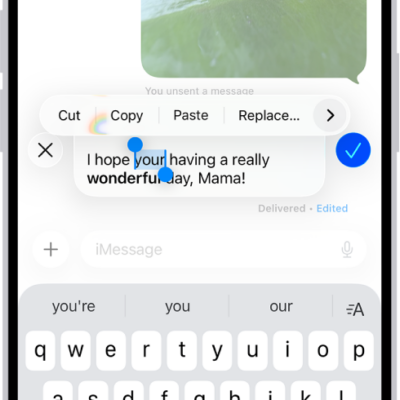
How to unsend or edit messages on iPhone
You can unsend or edit recent iMessage texts on iPhone to fix a typo or pull back a message sent to the wrong person.
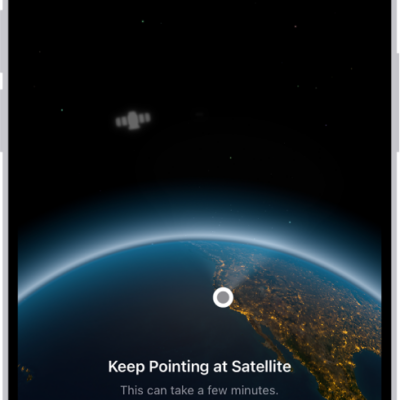
How to send a text message via satellite on iPhone
You can text friends and family via satellite with iMessage or SMS when you're outside cellular and Wi-Fi coverage on supported iPhone models.

How to change the password for a website or app on iPhone
You can change the password for a website or app from the Passwords app on iPhone, or switch to Sign in with Apple where it's offered.
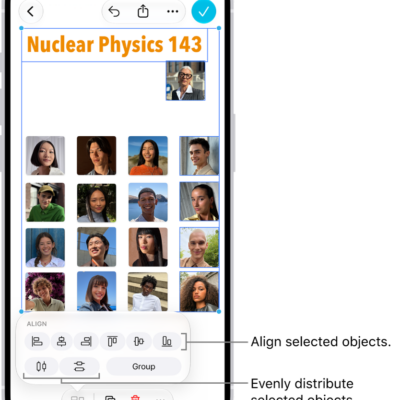
How to position items on a Freeform board on iPhone
You can move, rotate, resize, align, group, and lock items on a Freeform board on iPhone, and move them to the front or back.
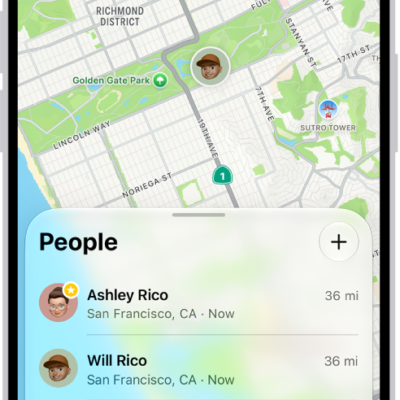
How to use Precision Finding on iPhone to meet up with a friend
You can use Precision Finding in Find My to meet up with a friend, following an arrow to them on supported iPhone models.
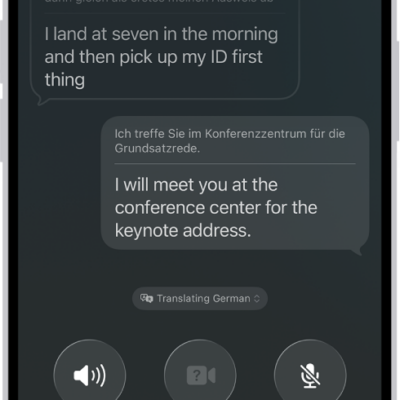
How to translate in-person conversations with iPhone
You can translate in-person conversations with the Translate app on iPhone, in a face-to-face view or in your ears with AirPods.