









GeeksModo Story Archive - October 2026
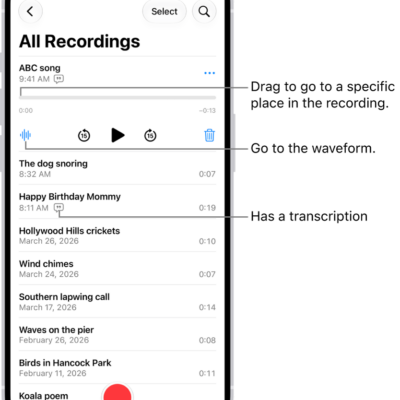
How to keep recordings up to date in Voice Memos on iPhone
You can keep recordings up to date in Voice Memos on your iPhone, iPad, and Mac by turning on Voice Memos in iCloud.
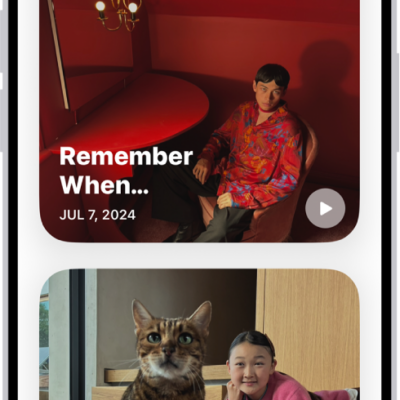
How to view your memories in Photos on iPhone
You can view your memories in Photos on iPhone, personalized collections of people, pets, places, and events, and add favorites.
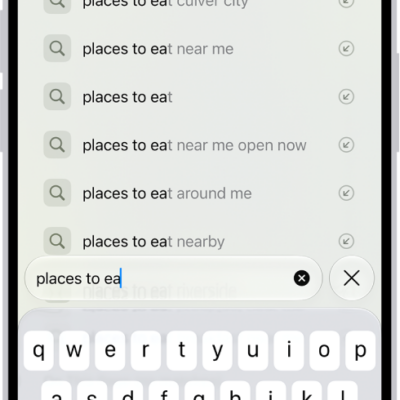
How to hide recent searches in Safari on iPhone
You can hide the recent searches that appear in the Safari search field on iPhone by turning off Show Recent Searches.
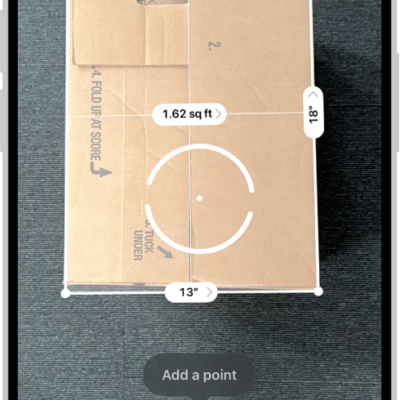
How to measure dimensions with iPhone
You can measure objects with your iPhone camera in the Measure app, detect rectangles automatically, and use edge guides and Ruler view.
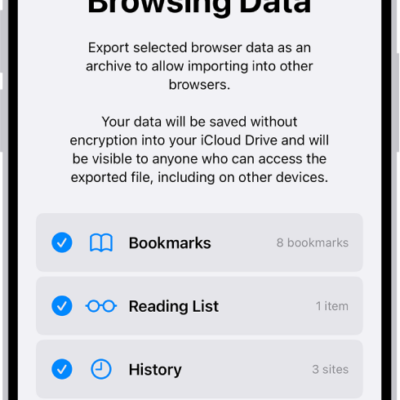
How to export passwords to another password manager on iPhone
You can export your passwords from iPhone to a CSV file and import them into another password manager.
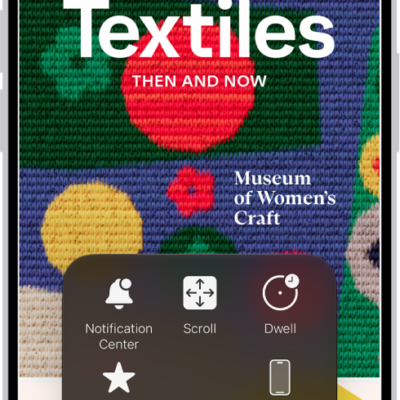
How to control iPhone with the movement of your head
You can control iPhone with the movement of your head using Head Tracking, with an onscreen pointer and dwell to perform actions like a tap.
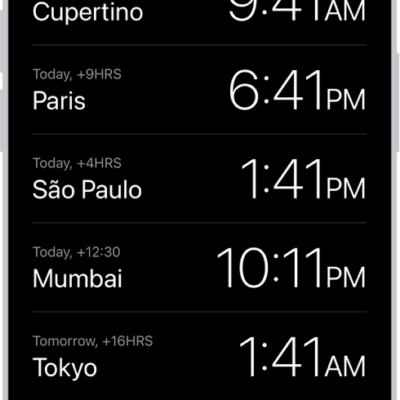
How to change the date and time on iPhone
You can change the date, time, and time zone on iPhone manually, and turn 24-hour time on or off.
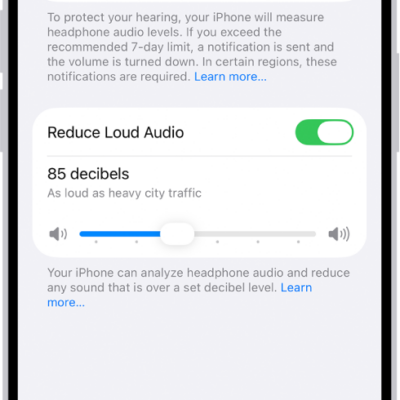
How to adjust the accessibility settings for AirPods on iPhone
You can adjust AirPods accessibility settings on iPhone, including press speed, hold duration, noise cancellation with one AirPod, and tone volume.
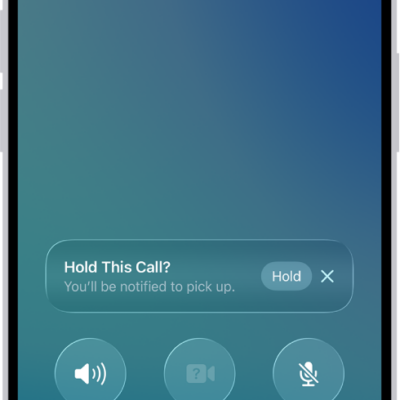
How to use Impersonation Risk Detection
You can use Impersonation Risk Detection to help protect you from scams in supported third-party apps by spotting suspicious activity in real time.
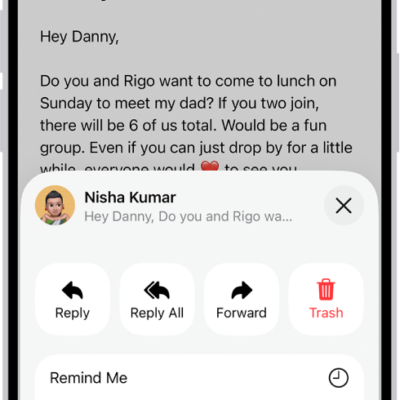
How to reply to and forward emails in Mail on iPhone
You can reply to and forward emails in Mail on iPhone, quote text, follow up, set an automatic reply, and use Smart Reply.