









GeeksModo Story Archive - October 2026
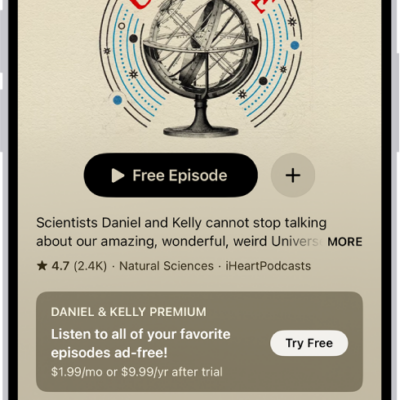
How to subscribe to a show or channel in Podcasts on iPhone
You can manage podcast subscriptions on iPhone, subscribing to shows and channels for extras like early access and ad-free listening.
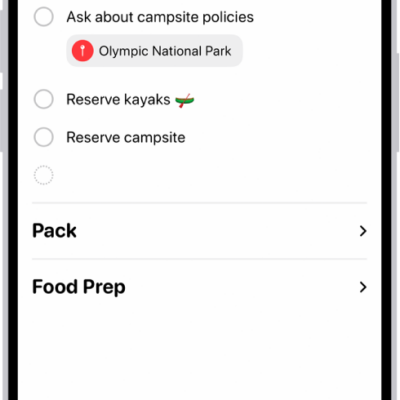
How to edit and organize a list in Reminders on iPhone
You can organize a Reminders list on iPhone with sections, subtasks, and columns, and let Apple Intelligence sort related reminders.
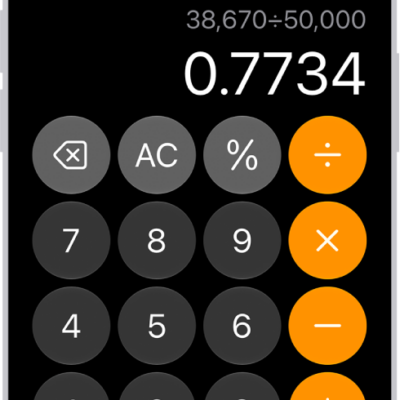
How to use the basic calculator on iPhone
You can do arithmetic with the basic calculator on iPhone, clear digits or the display, copy results, and repeat the last operation.
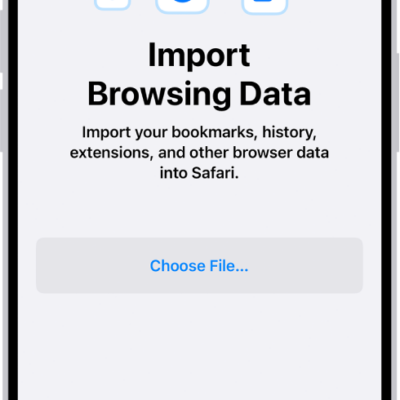
How to import data from another browser into Safari on iPhone
You can import bookmarks, history, extensions, credit cards, and passwords into Safari on iPhone from another browser.
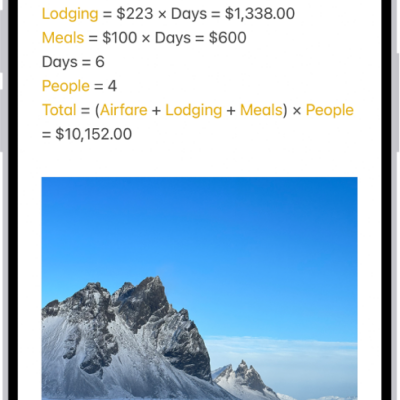
How to enter formulas and equations in Notes on iPhone
You can solve equations, assign variables, and plot graphs, typed or handwritten, as soon as you add an equal sign with math in Notes on iPhone.
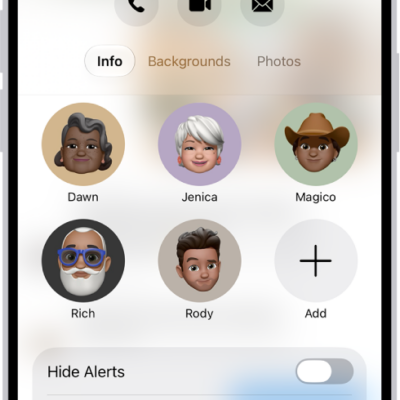
How to share screens using Messages on iPhone
You can share your screen or see someone else's, and use SharePlay to watch or listen together from Messages on iPhone.
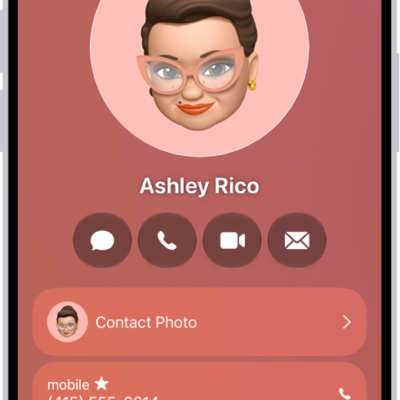
Ways to keep in touch with friends and family on iPhone
You can keep in touch with friends and family on iPhone, from a shared address book and favorites to group texts and FaceTime calls.

How to turn the iPhone flashlight on or off
You can turn the iPhone flashlight on or off from Control Center, the Lock Screen, Siri, or the Action button.
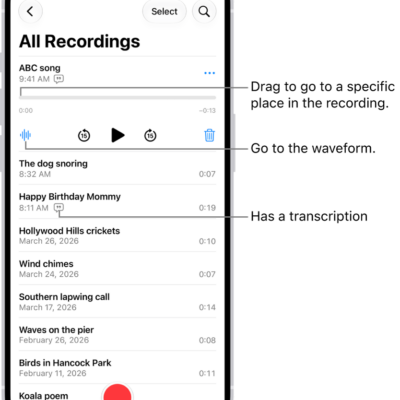
How to keep recordings up to date in Voice Memos on iPhone
You can keep recordings up to date in Voice Memos on your iPhone, iPad, and Mac by turning on Voice Memos in iCloud.
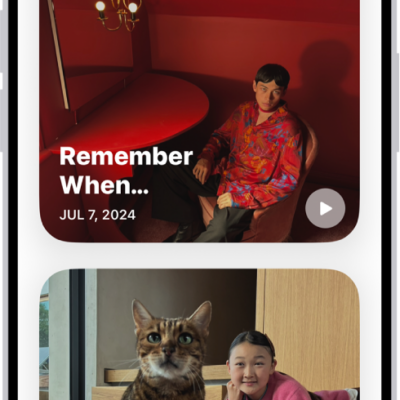
How to view your memories in Photos on iPhone
You can view your memories in Photos on iPhone, personalized collections of people, pets, places, and events, and add favorites.