









GeeksModo Story Archive - October 2026
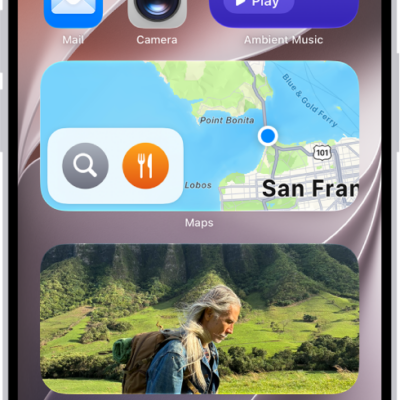
How to use Weather widgets on iPhone
You can use Weather widgets on your iPhone Home Screen to check the forecast at a glance, and change the location they show.
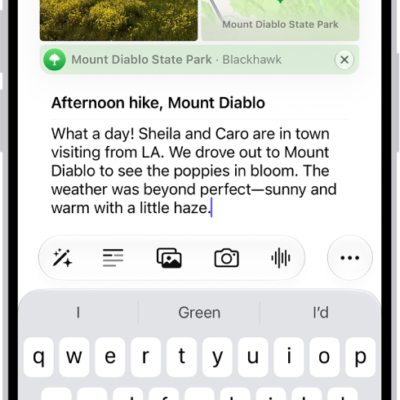
How to add formatting, photos, and more in Journal on iPhone
You can format Journal entries on iPhone and add drawings, photos, videos, locations, and audio recordings, then rearrange them inline with your text.
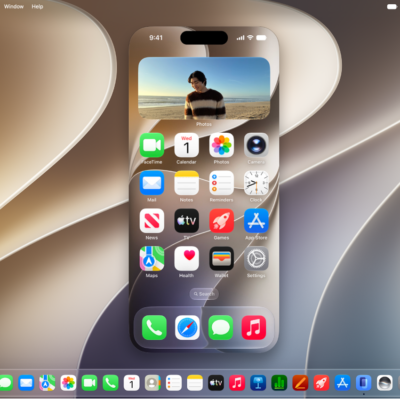
How to control your iPhone from your Mac
You can control your iPhone from your nearby Mac and get its notifications and Live Activities there too with iPhone Mirroring.
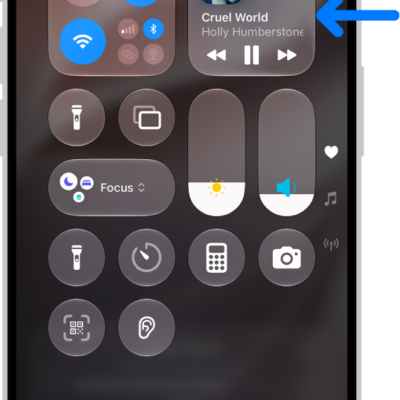
How to play audio from your iPhone on a Bluetooth accessory
You can play and control audio from your iPhone on it, and improve the audio accuracy after you connect a Bluetooth accessory.
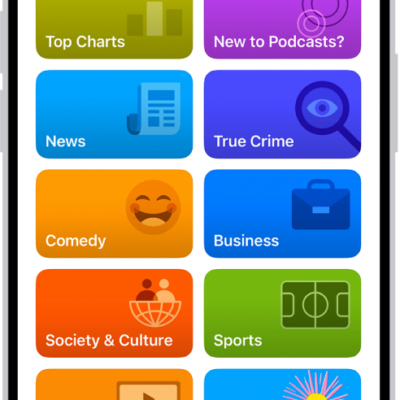
How to organize your podcast library on iPhone
You can organize your podcast library on iPhone, change episode order, set download limits, hide played episodes, and create stations.
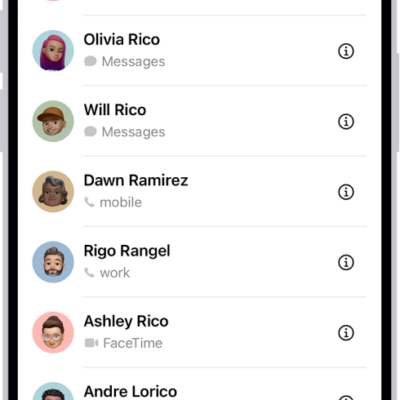
How to add or remove accounts in Contacts on iPhone
You can add iCloud and other contact accounts on iPhone, choose a default account, set up LDAP or CardDAV, and remove accounts you don't need.
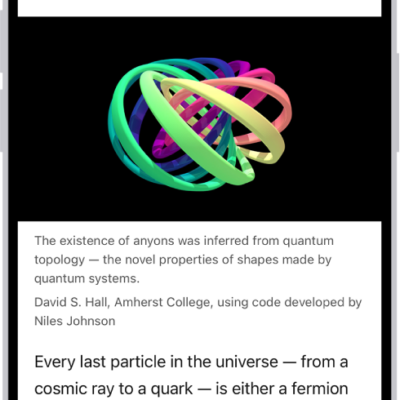
How Safari on iPhone uses digital certificates to check encrypted websites
You can count on digital certificates to help Safari on iPhone check that encrypted websites are legitimate and protect the information you exchange.
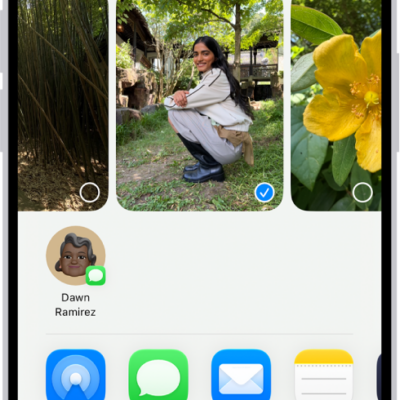
How to add and remove people in a shared album on iPhone
You can add people to a shared album in Photos on iPhone and change what each participant is allowed to do with it.

How to clear your reading history in News on iPhone
You can clear your reading history and recommendation data in the News app on iPhone, on every device signed in to your Apple Account.
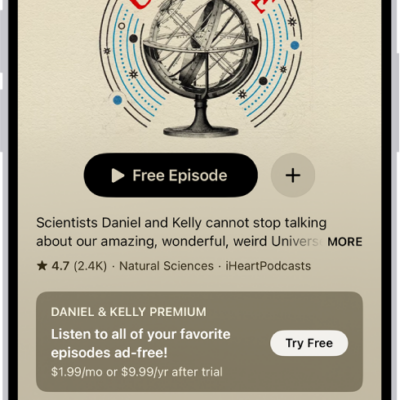
How to subscribe to a show or channel in Podcasts on iPhone
You can manage podcast subscriptions on iPhone, subscribing to shows and channels for extras like early access and ad-free listening.