









GeeksModo Story Archive - October 2026
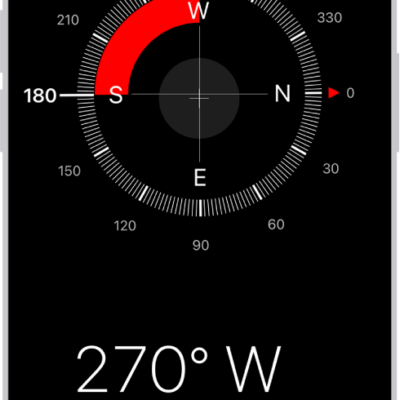
How to use the compass on iPhone
You can use the compass on iPhone to see which way iPhone is pointing, your coordinates, and your elevation.
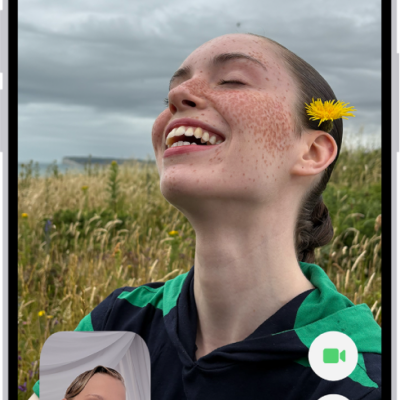
How to take a Live Photo during a FaceTime call on iPhone
You can take a Live Photo during a FaceTime video call on iPhone to capture a moment, with sound, saved to Photos.
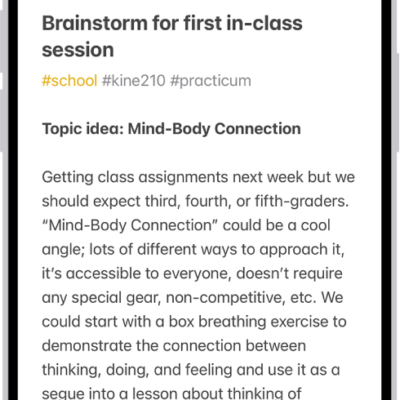
How to organize your notes with tags on iPhone
You can add tags like #work to notes on iPhone, then find and filter tagged notes with the Tag Browser or Smart Folders.
How Apple Intelligence protects your privacy on iPhone
You can rely on Apple Intelligence on iPhone to protect your privacy with on-device processing and Private Cloud Compute, and create a report of its requests.

How to make a slideshow on iPhone
You can make a slideshow of selected photos, an album, or a collection in Photos on iPhone, and change its transitions and music.
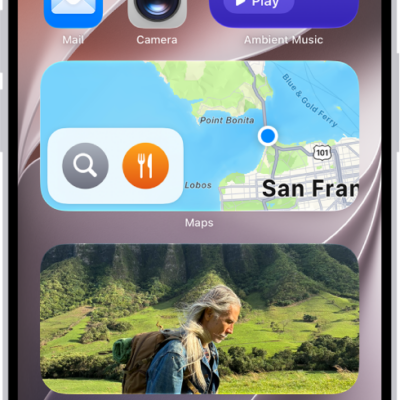
How to use News widgets on iPhone
You can use the Today and Topic widgets from News on iPhone to check top and trending stories, or stories on a topic you choose.
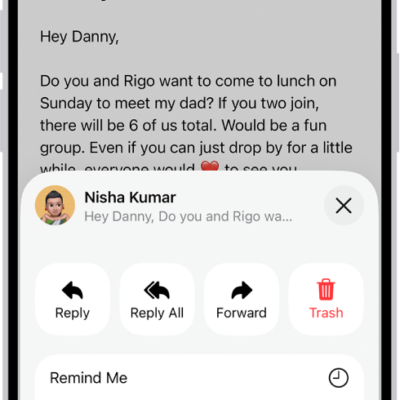
How to check your email in Mail on iPhone
You can read, preview, and summarize email in Mail on iPhone, set reminders for messages, and see whole conversations.
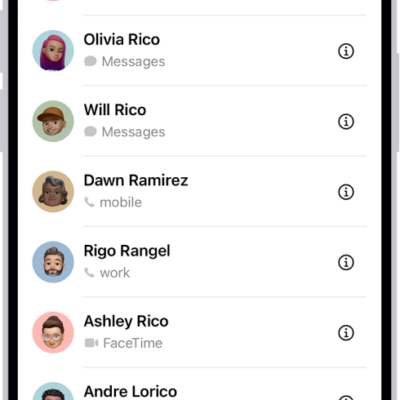
How to import contacts on iPhone
You can import contacts to iPhone from a SIM card, a vCard attachment, or a GAL, CardDAV, or LDAP directory.
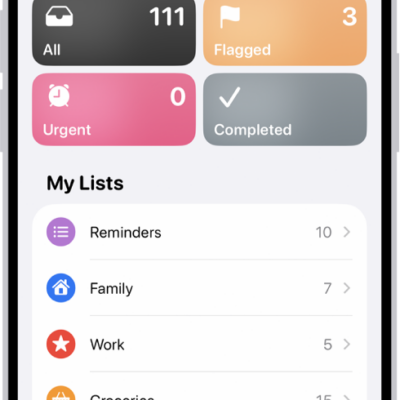
How to search through all your lists in Reminders on iPhone
You can search through all your Reminders lists on iPhone at once for items that contain a word or phrase.
How to use Weather widgets on iPhone
You can use Weather widgets on your iPhone Home Screen to check the forecast at a glance, and change the location they show.