









GeeksModo Story Archive - October 2026
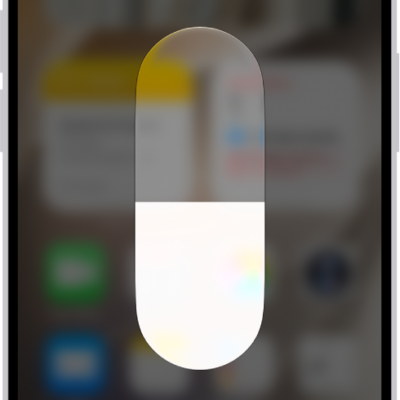
What iPhone status icons mean
You can learn the meaning of the status icons in the iPhone status bar and Control Center, from privacy indicators and battery to connectivity.
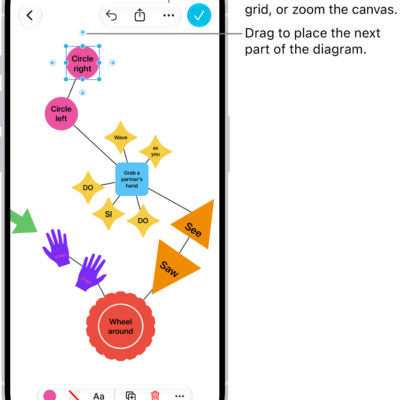
How to add diagrams to a Freeform board on iPhone
You can build a diagram on a Freeform board on iPhone using shapes and connector lines, then change how the items connect.
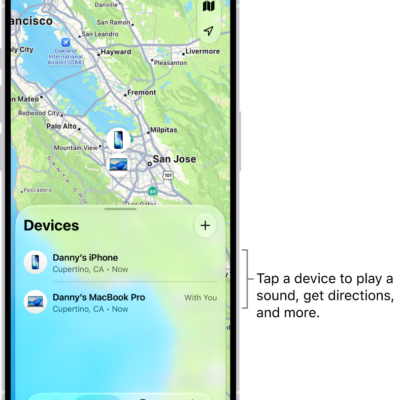
How to turn off Find My on iPhone
You can turn off Find My on iPhone if you no longer want to share your location or see your friends, devices, and items.
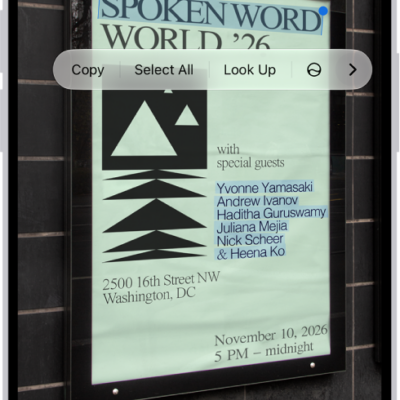
How to use Live Text with your iPhone camera
You can copy, translate, and look up text in the frame, and call numbers or visit websites with Live Text in the iPhone camera.
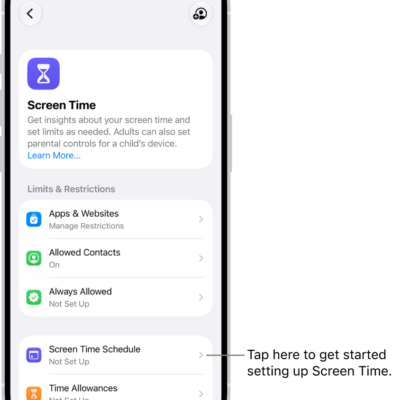
How to turn off and restrict access to Apple Intelligence features on iPhone
You can turn off Apple Intelligence features on iPhone, like Siri AI and summaries, or switch to Siri Classic.

How to view your passwords and related information on iPhone
You can view and copy passwords on iPhone, add notes to accounts, go to an account's website, and remove accounts from iCloud Keychain.
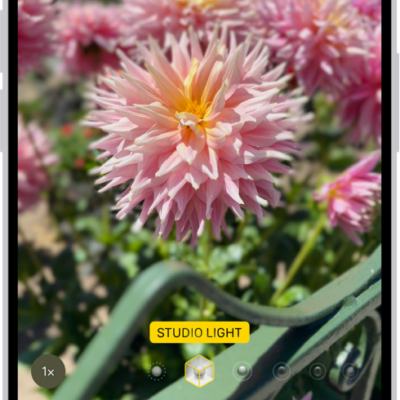
How to record video in Cinematic mode with your iPhone camera
You can record video in Cinematic mode on supported iPhone models, keeping your subject sharp with a blurred background, and change the focus later.
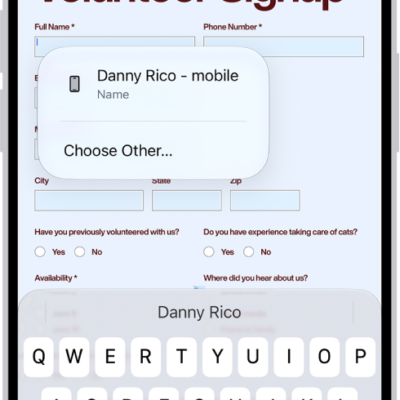
How to print PDFs or images in Preview on iPhone
You can print a PDF or image from the Preview app on iPhone to a printer you choose.
How to add your iPhone to Find My
You can add your iPhone to Find My, turn on the Find My network and Send Last Location, and see your family's devices too.
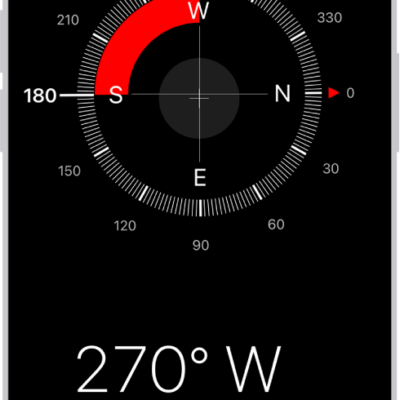
How to use the compass on iPhone
You can use the compass on iPhone to see which way iPhone is pointing, your coordinates, and your elevation.