









GeeksModo Story Archive - October 2026
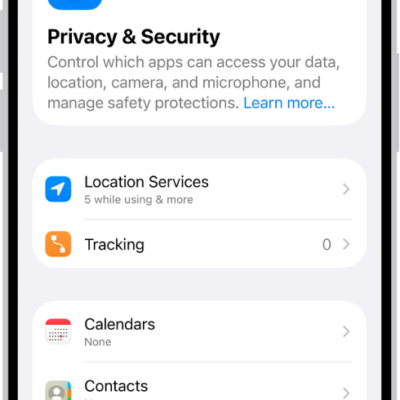
How to reset privacy and security settings in an emergency
You can quickly stop sharing your location and access with others and change your passwords with Emergency Reset in Safety Check on iPhone.
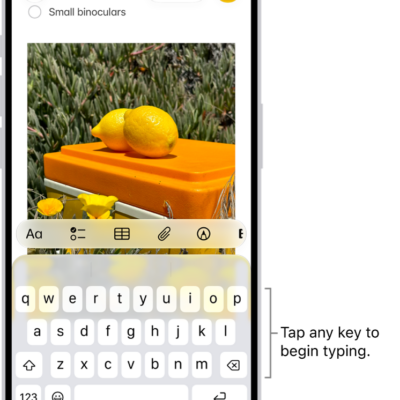
How to type with the onscreen keyboard on iPhone
You can type with the iPhone onscreen keyboard, slide to type with QuickPath, enter special characters, and type with one hand.
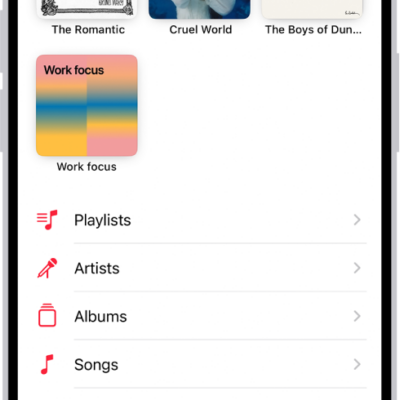
How to transfer music from other music services to Apple Music on iPhone
You can transfer saved music and playlists from other music services to your library on iPhone if you subscribe to Apple Music.
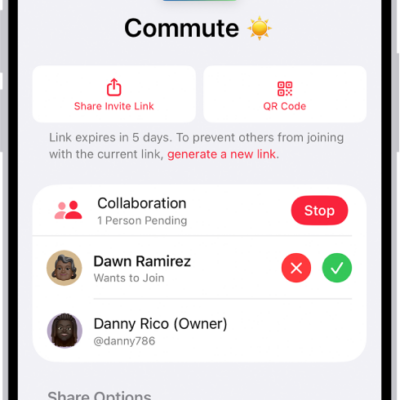
How to join a collaborative playlist in Music on iPhone
You can join a collaborative playlist on iPhone from an invite link, then add songs and react with emoji if you subscribe to Apple Music.
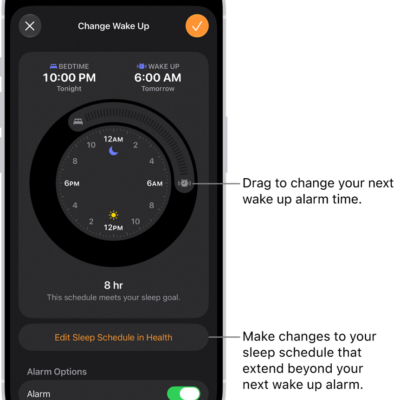
How to change your wake up alarm in Clock on iPhone
You can change your wake up alarm in the Clock app on iPhone, including its sound, volume, and snooze if you've set a sleep schedule.
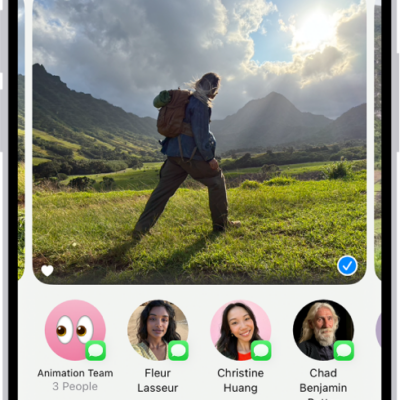
How to share long videos on iPhone
You can send long videos from iPhone that are too big for a text message, using AirDrop, iCloud, or Mail Drop.

How to show transcriptions for Intercom messages from HomePod on iPhone
You can show transcriptions for Intercom messages from HomePod on iPhone by turning on Show Audio Transcriptions.

How to read local news in News on iPhone
You can set up a local news feed in News on iPhone for news, events, and weather where you live, and follow local publishers in the U.S..
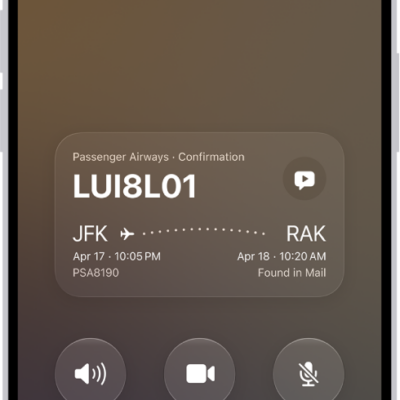
How to answer or decline incoming calls on iPhone
You can answer, silence, or decline incoming calls on iPhone, reply with a text, send a call to voicemail, or ask a caller what they want.
What iPhone status icons mean
You can learn the meaning of the status icons in the iPhone status bar and Control Center, from privacy indicators and battery to connectivity.