









GeeksModo Story Archive - October 2026
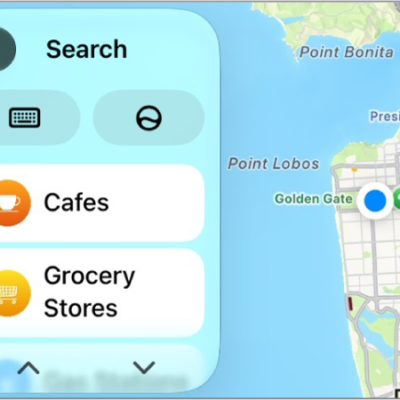
How to adjust CarPlay accessibility settings for vision
You can change CarPlay accessibility settings for vision, including color filters, grayscale, text size, bold text, and Voice Control.
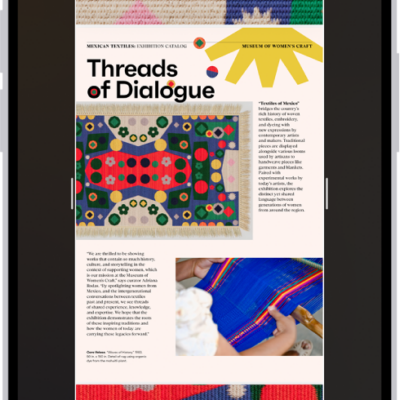
How to search and take action on your iPhone screen with Visual Intelligence
You can use Visual Intelligence to search, ask questions, and take action on what's on your iPhone screen with Apple Intelligence.
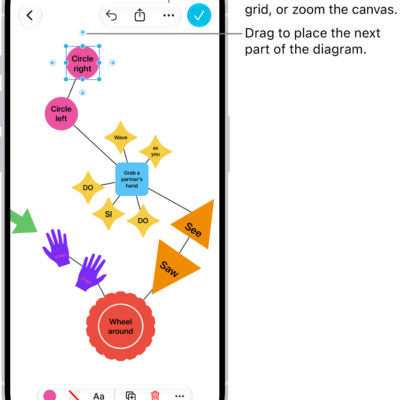
How to add shapes, lines, and arrows to a Freeform board on iPhone
You can add shapes, lines, and arrows to a Freeform board on iPhone, change how they look, and combine or split shapes.
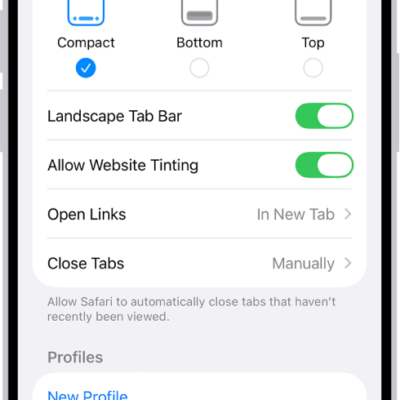
How to change the layout in Safari on iPhone
You can choose a Compact, Bottom, or Top tab bar layout for Safari on iPhone in the Safari section of the Settings app.
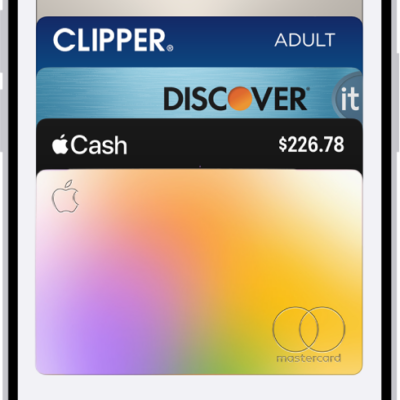
How to unlock your door with a home key on iPhone or Apple Watch
You can unlock your door with a home key in Apple Wallet on iPhone or Apple Watch, or give a guest an access code with a supported lock.
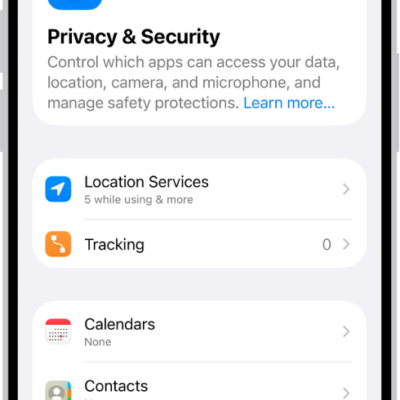
How to reset privacy and security settings in an emergency
You can quickly stop sharing your location and access with others and change your passwords with Emergency Reset in Safety Check on iPhone.
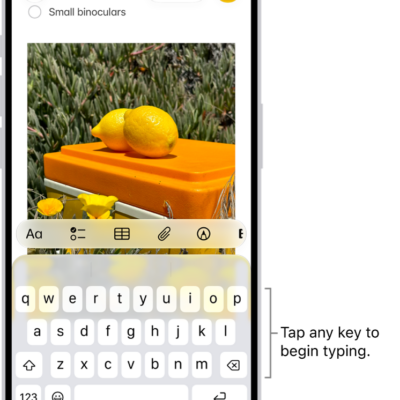
How to type with the onscreen keyboard on iPhone
You can type with the iPhone onscreen keyboard, slide to type with QuickPath, enter special characters, and type with one hand.
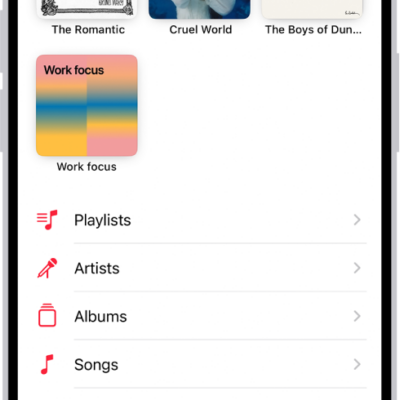
How to transfer music from other music services to Apple Music on iPhone
You can transfer saved music and playlists from other music services to your library on iPhone if you subscribe to Apple Music.
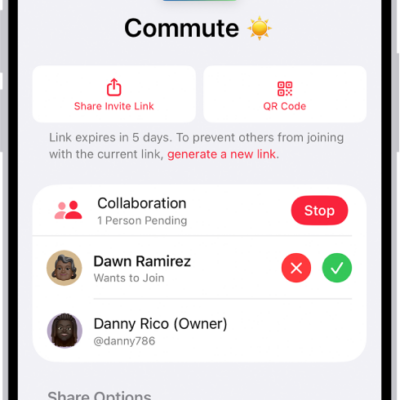
How to join a collaborative playlist in Music on iPhone
You can join a collaborative playlist on iPhone from an invite link, then add songs and react with emoji if you subscribe to Apple Music.
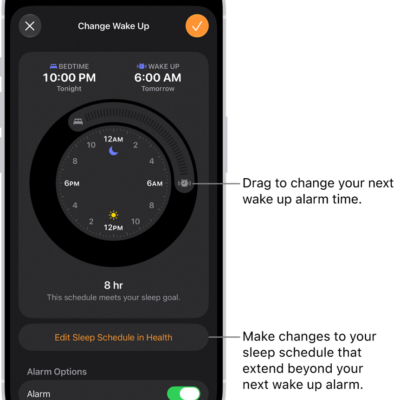
How to change your wake up alarm in Clock on iPhone
You can change your wake up alarm in the Clock app on iPhone, including its sound, volume, and snooze if you've set a sleep schedule.