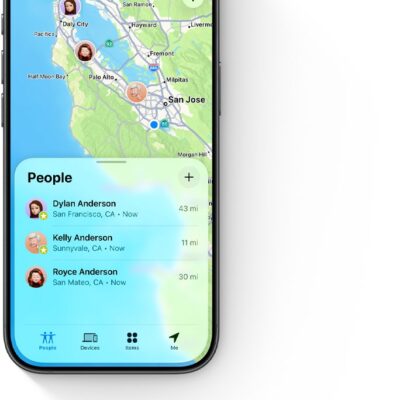
Use the Find My app on iPhone models that support Precision Finding to meet up with a friend. When you get close enough, an arrow points toward your friend, along with an estimate of the distance, and the screen turns green when you’re walking in the right direction.
Note: Precision Finding isn’t available in all countries or regions, and both you and the friend you’re looking for must have a supported iPhone model.
- Start the Find My app on your iPhone.
-
Tap People and tap the name of the friend you want to meet.
If you aren’t following each other, you may have to share your location or ask for their location.
-
Do one of the following:
- See your friend in Maps: If you aren’t nearby, tap Directions to get closer to their location.
- Find your friend nearby: If you’re near one another, tap Find to notify your friend that you’re trying to locate them and then follow the onscreen instructions to get directions to them.
When you get close enough to each other, an arrow points in their direction with an estimate of how far away they are.
- When you locate the person you’re looking for, tap the Close button.
If you receive a notification that a friend is trying to find you, you can tap Share so they can find their way to you more easily. If you’ve already shared your location with them, they see where you are relative to their location. You can stop sharing your location at any time.