









GeeksModo Story Archive - October 2026
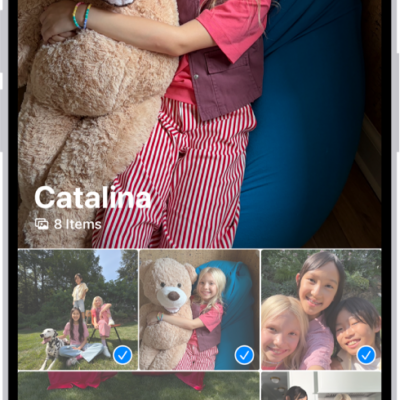
How to filter and sort photos and videos in albums on iPhone
You can filter albums in Photos on iPhone to show only photos, videos, or favorites, and sort them by date or in a custom order.

How to set up accessories with Home on iPhone
You can add accessories like lights and cameras to the Home app on iPhone, assign them to rooms, and organize rooms into zones.

How to view your password history for a website or app on iPhone
You can see the previous versions of a password on iPhone, with the dates they changed, and clear the history.
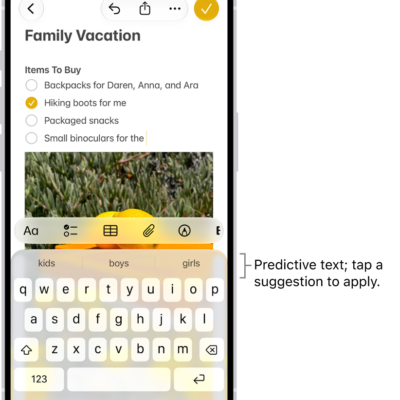
How to use predictive text on iPhone
You can use predictive text on iPhone to see word, emoji, and information suggestions as you type, and let inline predictions finish your sentence.
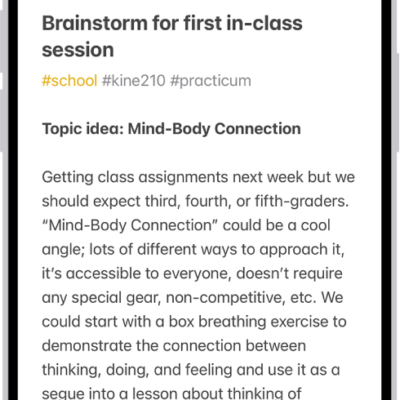
How to organize your notes in folders on iPhone
You can organize notes into folders and subfolders on iPhone, pin important notes, and change how folders are sorted.
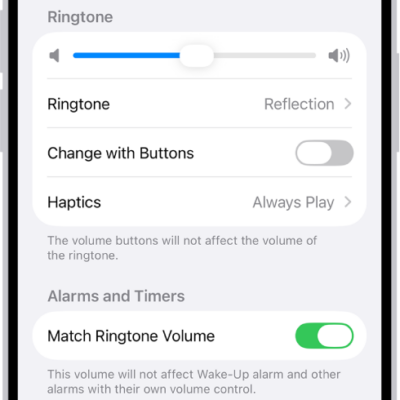
How to select ringtones on iPhone
You can give contacts their own ringtones on iPhone, and turn the ringer on or off with the Ring/Silent switch or Control Center.
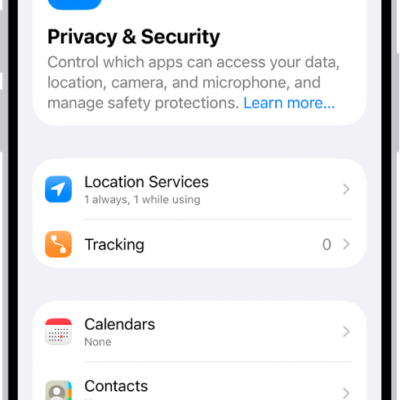
How to harden your iPhone from a cyberattack with Lockdown Mode
You can harden your iPhone with Lockdown Mode, an extreme protection meant only for people who might be targeted by a highly sophisticated cyberattack.
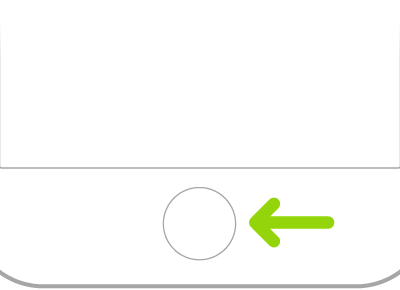
How to set up Touch ID on iPhone
You can set up Touch ID on iPhone to unlock it, pay, and sign in to apps with your fingerprint, and add or delete fingerprints.
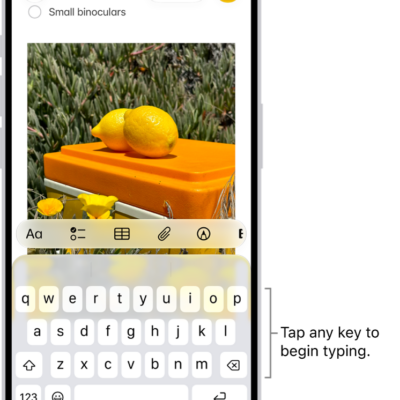
How to choose an alternative layout for Magic Keyboard with iPhone
You can enter letters and marks that aren't on the keyboard, such as diacritical marks with an alternative layout for Magic Keyboard with iPhone.
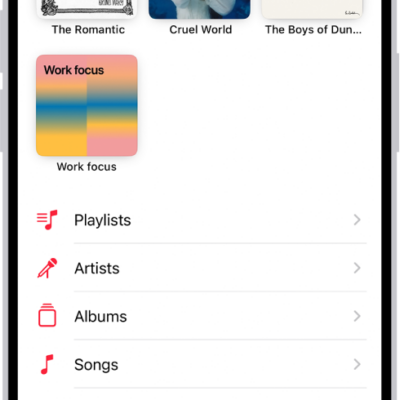
How to manage your iTunes Store purchases and settings on iPhone
You can view and download your iTunes Store purchases on iPhone, see family members' purchases, and set content restrictions.