









GeeksModo Story Archive - October 2026
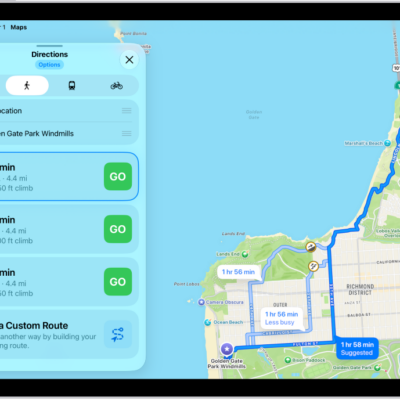
How to get walking directions in Maps on iPad
You can get walking directions in Maps on iPad, preview elevation, and avoid hills, busy roads, or stairs.
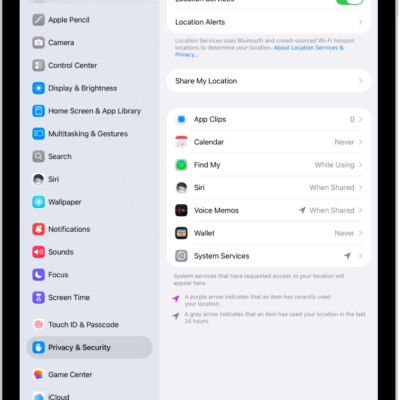
How to set up Maps on iPad
You can set up Maps on iPad, allow it to use your location, show where you are, and switch to a different map view.
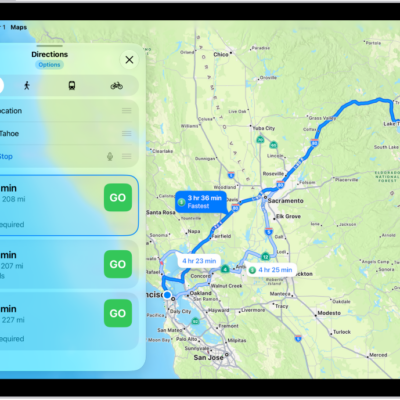
How to use Maps on iPad
You can use Maps on iPad to get directions, use the Maps widget or Siri, and send a route from your Mac to your iPad.
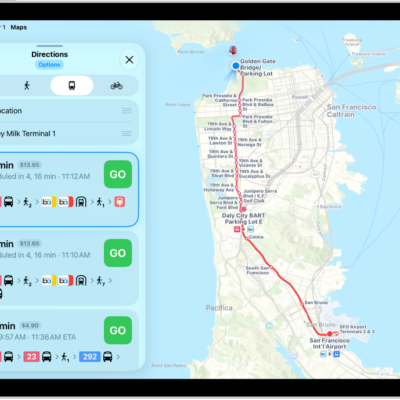
How to get transit directions in Maps on iPad
You can get transit directions in Maps on iPad with departure times, connections, and fares, and plan for a future trip.
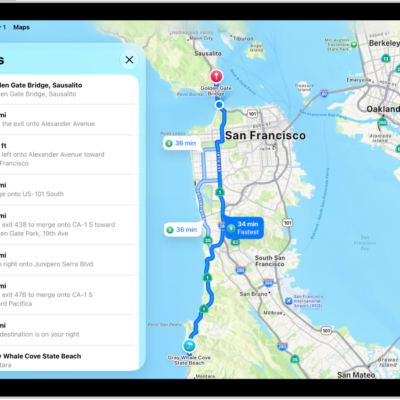
How to view a route overview or a list of turns in Maps on iPad
You can view a route overview or a list of turns in Maps on iPad while following directions, and share a route with someone.

How to use AirPods with iPad
You can use AirPods with iPad to listen to audio, make and answer FaceTime calls, and listen and respond to messages.
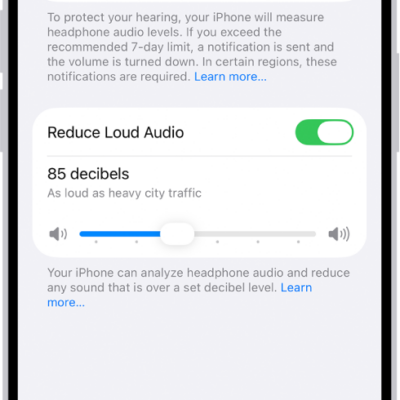
How to use headphone audio-level features on iPad
You can use headphone audio-level features on iPad to set a maximum decibel level and check your headphone level.

How to use EarPods with Lightning Connector on iPad
You can use EarPods with Lightning Connector on iPad to listen to music and videos, make calls, and use Siri.
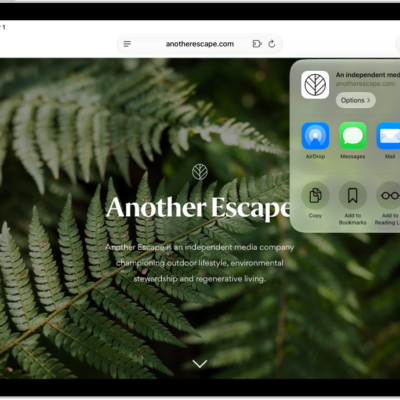
How to turn a website into an app in Safari on iPad
You can turn a website into an app in Safari on iPad, with its own Home Screen icon and notifications like any app.
How to bookmark a website in Safari on iPad
You can bookmark a website in Safari on iPad, bookmark open tabs, organize bookmarks in folders, and add a website to the Home Screen.