







GeeksModo Story Archive - November 2026
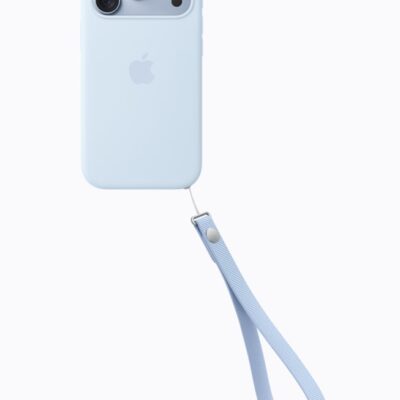
How to Mute Email Threads on iPhone 18 Pro Max
Set Muted Thread Action to Mark as Read or Archive or Delete to control how your iPhone 18 Pro Max handles muted email threads.
How to Change Your Phone Number on iPhone 18 Pro Max
Contact your carrier and ask for a number change if you want a new phone number on your iPhone 18 Pro Max.
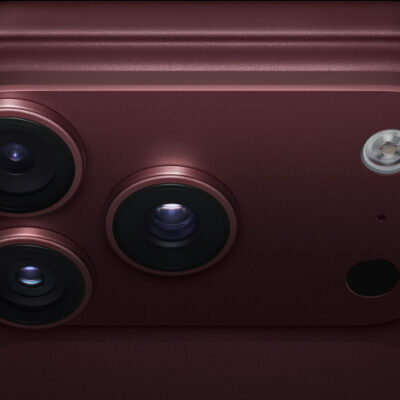
Spam FaceTime Calls on iPhone 18 Pro Max? Here’s What to Do
Turn on Silence Unknown Callers in FaceTime settings to stop spam FaceTime calls on your iPhone 18 Pro Max.
Can’t See Photos in Messages on iPhone 18 Pro Max? Fix
If you can't see photos in Messages on your iPhone 18 Pro Max, turn on cellular data.
iPhone 18 Pro Max Not Receiving Texts? Here’s How to Fix It
Turn off message filtering if texts aren't showing up on your iPhone 18 Pro Max.
No Text Message Alerts or Sounds on iPhone 18 Pro Max? Fix
Check the notification settings for Messages when your iPhone 18 Pro Max doesn't alert you to new texts.
iPhone 18 Pro Max Not Sending Pictures to Android? How to Fix
Turn on MMS Messaging if pictures you send from your iPhone 18 Pro Max don't reach Android phones.
iPhone 18 Pro Max Not Receiving Texts From Android? Fix
If Android texts don't arrive on your iPhone 18 Pro Max, check that the sender's number isn't blocked.
How to Block Emails and Unsubscribe on iPhone 18 Pro Max
If someone keeps emailing you on your iPhone 18 Pro Max, tap their email address in Mail, then tap Block this Contact.
How to Block Unwanted Calls and Texts on iPhone 18 Pro Max
Use Blocked Contacts in Settings on your iPhone 18 Pro Max to add or remove blocked numbers and email addresses.