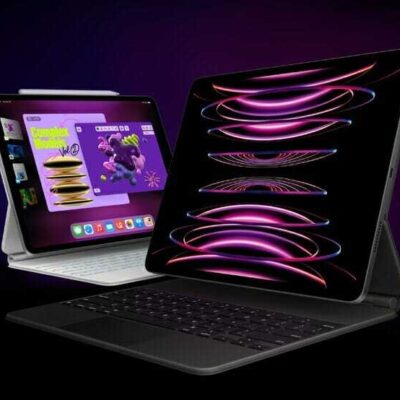
You can change Magic Keyboard options for autocorrection, autocapitalization, and more. When Auto-Capitalization is on, an app supporting this feature can capitalize proper nouns and the first words in sentences as you type, and with Auto-Correction, it corrects the spelling as you type. There’s also a “.” Shortcut option.
Go to Settings > General > Keyboard > Hardware Keyboard, then do any of the following:
- Turn Auto-Capitalization on or off: When this option is selected, an app supporting this feature capitalizes proper nouns and the first words in sentences as you type.
- Turn Auto-Correction on or off: When this option is selected, an app supporting this feature corrects the spelling as you type.
- Turn “.” Shortcut on or off: When this option is selected, double-tapping the space bar inserts a period followed by a space.
- Change the action performed by the Command key or other modifier key: Tap Modifier Keys, tap a key, then choose the action you want it to perform.
Tag: Keyboard