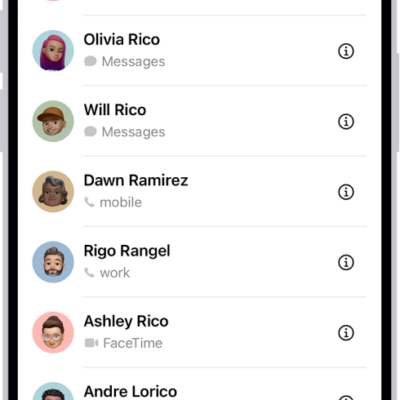
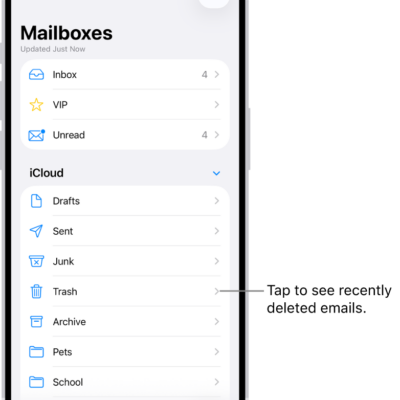
To keep your contact information up to date across all your devices where you’re signed in to your Apple Account, you can use iCloud. With iCloud, your contacts stay up to date automatically. You can also sync the information between iPhone and your Mac or Windows device instead.
- Open Settings, tap [your name], and then tap iCloud.
- Tap See All next to Saved to iCloud and turn on Contacts.
To keep the information current across iPhone and your computer, you can sync it between iPhone and your Mac or Windows device instead.
Using iCloud for Contacts keeps your contacts up to date automatically, so options for syncing them with your computer don’t appear.