How to keep the screen off when you use VoiceOver on iPhone
If you use VoiceOver on iPhone, and don’t need to see what’s on the screen, you can turn on the screen curtain. It improves battery life and helps maintain privacy. And even though the display is off, your iPhone stays active.
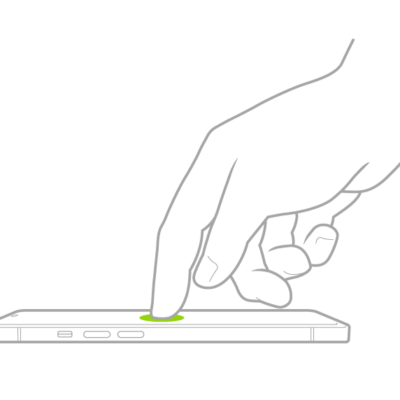
With VoiceOver on, triple-tap with three fingers to turn the screen curtain on or off. If both VoiceOver and the Zoom feature are turned on, quadruple-tap with three fingers.
Read Next
You can use the VoiceOver rotor on iPhone to change volume and speaking rate, move between items, and choose input methods like Braille Screen Input.
You can use the onscreen keyboard to enter, select, and delete text, and change the keyboard language with VoiceOver on iPhone.
You can use VoiceOver gestures on iPhone, like two-, three-, and four-finger taps and swipes, to move around the screen and control items.