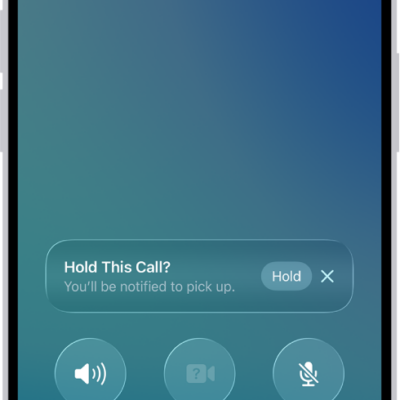
Siri can announce calls and notifications from apps like Messages on supported headphones. Announce Calls also works with supported third-party apps.
All it takes is one setting. Siri then identifies the caller when a call comes in and asks if you want to answer, letting you accept or decline the call with your voice. There’s more to learn about how to use Siri on Apple Watch, too.
- Start the Settings app on your Apple Watch.
- Tap Siri and then turn on Announce Calls.
- When a call comes in, the caller is identified and you’re asked if you want to answer the call. Say “yes” to accept the call or “no” to decline it.
See also