How to search through all your lists in Reminders on iPad
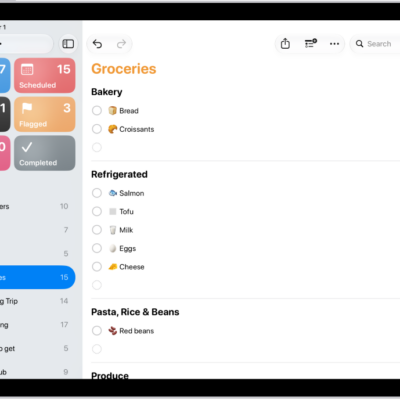
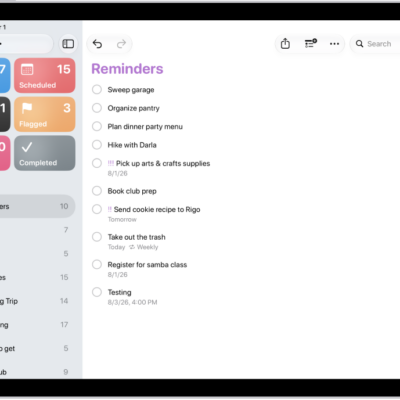
In the Reminders app, you can easily search through all your lists for items that contain specific text. You enter what you’re looking for in the search field, and Reminders shows matching items from every list.
Here’s how to search through all your lists in Reminders on iPad.
Search for items in all your lists
- Start the Reminders app on your iPad.
- In the search field, enter a word or phrase.
See also
Read Next
You can make a grocery list in Reminders on iPad that sorts items into categories automatically, and convert an existing list.
You can print a list in Reminders on iPad, like a grocery list, checklist, or project tasks, from the More button.
You can get started with Reminders on iPad to set reminders, create grocery lists, collaborate on lists, and organize your tasks.