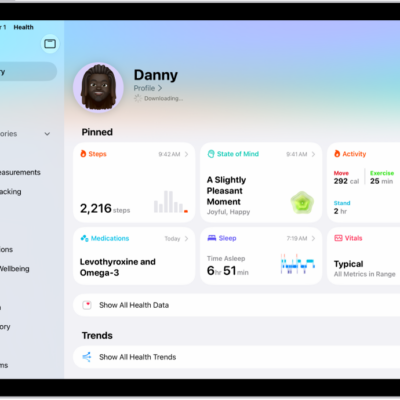
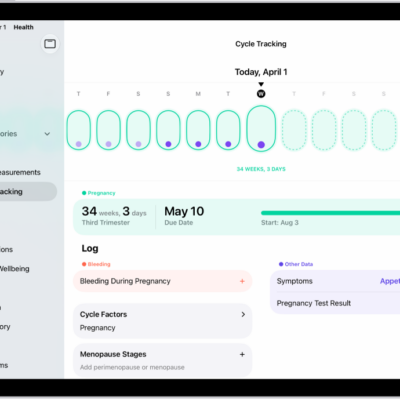
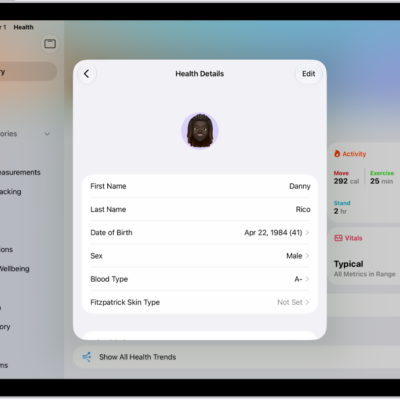
The Health app securely stores your health information from iPhone, iPad, and Apple Watch, as well as from compatible third-party apps and connected devices. You can also manually enter data for body measurements, symptoms, menstrual cycle information, and more.
iPad automatically stores and analyzes some health data, like headphone audio levels, sleep history, and health records from your healthcare providers. Health and fitness apps from the App Store can share data with Health, too, along with devices like blood pressure monitors and weight scales.
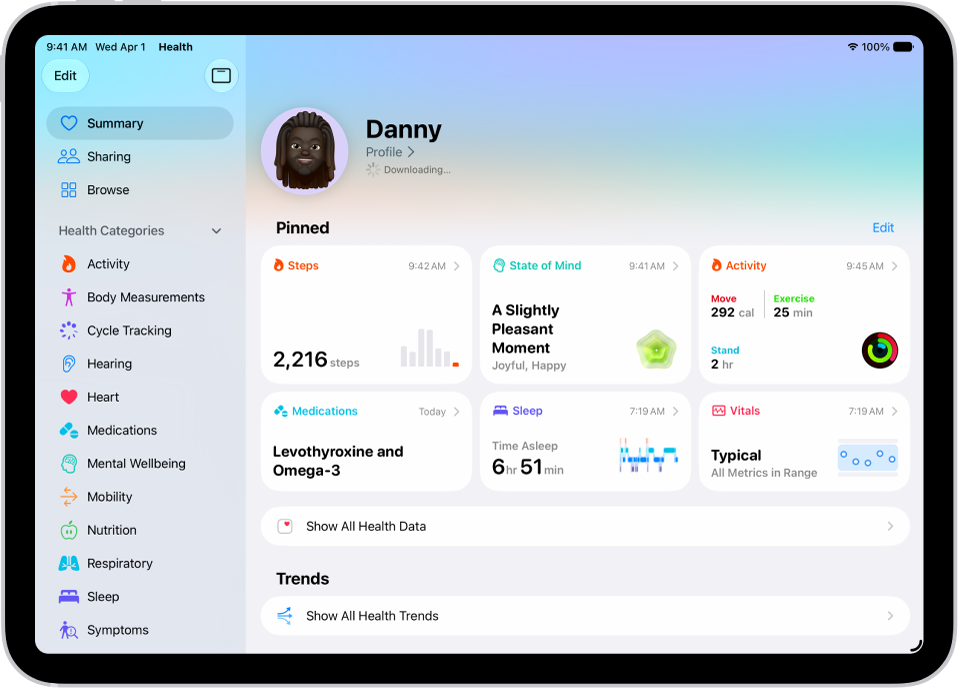
Health data from iPad
iPad automatically stores and analyzes valuable health data, such as the following:
- Headphone audio levels: Audio level measurements from connected AirPods, EarPods, or other compatible headphones are automatically stored in Health. You can review this data in the Hearing category to help you understand your headphone listening habits.
- Sleep history: If you set up a sleep schedule in Health on iPhone, iPhone estimates the periods you’re lying in bed with the intention to sleep. You can review this data in the Sleep category on iPad to help you meet your sleep goals.
- Health records from your healthcare providers: If you download health records you can browse health records of your allergies, medical conditions, medications, and more from supported healthcare organizations on iPad (not available in all countries or regions).
Health data from other apps and devices
As you set up health and fitness apps that you download from the App Store, follow their onscreen instructions to allow them to share data with Health.
To store data from devices like blood pressure monitors and weight scales, follow their setup instructions. Bluetooth® devices need to be paired with iPad.
Note: For apps and devices, you can change health data permissions whenever you’d like.
Data that you add manually
You can manually enter data about your menstrual cycles, medications, body measurements, and more.
- Add information about your menstrual cycles: By logging menstrual cycle information, you can get period and fertile window predictions. See Log menstrual cycle information in Health.
- Add your medications, vitamins, and supplements: By adding these items, you can get reminders to take them and learn more about them. See Track your medications in Health.
- Add information to other Health categories: Tap the Browse button, tap a category, tap the Details button for the data you want to update, then tap Add Data at the top right.
Important: iPhone, iPad, and Apple Watch aren’t medical devices. See Important safety information for iPad.
See also