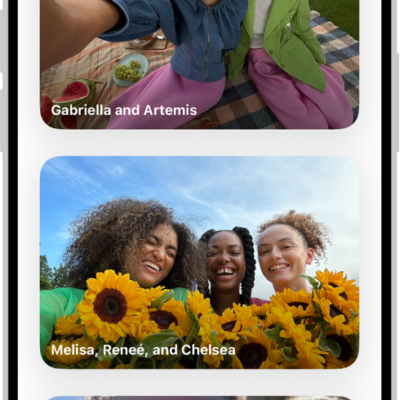
You can find photos and videos taken on a particular date—year, month, or day. The Recent Days collection shows a summary of the best photos from a particular day, and you can browse through your library by year or month. Years and Months views are curated to show your best shots.
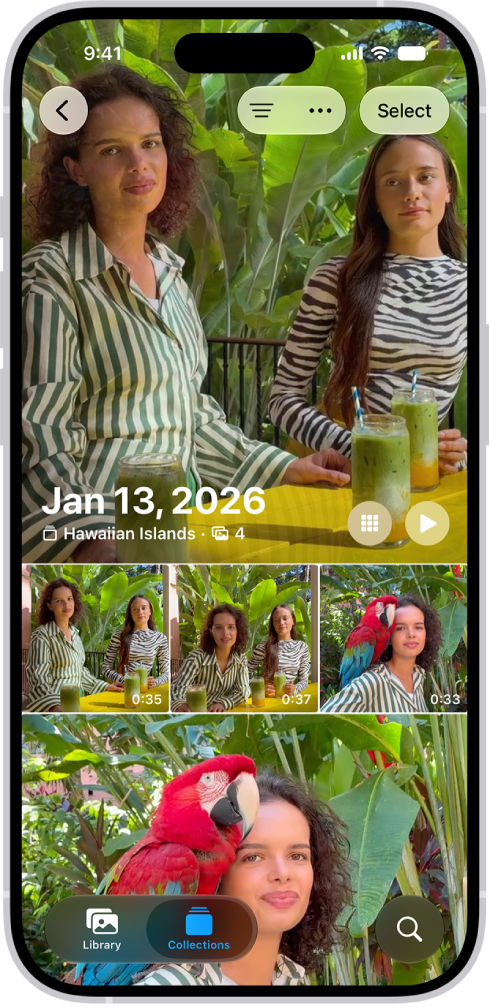
View photos and videos you took on a recent day
The Recent Days collection is where you’ll find the photos and videos you took on a particular day.
- Start the Photos app on your iPhone.
- Tap Collections and then scroll down to Recent Days.
- Swipe left or right to quickly move between days, or tap Recent Days to view all.
- Tap a day to open the collection.
When you open a day in Recent Days, you see a summary of the best photos from the day. To see all the photos you took that day, tap Show All.
Browse through your library by year or month
- Start the Photos app on your iPhone.
- Swipe down on the photo library grid and tap one of the following:
- Years: Quickly locate a specific year in your photo library.
- Months: View collections of photos that you took throughout a month, organized by significant events—like a family outing, social occasion, birthday party, or trip.
Years and Months views are curated to show your best shots, and visual clutter like similar photos, screenshots, whiteboards, and receipts aren’t shown. To see every photo and video, tap All. You can also search for a specific date.