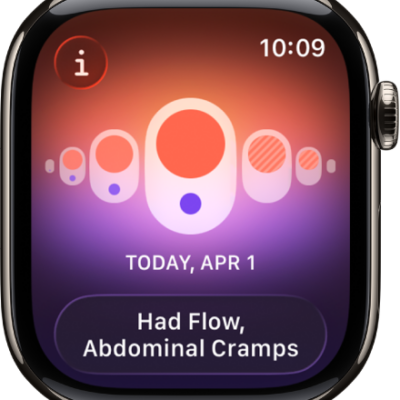
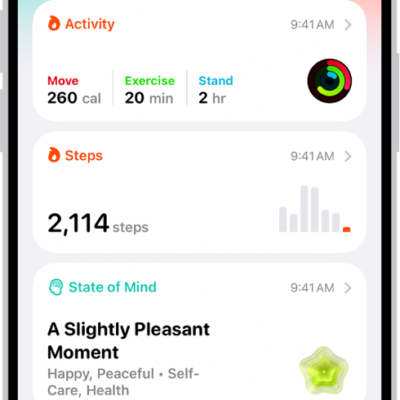
If you sign in with your Apple Account, your health and fitness information in the Health app is stored automatically in iCloud. Your information is encrypted as it goes between iCloud and your device and while it’s stored in iCloud.
In addition to using iCloud, or if you aren’t using iCloud, you can back up your Health data by encrypting a computer backup. You can also stop storing your data in iCloud at any time. Your Health app data syncs across devices that are signed in to the same Apple Account.
Note: For your Health app data to sync across devices, make sure your devices are signed in to the same Apple Account, are connected to the internet, and are updated to the latest OS version.
Manage your Health data in iCloud
Check that your Health data is synced across all of your devices, or stop storing your data at any time.
- Go to the Settings app on your iPhone
- Tap your name, then tap iCloud.
- Tap Show All and tap Health. Then turn Sync with iPhone on or off.