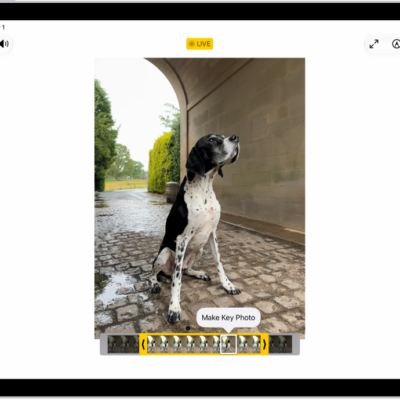
Photos you take in the Photo Booth app are saved in the Photos app, where you can view and edit them. If you use iCloud Photos, you can view your Photo Booth photos on your other devices signed in to the same Apple Account, too.
View and edit photos in the Photos app
- Open the Photos app and then tap Library.
- Tap the thumbnail to view the photo in full screen and tap the Edit Photos button. Use the edit controls to make changes.
- Tap Done.
See Browse your photo library on iPad and Edit photos and videos.
View photos on all your devices
With iCloud Photos, you can view your photos on other devices that meet the minimum system requirements, which are iPadOS 13, iOS 11, and macOS 10.13. You’ll need to be signed in to the same Apple Account on all of them.
See also
- Take photos in Photo Booth on iPad
- Delete, share, or copy a photo in Photo Booth on iPad
- Use iCloud on iPad
Tag: Photos