How to enable cookies on iPad
You can enable cookies on iPad. Some websites use cookies to keep track of your activity, such as your settings, and enabling cookies allows websites that require them to work normally. You can also clear your cache and cookies on iPad.
- Start the Settings app on your iPad.
- Tap Apps, then tap Safari.
- Tap Advanced and turn off Block All Cookies.
See also
Read Next
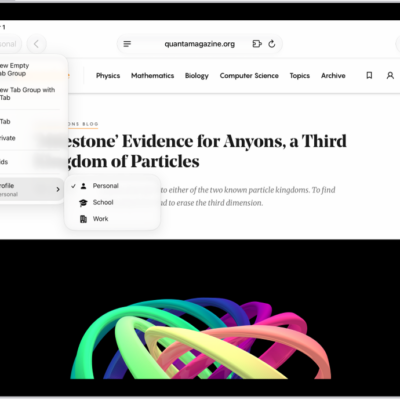
You can create multiple Safari profiles on iPad, like Work and Personal, with separate favorites, history, tabs, and Tab Groups.
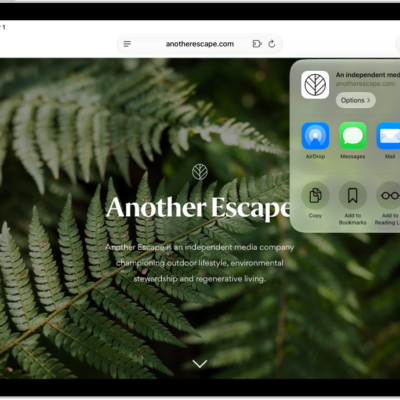
You can bookmark a website in Safari on iPad, bookmark open tabs, organize bookmarks in folders, and add a website to the Home Screen.
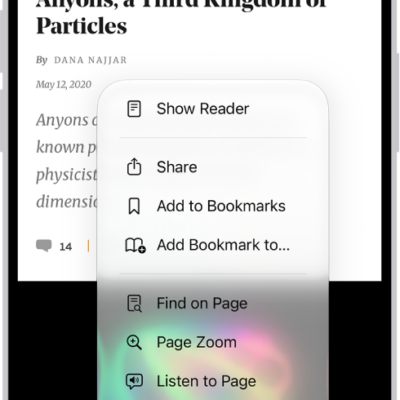
You can hide distractions when browsing in Safari on iPad with Distraction Control, and stop hiding items anytime.