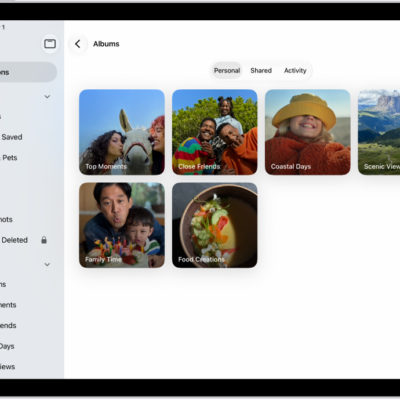
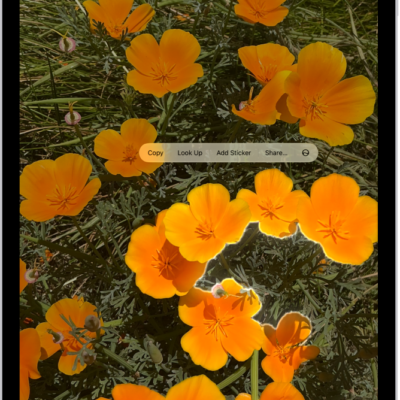
Print your photos directly from the Photos app on your iPad with any AirPrint-enabled device. You can print a photo, or print multiple photos at once. You can also print from iPad in other apps, import and export photos and videos, and share photos and videos on iPad.
Print a photo
- Start the Photos app on your iPad.
- Open a photo, then tap the Share button.
- Tap Print.
Print multiple photos at once
- Start the Photos app on your iPad.
- Tap Library or open a collection, then tap Select.
- Select each photo you want to print. Then tap the Share button.
- Tap Print.
See also
Tag: Photos