Got a tip for us?

Abigail Shilets

Abigail is a staff writer for GeeksModo based in Pennsylvania. She covers news, how-tos, and user guides for iPhone, iPad, Mac, and Apple Watch. Before becoming a writer Abigail studied computer science at University and also worked at Apple for more than two years. When not creating masterpiece for GeeksModo, you can usually find Abigail hiking, climbing, or otherwise unplugged.

Abigail Shilets's Articles

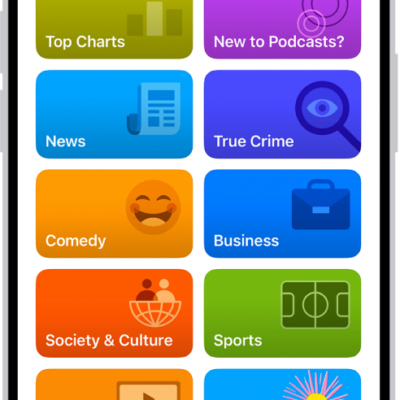
The Search tab in the Podcasts app, showing podcast categories. Toward the bottom of the screen is the MiniPlayer. Below that are the Home, New, Library, and Search buttons.

How to connect app subscriptions to Podcasts on iPhone

You can connect Apple Music, Apple News+, and eligible app subscriptions to Podcasts on iPhone to play subscriber-only shows.
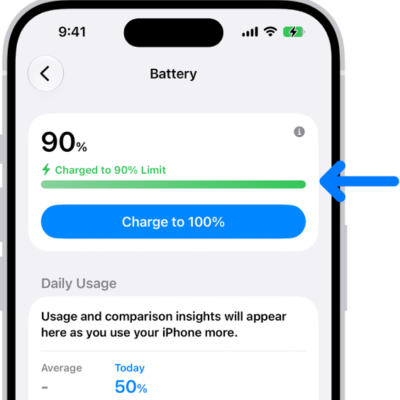
The charging information card in iPhone Battery settings. The card shows the battery at 90% with the message “Charged to 90% Limit.” A button provides the option to “Charge to 100%.

How to set a charge limit on iPhone

You can set a charge limit like 80% to help reduce battery wear, and change it any time on iPhone 15 and later.
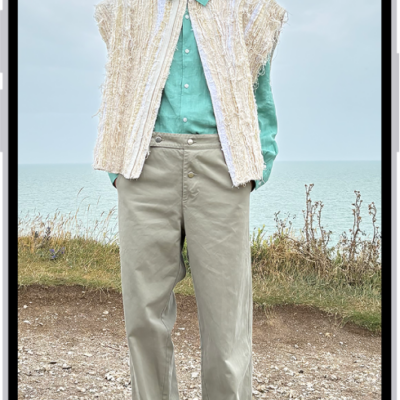
A person's height being measured in the Measure app, with the height measurement showing at the top of the person's head. The Take Picture button is near the lower-right corner for taking a picture of the measurement. The green Camera In Use indicator appears at the top.

How to measure a person’s height with iPhone

You can measure a person's height with the Measure app on iPhone, standing or seated, and save a photo of it on supported models.
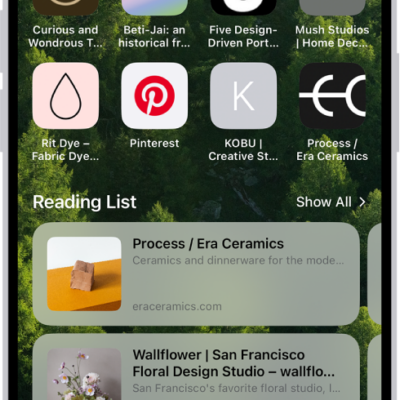
The start page in Safari, which shows favorite websites, the Privacy Report, and websites saved to the Reading List.

How to customize your Safari settings on iPhone

You can customize Safari on iPhone, including your start page, text size on websites, and display and privacy settings.
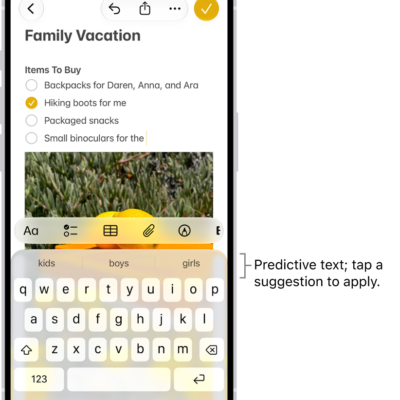
The onscreen keyboard is open in the Messages app. Text is entered in the text field and above the keyboard are predictive text suggestions for the next word.

How to type braille directly on the iPhone screen with VoiceOver

You can type braille directly on the iPhone screen and enter braille commands with Braille Screen Input in VoiceOver.
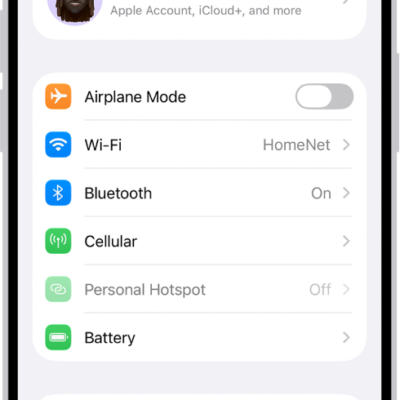
The Settings screen showing that iPhone is connected to a Wi-Fi network called HomeNet.

How to manage Wi-Fi settings on iPhone

You can manage Wi-Fi settings on iPhone, use Low Data Mode or a private Wi-Fi address, share a password, and choose how iPhone joins networks.
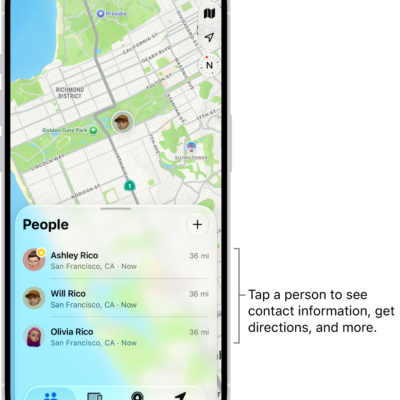
The Find My People list, with the Add button at the top. Tapping a person in the list shows their contact information, directions, and more.

How to notify a friend when your location changes in Find My on iPhone

You can use Find My on iPhone to notify a friend when you arrive at or leave a location, and see or turn off notifications about you.

A CarPlay Dashboard showing Maps, Music, and Messages in the Sidebar. On the right is a map of San Francisco, navigation buttons, a now playing window, and a calendar entry.

How to play music together in the car using SharePlay and CarPlay on iPhone

You can play music together in the car using SharePlay and CarPlay, so passengers can control the music, joining by notification or QR code.
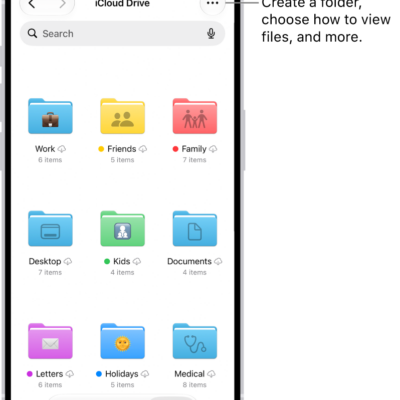
The Files app showing the files and folders in your iCloud Drive. The More menu has options for Selecting items, creating a new folder, Scan Documents, and Connect to Server. Below that are options to view items on the screen as Icons or a List. At the bottom are sort options for Name, Kind, Date, Size, and Tags followed by View Options.

How to organize files and folders in Files on iPhone

You can create folders in the Files app on iPhone, copy, compress, rename, and tag files, and mark folders as favorites.
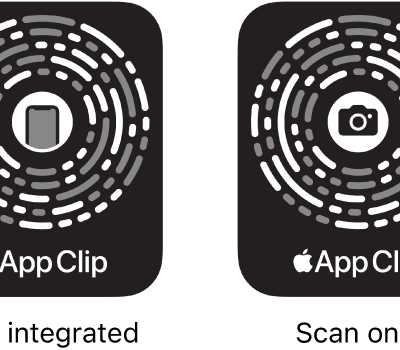
On the left, an NFC-integrated App Clip Code with an iPhone icon in the center. On the right, a scan-only App Clip Code with a camera icon in the center.

How to use App Clips on iPhone

You can use App Clips on iPhone to rent a bike, pay for parking, or order food, and find them in Safari, Maps, Messages, and codes.