Got a tip for us?

Abigail Shilets

Abigail is a staff writer for GeeksModo based in Pennsylvania. She covers news, how-tos, and user guides for iPhone, iPad, Mac, and Apple Watch. Before becoming a writer Abigail studied computer science at University and also worked at Apple for more than two years. When not creating masterpiece for GeeksModo, you can usually find Abigail hiking, climbing, or otherwise unplugged.

Abigail Shilets's Articles

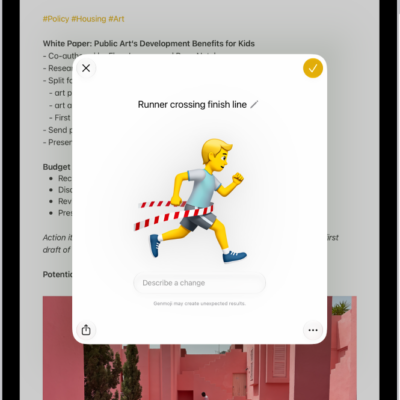
The Genmoji window showing a created Genmoji of a man running across a finish line

How to create your own emoji with Genmoji on iPad

You can create your own emoji with Genmoji on iPad using Apple Intelligence, from a description, existing emoji, or a person's photo.
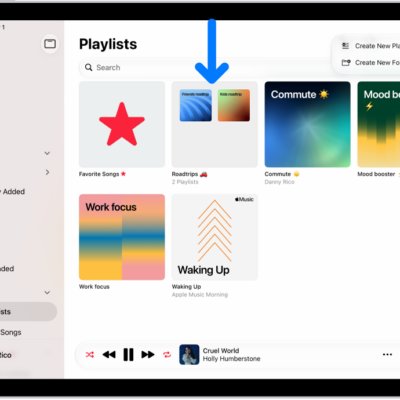
The Music app open on iPad with the sidebar on the left and the list of playlists on the right. At the top are buttons to create a new playlist or create a new folder. A blue arrow is pointing to a playlist folder named Roadtrips.

How to share music with friends on iPad

You can share music with friends on iPad, choose music to share with followers, hide music, and share your profile.
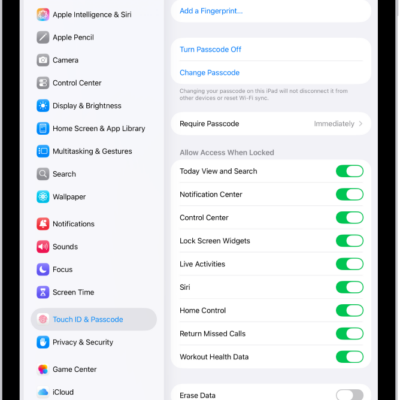
Face ID & Passcode settings, with options for allowing access to specific features when iPad is locked.

How to lock your notes on iPad

You can lock your notes on iPad with your device passcode or a custom password, change the lock, and open locked notes.
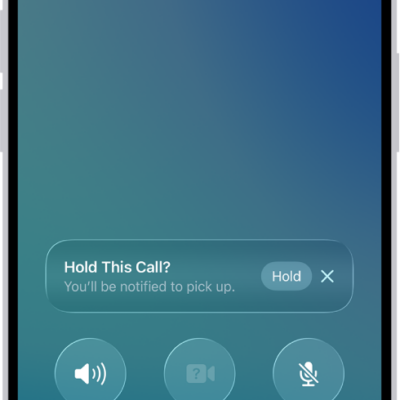
An ongoing call screen showing a banner that asks if the caller would like to use Hold Assist to receive a notification when they’re no longer on hold.

How to have a conference or three-way call on iPad

You can have a conference or three-way call on iPad, add callers to a phone call, and respond to another incoming call.

The iPad Control Center. Controls for Airplane Mode, cellular data, Wi-Fi, and Bluetooth are in the top-left group in Control Center for Wi-Fi + Cellular iPad models. The Camera control is at the bottom right of Control Center. The screen on the right shows the quick menu of options that appear when you touch and hold the Camera control.

What iPad status icons mean

You can learn the meaning of iPad status icons for privacy, battery, connectivity, active sessions, and Stage Manager.
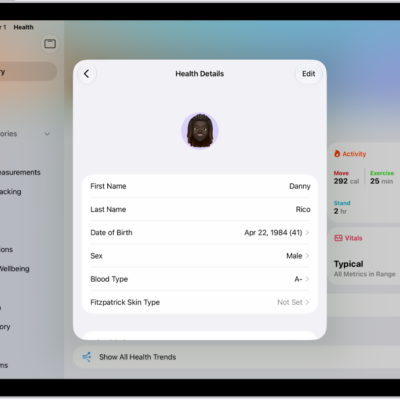
The Health Details screen, which includes fields for name, birth date, sex, blood type, and other information.

How to fill out your Health Details in Health on iPad

You can fill out your Health Details in Health on iPad with your name, date of birth, sex, blood type, and other basic information.
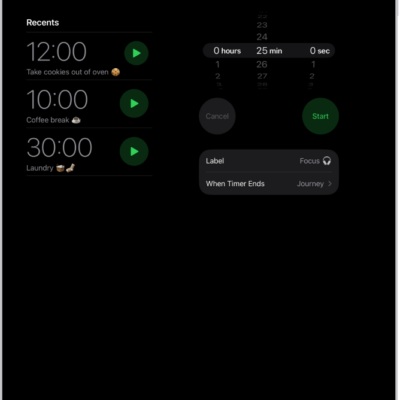
The Timers tab showing settings to set a timer. A recently created timer is below the timer settings. The World Clock, Alarm, Stopwatch, and Timers buttons are along the bottom.

How to set timers in Clock on iPad

You can set timers in Clock on iPad, set multiple timers, and set a timer to stop playing audio or video.
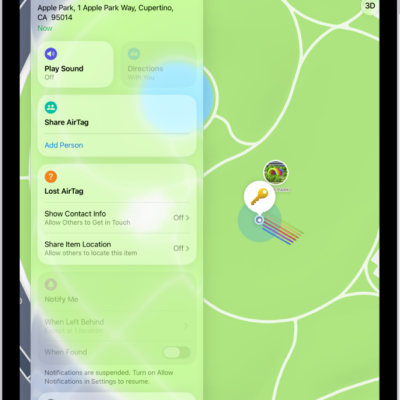
A Find My screen show an AirTags sharing their location.

How to share an AirTag or other item in Find My on iPad

You can share an AirTag or other item in Find My on iPad with up to five people, and accept or decline a share.
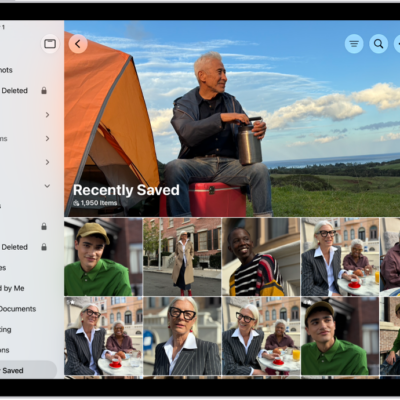
The Recently Saved collection is open in the Photos app, showing photos and videos.

How to find receipts, QR codes, recently edited photos, and more on iPad

You can find receipts, QR codes, recently edited photos, and more on iPad in the Utilities collections in Photos, and reorder the list.
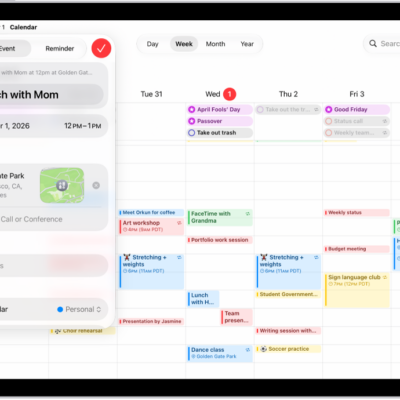
A calendar in Week view showing the create event window.

How to send invitations in Calendar on iPad

You can send invitations in Calendar on iPad, invite others to an event, and quickly email attendees.