




Got a tip for us?

Chris Smith

Chris Smith is a senior editor at GeeksModo based in Canada. He likes to think of himself as a jack of all trades (and a master of at least a few), though he mainly focuses on iPhones and Macs. Often covering both at the same time. When not surrounded by various Apple devices while putting them through their paces, Chris can be found streaming the latest movies or series, gaming on his PS5, or getting fresh air on a hike in the beautiful wilderness of British Columbia.

Chris Smith's Articles

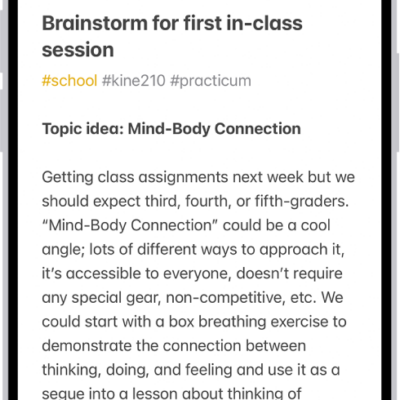
A note for a class brainstorm with tags such as #school and #kine210. The note features a hand-drawn diagram of a box breathing exercise, which illustrates a four-step breathing cycle.

How to create and format notes on iPhone

You can create notes on iPhone and format them with headings, checklists, tables, and divider lines, and organize them with sections.
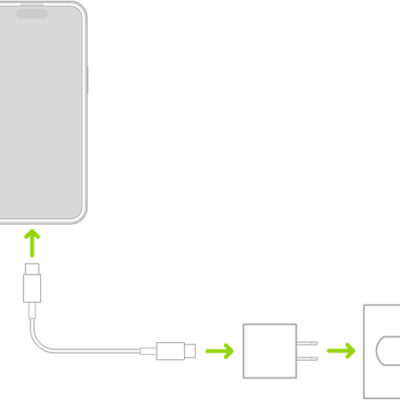
iPhone connected to the power adapter plugged into a power outlet.

iPhone charging cables: USB-C Cable and USB-C to Lightning Cable

You can charge your iPhone and connect it to your computer with its charging cable, either a USB-C Cable or a USB-C to Lightning Cable.
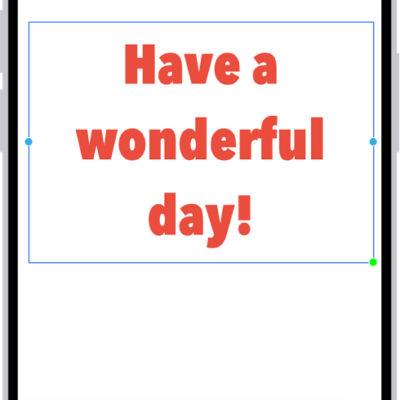
A Freeform board showing a text box selected and the text formatting tools below it.

How to apply consistent styles and formatting in Freeform on iPhone

You can copy, paste, and save styles in Freeform on iPhone so your text boxes, shapes, and sticky notes share the same font, size, and color.
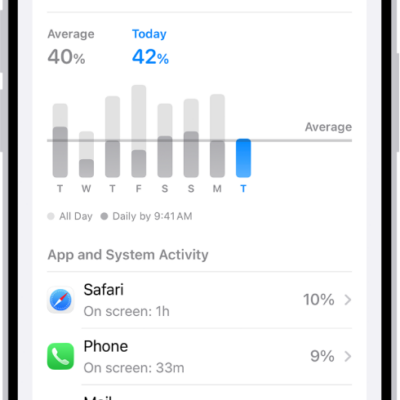
The Battery Usage screen in Settings on iPhone displays graphs and information about battery consumption. At the top, a bar graph shows battery usage over the last eight days. Below it, a second graph details the battery level throughout the current day, indicating periods of charging.

How to check iPhone battery usage and battery health

You can see your iPhone battery usage compared to previous days, app and system activity, when you last charged, and battery health.
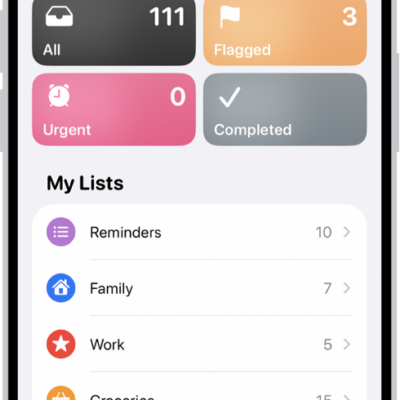
A Reminders screen showing a grid of Smart Lists, such as Today, Scheduled, and Flagged, each showing the number of items. Under the heading 'My Lists,' shows a list of custom reminder categories like Family, Work, and Camping Trip.

How to add or remove accounts in Reminders on iPhone

You can sync Reminders with iCloud on iPhone, update older iCloud reminders, add accounts like Microsoft Exchange, and remove accounts you don't use.
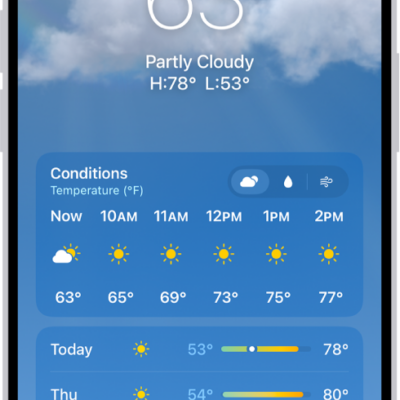
The Weather app showing, from top to bottom: the location, current temperature, the high and low temperatures for the day, hourly forecast, and the first few days of a 10-day forecast. A row of dots at the bottom center represent other locations in the location list. At the bottom-right corner is the Location List button and at the bottom-left corner is the Show Map button.

How to manage weather notifications on iPhone

You can get weather notifications on iPhone for precipitation and severe weather where you are and for locations in your list.
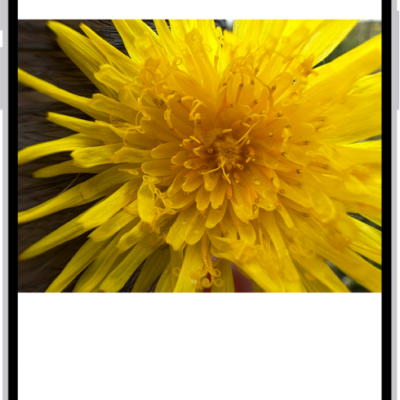
A photo is open in the Photos app library. At the bottom of the screen, the Info button displays an icon indicating that Visual Look Up information is available.

How to identify objects in your photos and videos on iPhone

You can identify landmarks, art, plants, pets, food, and more in your photos and videos with Visual Look Up on iPhone.
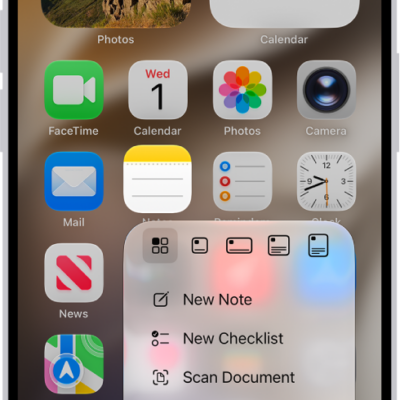
A blurred Home Screen, with the Camera Quick Actions menu showing below the Camera app icon.

How to perform quick actions on iPhone

You can touch and hold apps on the iPhone Home Screen, in App Library, and in Control Center to open Quick Actions menus and see previews.
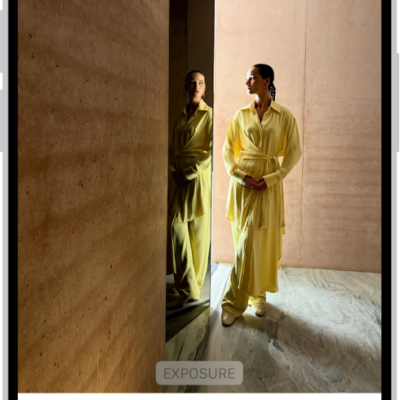
On iPhone, a phot is being edited in the Photos app. The Adjust button is selected, and a slider is available below the Exposure setting to adjust its level. The Cancel button is in the top-left corner of the screen and the Done button is in the top-right corner.

How to edit photos and videos on iPhone

You can edit photos and videos in the Photos app on iPhone: adjust light and color, add filters and stickers, and copy edits to other photos.
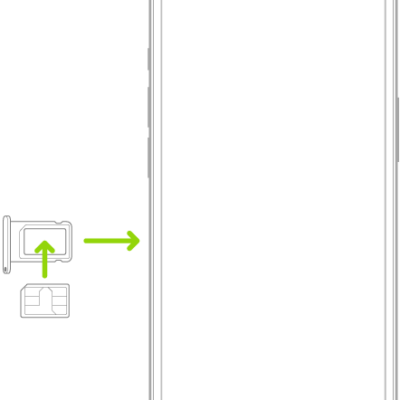
A SIM being inserted into the tray on iPhone; the angled corner is in the upper left.

How to use Dual SIM on iPhone

You can use two numbers or plans, like a business and a personal line, or a local data plan when you travel with Dual SIM on iPhone.