





Got a tip for us?

Chris Smith

Chris Smith is a senior editor at GeeksModo based in Canada. He likes to think of himself as a jack of all trades (and a master of at least a few), though he mainly focuses on iPhones and Macs. Often covering both at the same time. When not surrounded by various Apple devices while putting them through their paces, Chris can be found streaming the latest movies or series, gaming on his PS5, or getting fresh air on a hike in the beautiful wilderness of British Columbia.

Chris Smith's Articles

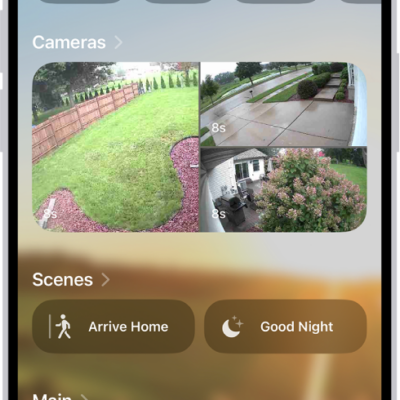
The Home tab showing, from top to bottom, four categories, two scenes, three camera views, and the status of one room. Across the bottom are the tabs Home (which is selected), Automation, and Discover.

How to use automations in Home on iPhone

You can run automations in the Home app on iPhone based on time, location, sensors, or accessories, or use preconfigured ones.
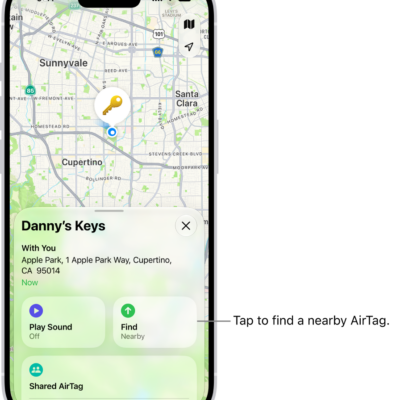
The Find My app open, showing Danny's keys in Golden Gate Park. Tap the Find button to locate a nearby AirTag.

How to add an AirTag in Find My on iPhone

You can add an AirTag to Find My on iPhone, rename it, and check its serial number, firmware version, and battery status.
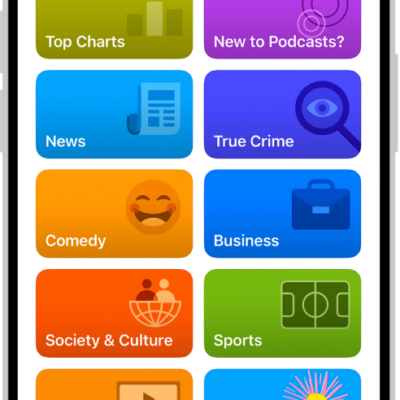
The Search tab in the Podcasts app, showing podcast categories. Toward the bottom of the screen is the MiniPlayer. Below that are the Home, New, Library, and Search buttons.

How to select your favorite Podcasts categories and channels on iPhone

You can choose favorite categories and channels in Podcasts on iPhone for better recommendations and easier access to your shows.
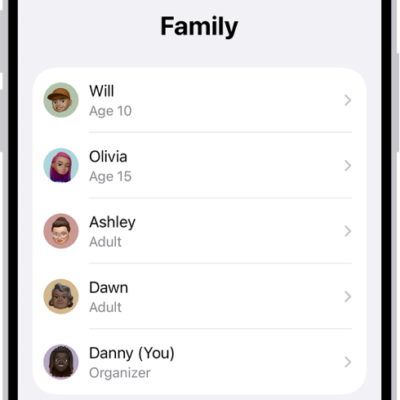
The Family Sharing screen in Settings. Five family members are listed with recommendations for the family.

How to share App Store, Apple TV, and Apple Books purchases with Family Sharing on iPhone

You can share App Store, Apple TV, and Apple Books purchases with Family Sharing on iPhone when the organizer turns on Purchase Sharing.
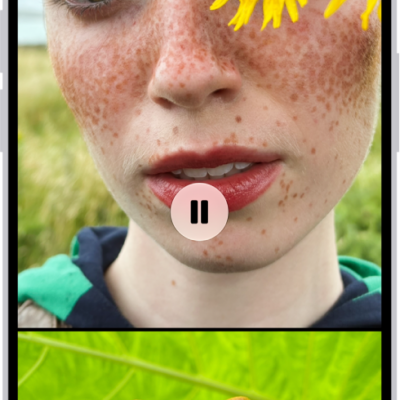
A memory is playing in the middle of the screen. At the bottom of the screen are the Memory Mixes and Browse buttons. At the top of the screen are the Back, Mute, and More buttons. At the top center of the screen are the location of the photo and the name of the song playing.

How to play memory movies in Photos on iPhone

You can play memory movies in Photos on iPhone, watch albums and collections as movies, and create a custom memory movie with Apple Intelligence.
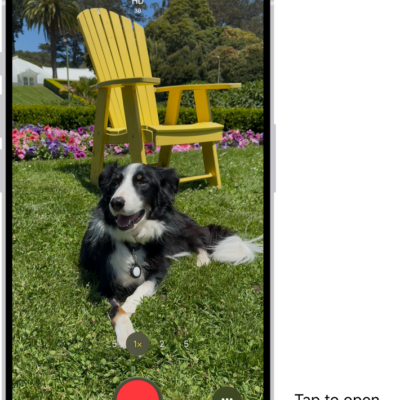
The Camera in Video mode. The Camera Controls button is in the top-right corner and the video format buttons are in the top-left corner. The Photo and Video Viewer button is in the bottom-left corner. The Record button is at the bottom center, and the Camera Chooser Back-Facing button is in the bottom-right corner.

How to change video recording settings on iPhone

You can change iPhone video recording settings, including Auto FPS, Stereo or Spatial Audio, HDR video, and other default recording options.
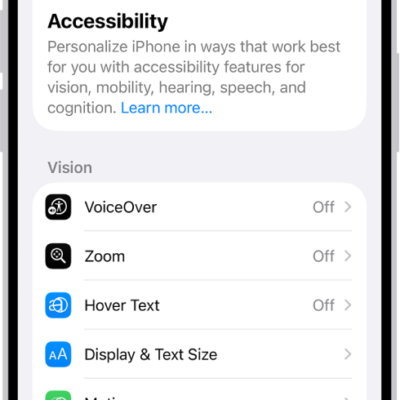
The Accessibility screen in Settings showing the built-in features for Vision support.

How to control VoiceOver using the rotor on iPhone

You can use the VoiceOver rotor on iPhone to change volume and speaking rate, move between items, and choose input methods like Braille Screen Input.
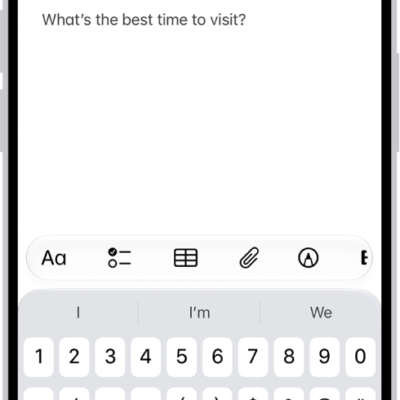
A Quick Note showing a link to a location in Maps and text underneath. The Save button is on the top left.

How to use Quick Notes on iPhone

You can use Quick Notes on iPhone to jot down information over any app, add links and images, and see your notes on iPad and Mac.
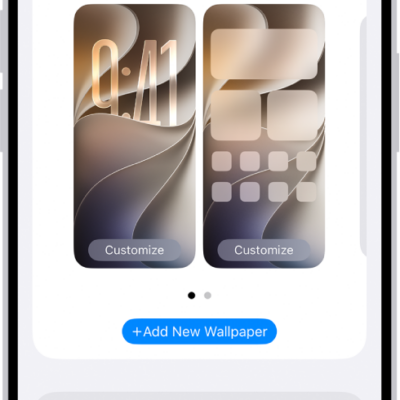
The Wallpaper Settings screen, with buttons for customizing the current wallpaper on the Home Screen and Lock Screen, and the Add New Wallpaper button for changing the wallpaper.

How to change the wallpaper on iPhone

You can change the wallpaper on your iPhone Lock Screen and Home Screen, design one from photos, emoji, or colors, and use it as a pair.
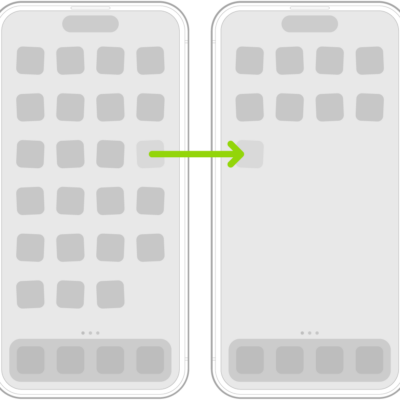
Jiggling apps on the Home Screen with an arrow showing one app being dragged to the next page.

How to remove or delete apps from iPhone

You can remove an app from your iPhone Home Screen and keep it in App Library, or delete it from iPhone and recover it later.