









Dave Johnson
Dave Johnson's Articles
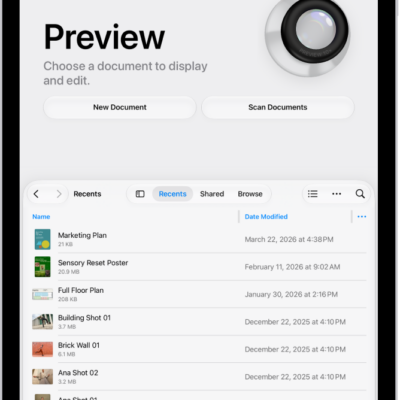
How to export or compress PDFs and images in Preview on iPad
You can export or compress PDFs and images in Preview on iPad as HEIC, JPEG, PDF, PNG, or TIFF files.

How to find nearby attractions, restaurants, and services in Maps on iPad
You can find nearby attractions, restaurants, and services in Maps on iPad by category or search, or ask Siri.
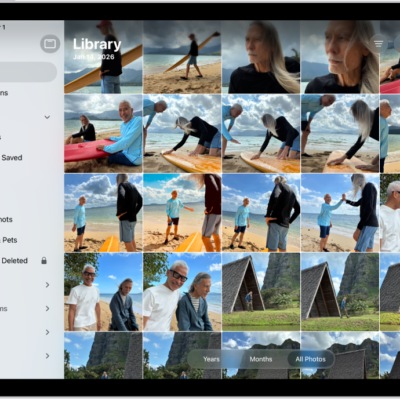
How to get started with Photos on iPad
You can get started with Photos on iPad to browse your library, enjoy your memories, edit your photos, and share your best shots.

How to update iPadOS
You can update iPadOS automatically or manually, or with your computer, and your data and settings remain unchanged.
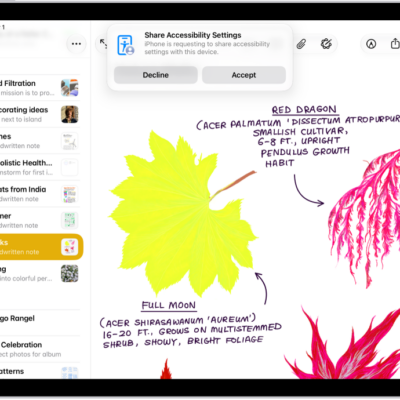
How to share your Accessibility Settings with another device on iPad
You can share your Accessibility settings with another iPhone or iPad, like a friend's device, and remove them when you're finished.
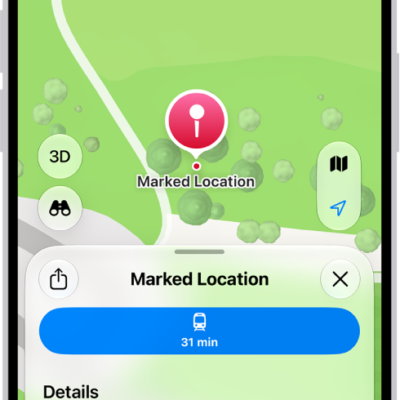
How to get directions to your parked car in Maps on iPhone
You can get directions to your parked car in Maps on iPhone, which drops a parked car marker when you leave your car's CarPlay or Bluetooth.
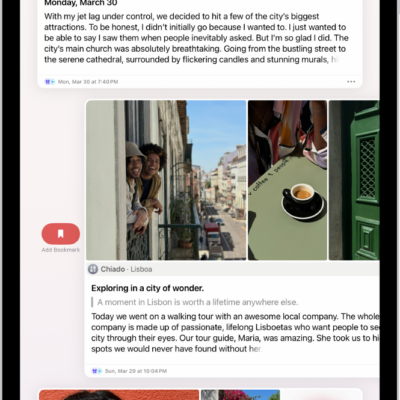
How to edit or delete a journal entry on iPad
You can edit or delete a journal entry on iPad, add an entry to multiple journals, and remove or add a title.
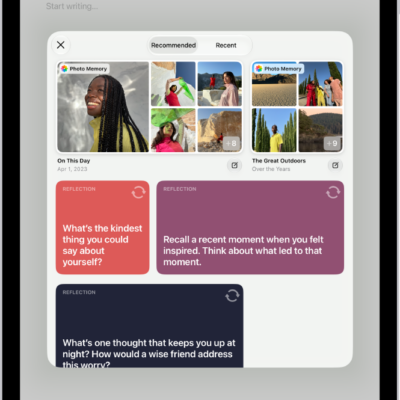
How to change your Journal settings on iPad
You can change your Journal settings on iPad, sync journaling suggestions from iPhone, lock your journal, and turn Writing Prompts on or off.
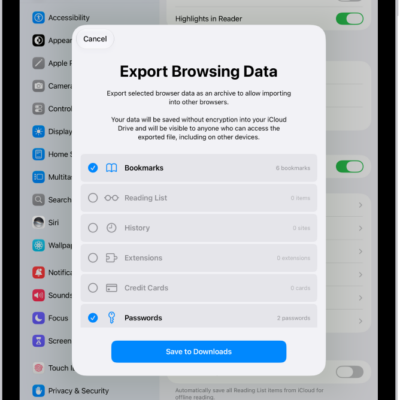
How to export passwords to another password manager on iPad
You can export passwords to another password manager on iPad as a CSV file, then delete the file after you import it.

How to use SharePlay to watch, listen, and play together in FaceTime on iPad
You can use SharePlay to watch, listen, and play together in FaceTime on iPad, streaming shows, movies, and music in sync.