









Dave Johnson
Dave Johnson's Articles
How to restore purchased and deleted items to iPad
You can restore purchased and deleted items to iPad, redownload App Store and iTunes purchases, and recover deleted email and photos.
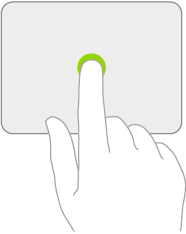
How to change trackpad settings on iPad
You can change trackpad settings on iPad, like tracking speed, Natural Scrolling, and Tap to Click.
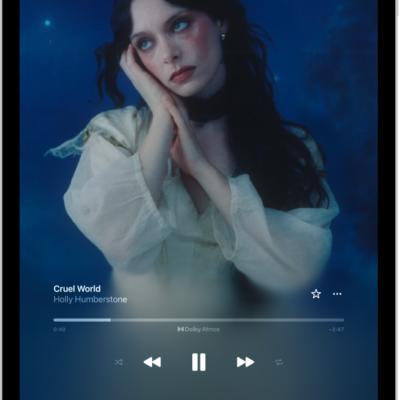
How to use the music player controls on iPad
You can use the music player controls on iPad, with the MiniPlayer and the Now Playing screen, to play and control music.
How to customize the tab bar in News on iPad
You can customize the tab bar in News on iPad with Saved Stories, Shared with You, History, and channels or topics you follow.
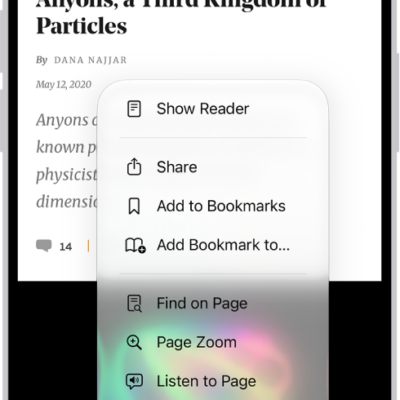
How to hide distractions when browsing in Safari on iPad
You can hide distractions when browsing in Safari on iPad with Distraction Control, and stop hiding items anytime.
How to change the date and time on iPad
You can change the date and time on iPad, set the time zone manually, use 24-hour time, and show the date in the status bar.

How to change Apple Pencil double tap and squeeze settings for accessibility
You can change Apple Pencil double tap and squeeze settings for accessibility on iPad, adjust squeeze firmness, and slow down double tap.
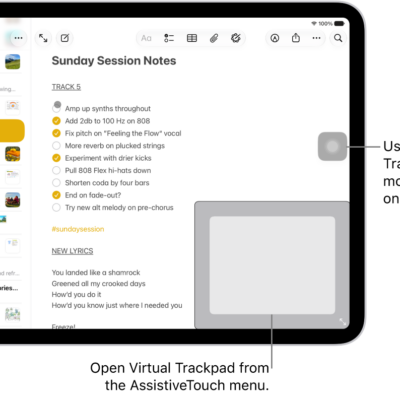
How to use an adjustable onscreen trackpad on iPad
You can use an adjustable onscreen trackpad on iPad with Virtual Trackpad, turning part of the screen into a resizable trackpad.
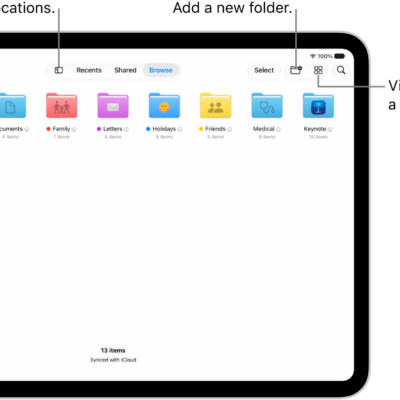
How to send files from the Files app on iPad
You can send files from the Files app on iPad, reply to a received document, and scan a document to send.
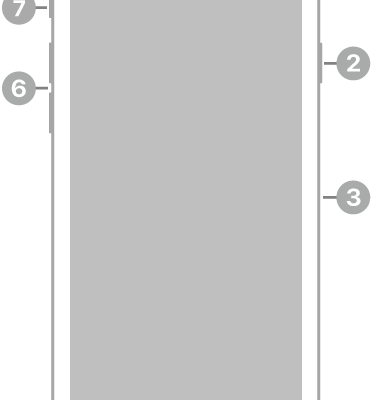
iPhone SE (2nd generation) hardware: buttons, cameras, and ports
You can find the cameras, buttons, and other essential hardware features on iPhone SE (2nd generation), plus links to help you get started.