









Emily Long
Emily Long's Articles
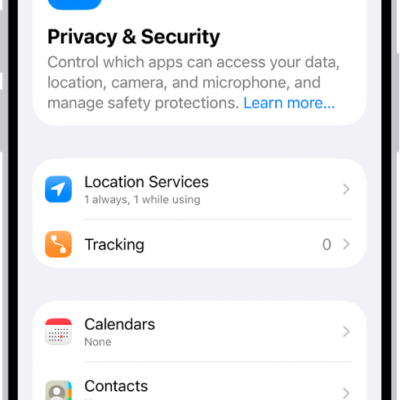
How to manage information sharing with Safety Check on iPhone
You can use Safety Check on iPhone to review and stop sharing your location, shared content, and app permissions with people and apps.
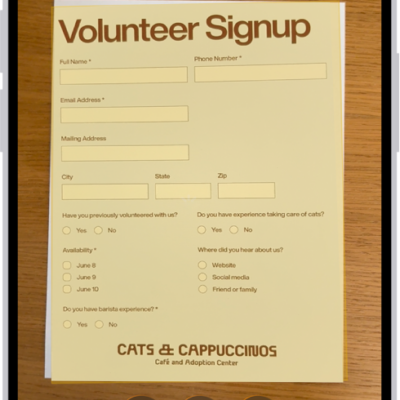
How to scan text and documents in Notes using the iPhone camera
You can scan text into a note or scan documents as PDFs with the iPhone camera in the Notes app.
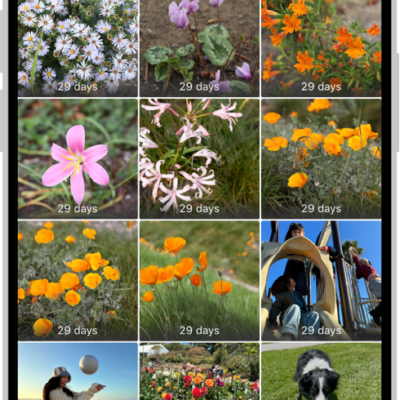
How to delete or hide photos and videos on iPhone
You can delete or hide photos and videos on iPhone, recover recently deleted ones, and lock the Hidden and Recently Deleted collections.
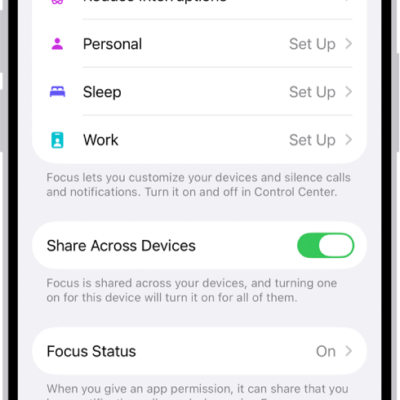
How to allow or silence notifications for a Focus on iPhone
You can allow or silence notifications from specific people and apps during a Focus on iPhone, and still let emergency calls through.
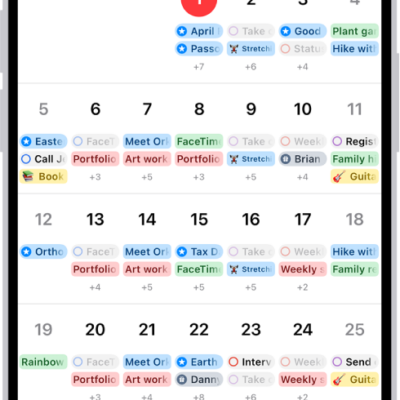
How to use reminders in Calendar on iPhone
You can show, create, complete, edit, and hide scheduled reminders from the Reminders app right in Calendar on iPhone.
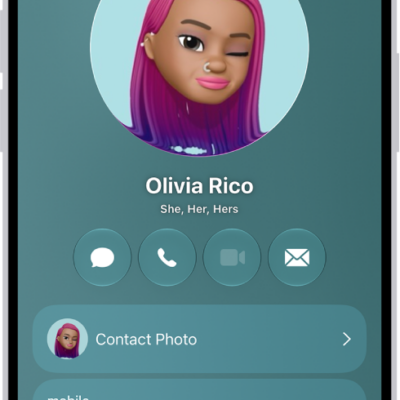
How to add or edit your contact info and photo on iPhone
You can edit My Card in Contacts on iPhone to add your address, photo, Contact Poster, and pronouns, and choose who sees your name and photo.
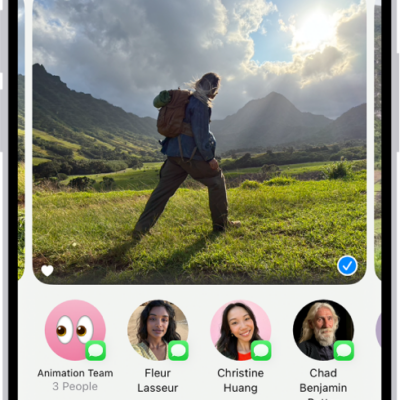
How to create shared albums in Photos on iPhone
You can create shared albums in Photos on iPhone for just the people you choose, who can add their own photos, videos, and comments.
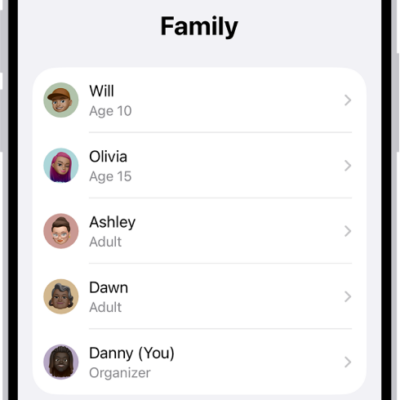
How to add a member to a Family Sharing group on iPhone
You can invite someone to your Family Sharing group on iPhone, or create an Apple Account for a child who doesn't have one yet.
How to delete recent directions in Maps on iPhone
You can delete a single recent direction or clear all your recent directions in Maps on iPhone.
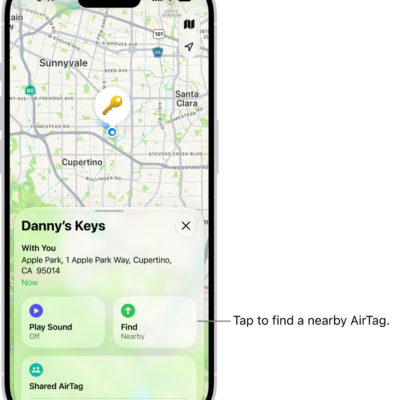
How to set separation alerts in case you leave an AirTag or item behind in Find My on iPhone
You can turn on separation alerts for an AirTag or other item in Find My on iPhone, and set Trusted Locations.