









Emily Long
Emily Long's Articles

How to recover deleted messages in Messages on iPhone
You can recover text messages you deleted on iPhone for up to 30 days from Recently Deleted in Messages.

How to use Vocal Shortcuts on iPhone
You can teach iPhone to perform an action when you say a word or make a sound of your choosing with Vocal Shortcuts on iPhone.
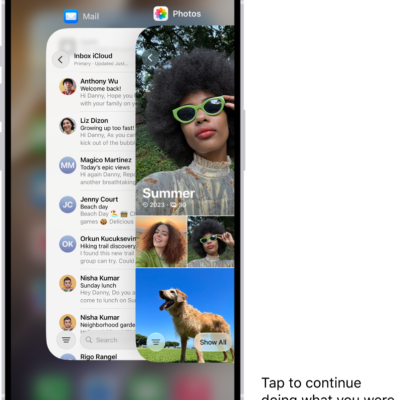
How to set up iPhone Handoff on iPhone
You can use the same phone number on two iPhones and switch between them, with your calls and messages following you with iPhone Handoff.
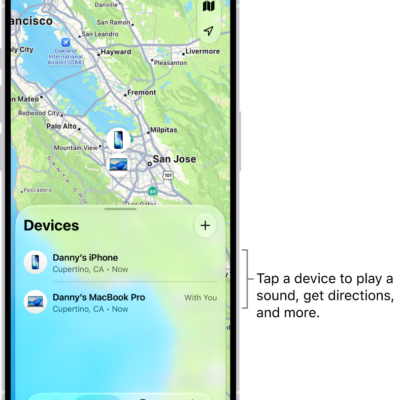
How to set separation alerts in case you leave a device behind in Find My on iPhone
You can turn on separation alerts in Find My on iPhone so you don't leave a device behind, and set Trusted Locations where alerts don't appear.

How to view photos and Memories on Apple Watch
You can view photos and Memories on Apple Watch, zoom and pan, view Live Photos, and share your favorite shots.

How to install or remove configuration profiles on iPad
You can install or remove configuration profiles on iPad for corporate or school networks, and see installed profiles in Settings.
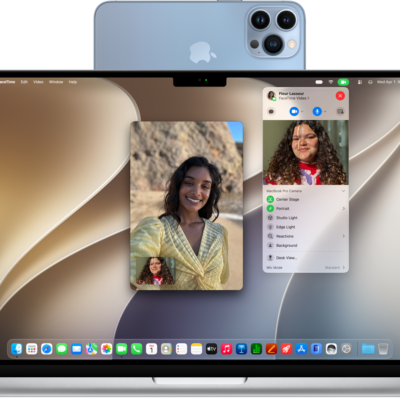
How to use your iPhone as a webcam on Mac
You can use your iPhone as a webcam or microphone for your Mac, wirelessly or with a cable, and use Desk View with Continuity Camera.

How to control access to information in apps on iPad
You can control access to information in apps on iPad, review which apps can use Contacts, Photos, and Calendar, and see how they use it.

How to explore maps with immersive views on iPhone
You can explore cities in 3D detail in Maps on iPhone, zoom into satellite views, and move through 360-degree views with Look Around.
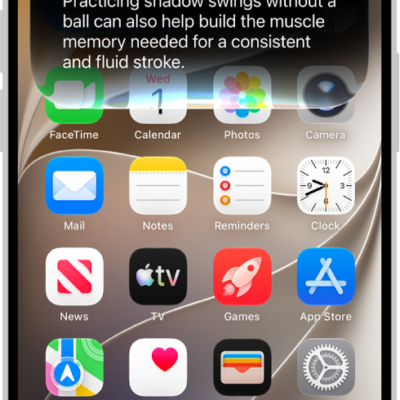
How to change Siri accessibility settings on iPhone
You can change Siri accessibility settings on iPhone, including how long Siri waits, how fast it speaks, typing to Siri, and atypical speech.